In this article
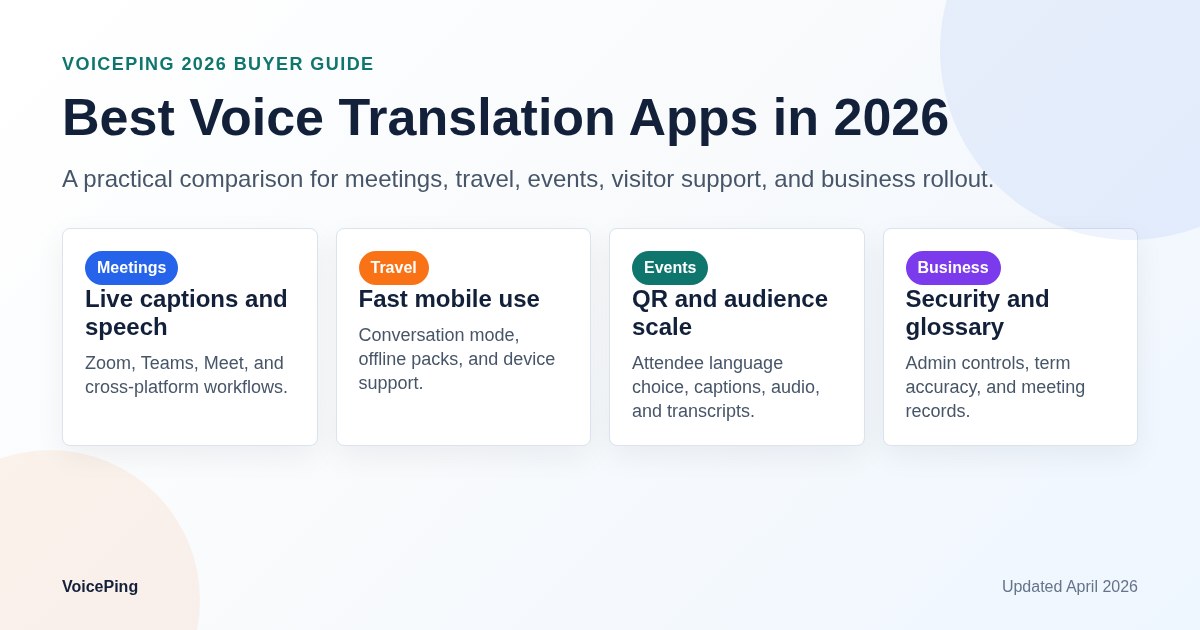
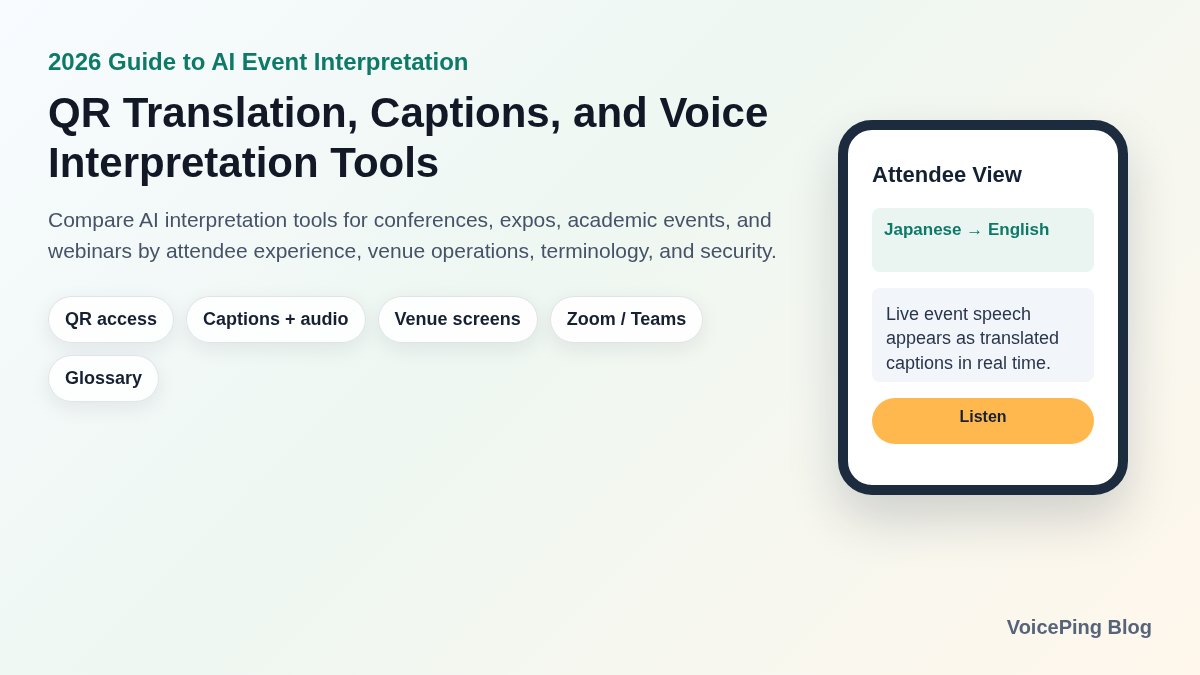
Compare the best AI event translation tools in 2026 for conferences, expos, academic events, and webinars by QR access, live captions, voice interpretation, venue screens, glossary support, pricing, and event operations.
Last updated: April 25, 2026. We reviewed official vendor pages, help pages, pricing pages, and product pages, then rebuilt the comparison tables, FAQ, and visuals.
International conferences, expos, academic meetings, startup pitch events, and webinars increasingly need multilingual access beyond English. Attendees may need Japanese, Korean, Chinese, Vietnamese, Thai, French, Spanish, or other languages at the same event.
Traditional simultaneous interpretation requires interpreters, booths, receivers, audio routing, and event staff. In 2026, AI speech recognition, machine translation, speech synthesis, QR-code delivery, and live captions make it possible for attendees to receive translated audio or subtitles on their own devices.
The hard part is choosing the right category of tool. Some products are built for in-person events, some for webinars, some for live-stream captions, some for hybrid human interpretation, and some for event intelligence. This guide compares 10 tools from an event operations perspective.
Quick Recommendations
| Use case | Compare first | Why |
|---|---|---|
| In-person international events, expos, pitch events | VoicePing , Sentio , Flitto Live Translation | QR access, venue screens, terminology support, and mobile attendee experience matter most. |
| Academic, medical, and technical conferences | VoicePing , Flitto , Interprefy | Proper nouns, domain terms, multiple speakers, and event support are critical. |
| Large multilingual conferences with human interpreters | Interprefy , KUDO , Wordly | AI translation, professional interpretation, RSI, and event platform integration may all be required. |
| Webinars, livestreams, and on-demand reuse | Wordly , Maestra AI , Stenomatic | Zoom, Teams, OBS, vMix, RTMP, subtitle files, and post-event editing are important. |
| Event insights, summaries, and attendee understanding | Snapsight , Wordly , VoicePing | Translation is only one part of the workflow; summaries and transcripts create post-event value. |
For an in-person event, the first question is simple: can attendees scan a QR code, open a browser, choose a language, and receive captions or audio without installing an app? If yes, the tool is much easier to deploy at scale.
How AI Event Interpretation Works
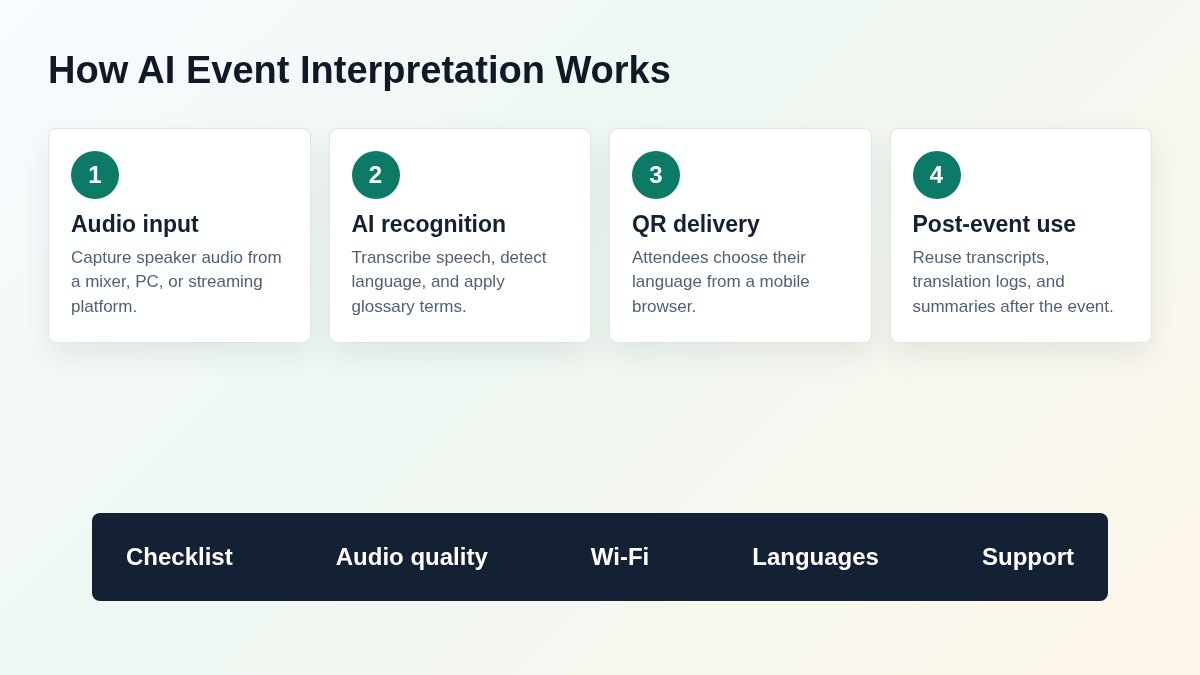
AI event interpretation is not just a translation app. It connects venue audio, speaker microphones, attendee phones, livestream captions, display screens, and post-event records.
The usual workflow is:
- Capture speaker audio from a venue mixer, PC, online meeting, or streaming tool.
- Use AI speech recognition and, when needed, automatic language detection.
- Generate translated captions or translated speech.
- Let attendees join via QR code or URL and select their preferred language.
- Display translation on phones, venue screens, or livestream overlays.
- Reuse transcripts, translation logs, and summaries after the event.
The most common failures are not caused by translation models alone. Poor microphone audio, strong background music, overlapping speakers, weak venue Wi-Fi, and unclear QR-code instructions can hurt the attendee experience even when the software itself is strong.
What to Compare Before Buying
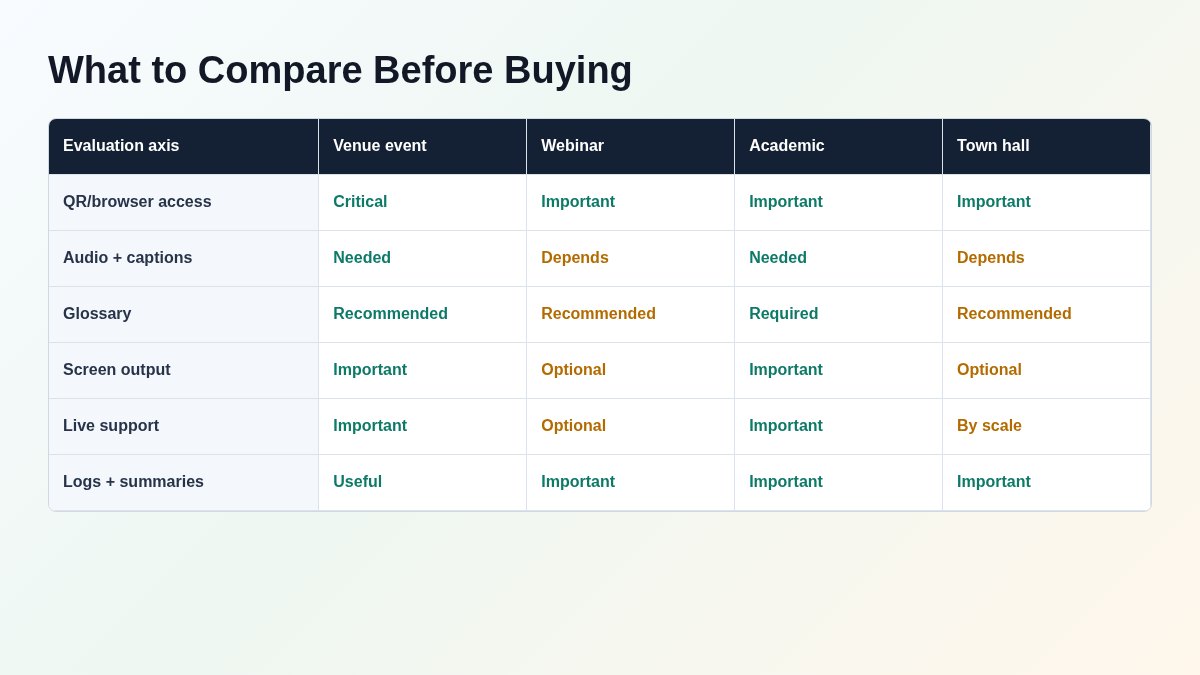
1. QR or URL access
At a live event, asking attendees to install an app creates friction. A QR code printed near the entrance, on stage screens, and in the event guide is easier to explain and support.
2. Audio translation and captions
Captions work well for accessibility, livestreams, and quiet rooms. Audio translation is valuable when attendees want to keep watching the stage, walk around an expo, or listen through earbuds. The best event setup offers both.
3. Venue screen and streaming output
Some events need translated captions on the main screen, side monitors, livestream overlays, OBS, vMix, Zoom, or Teams. Confirm the output path before choosing a tool.
4. Glossary and terminology handling
Event translation often fails on names, product terms, medical terms, technical acronyms, and session titles. Glossary support, pre-learning, or live correction can matter more than generic translation scores.
5. Scale and concurrency
Check not only language count but also attendee concurrency, parallel sessions, multi-track conferences, and network requirements.
6. Security and data retention
For internal meetings, medical events, research, government, and investor sessions, review data retention, deletion, SOC 2, ISO 27001, SSO, access control, and whether audio or transcripts are used for training.
7. Total event cost
The cheapest per-minute price may not include rehearsal, audio setup support, live monitoring, QR assets, transcript export, or post-event summaries. Compare total event delivery cost.
Comparison Table
| Tool | Best fit | Attendee access | Audio | Captions | Terminology | Integrations | 2026 notes |
|---|---|---|---|---|---|---|---|
| VoicePing | Japan-based events, academic events, expos, pitch events | QR code, browser | Yes | Yes | Glossary, live correction | In-person and online | 40+ languages, QR access, 2,000+ attendee setup, meeting notes and transcripts. |
| Sentio | Japan venue events and screen projection | QR code, smartphone | Yes | Yes | Yes | Venue screens, switchers | Formerly Pocketalk for Conference. Official page lists 41 speaker languages and 76 target languages. |
| Flitto Live Translation | Global events and specialized terminology | QR code, devices | Yes | Yes | Pre-learning | Screens and VIP devices | Claims translation within 3 seconds and industry-specific learning. |
| Wordly | Meetings, conferences, webinars | QR code, URL | Yes | Yes | Glossary | Zoom, Cvent, Teams | Publicly lists 5M+ users, 200K+ sessions, and 750M+ translation minutes. |
| Interprefy | Large hybrid conferences and RSI | Web, app, platform integration | Yes | Yes | Language optimization | Zoom, Teams, Webex | AI supports 80 languages; strong for hybrid human + AI interpretation. |
| KUDO | Enterprise events, government, education | Any device/platform | Yes | Yes | Interpreter + glossary setup | Teams, Zoom, event platforms | AI translation is 60+ languages; human interpreter network is 12,000+. |
| EventCAT | Meetings, research talks, seminars | QR code, meeting bot | Yes | Yes | Glossary | Zoom, Meet, Teams | +50 languages, SOC 2, scripts and summaries. |
| Snapsight | Multi-session events and event intelligence | QR code, link | Yes | Yes | Session context | Zoom, Teams, Webex | Strong for summaries, insights, and multi-session operation. |
| Stenomatic | Webinars, broadcasts, self-service translation | URL and streaming | Yes | Yes | Glossary support | RTMP, API | 130+ languages, starts at $1.25/min, unlimited participants on listed plans. |
| Maestra AI | Livestreams, captions, video workflows | Share links and streams | Yes | Yes | Editing workflow | OBS, vMix, Zoom | 125+ languages, live captions, translation, save and edit workflow. |
Use-Case Selection Map
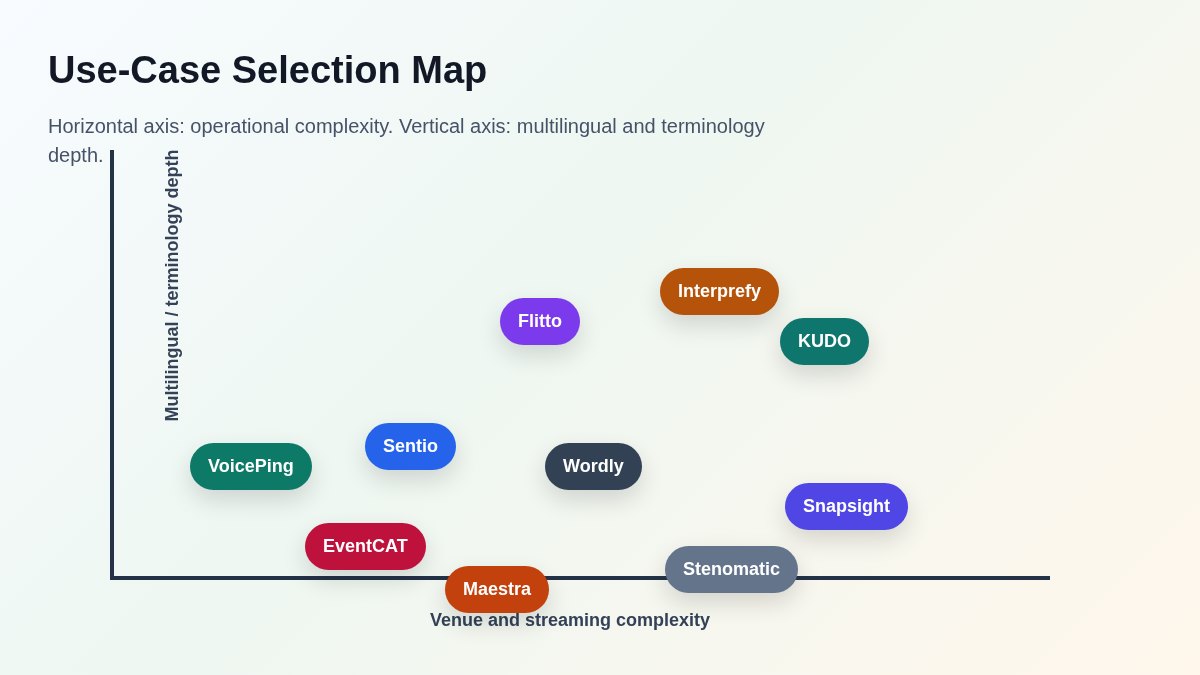
The right product depends on the event format.
- In-person events need QR access, phone display, screen projection, and stable audio capture.
- Multilingual conferences need speaker language switching, interpreter options, and project management.
- Webinars need Zoom, Teams, OBS, vMix, RTMP, subtitle files, and replay workflows.
- Academic and technical events need glossary setup, rehearsal, and terminology correction.
Top 10 AI Event Translation Tools
1. VoicePing
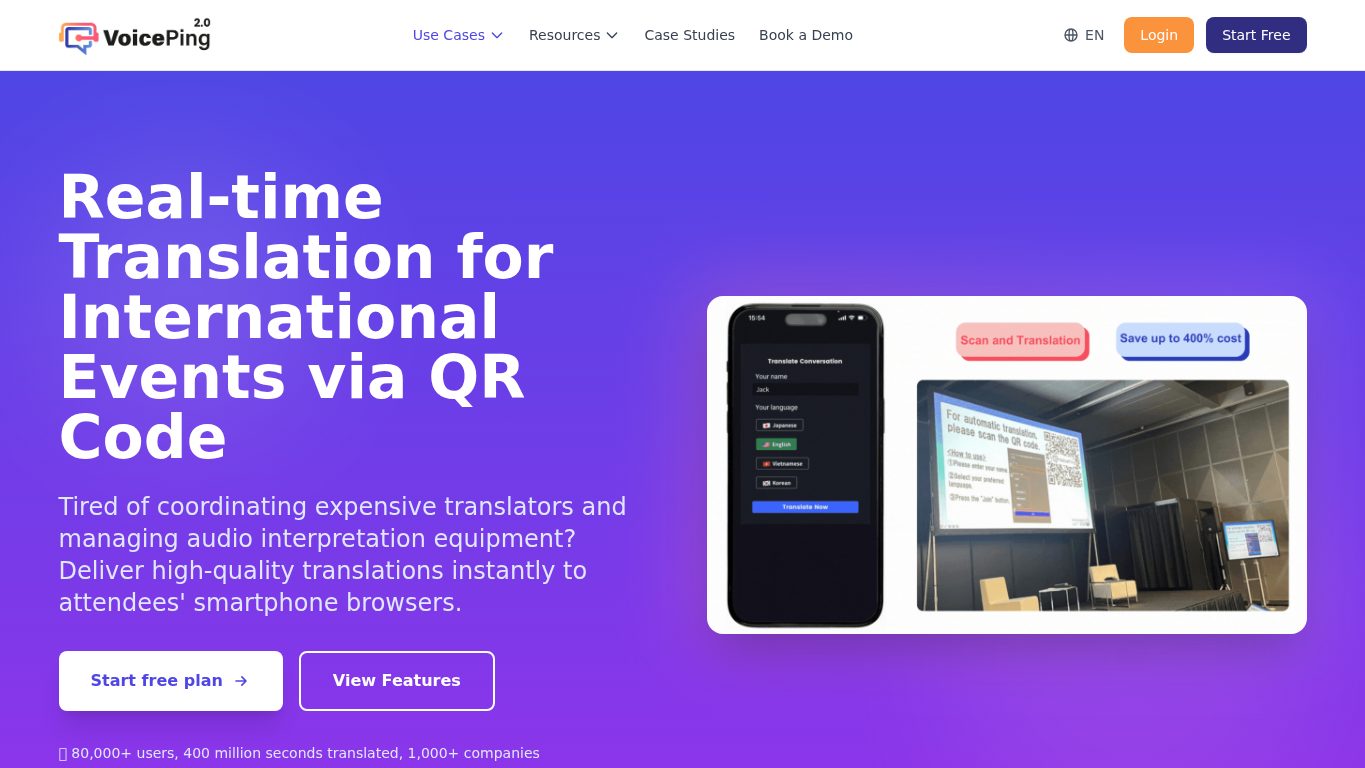
VoicePing Event Translation App provides real-time translation, captions, audio playback, transcription, and meeting notes for international events, academic conferences, corporate seminars, and pitch events.
Attendees scan a QR code and join from a mobile browser. The event team can run translation without dedicated receivers or interpretation booths, using a PC and venue audio.
Best for
- International events held in Japan
- Expos, pitch events, startup events, and seminars with overseas attendees
- Academic or technical sessions with specialized terminology
- Events that need app-free QR participation
- Events that want transcripts, translation logs, and summaries afterward
What to check
- QR-code browser access
- 40+ language support
- Published setup for 2,000+ attendees from one PC
- Glossary registration, automatic language detection, live correction, and post-event notes
- Related event case studies such as AnimeJapan 2024 and Nostrasia
Watch out: translation quality depends heavily on venue audio. Test with the actual microphones, mixer, room acoustics, and speaker style.
2. Sentio
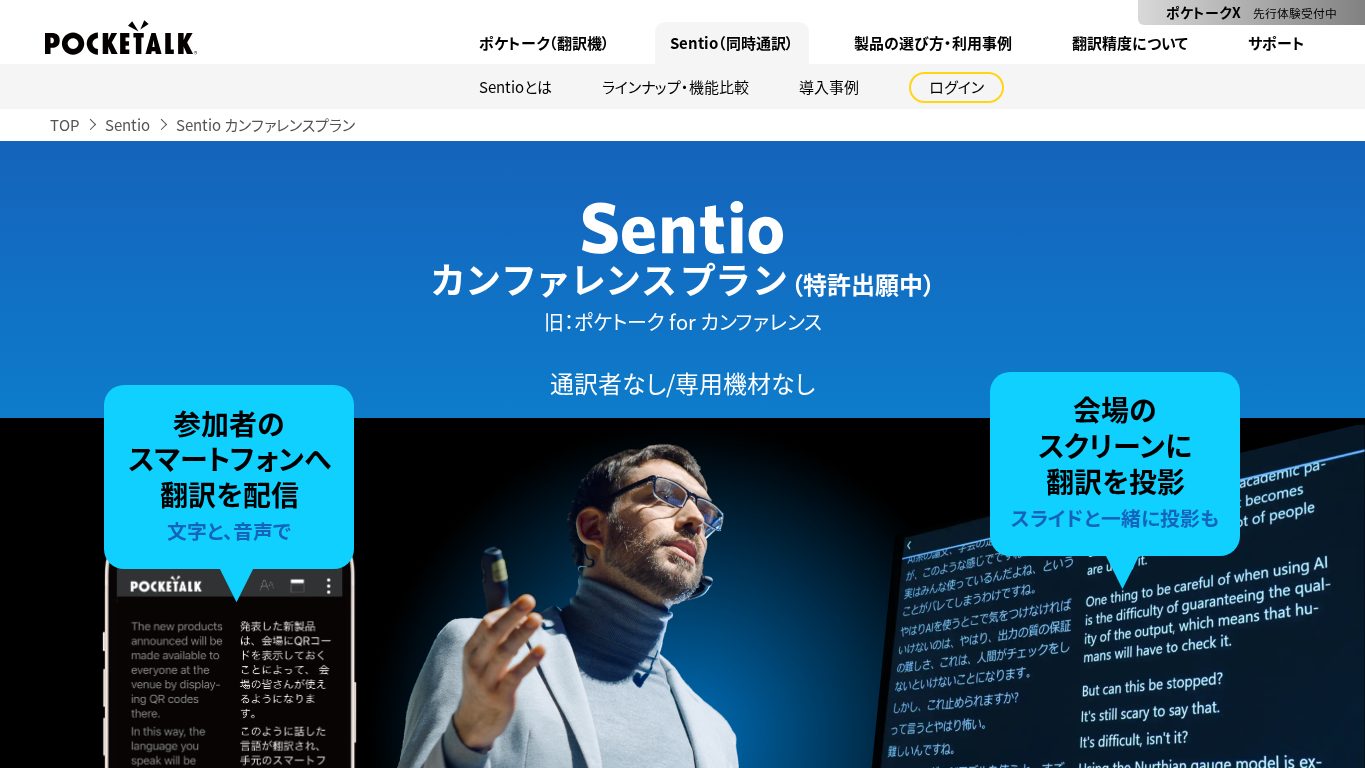
Sentio Conference Plan is Pocketalk’s event interpretation service, formerly known as Pocketalk for Conference. It focuses on smartphone delivery, venue screen projection, and low-hardware operation.
As of April 25, 2026, the official page lists 41 speaker languages and 76 target languages. Older comparison articles that still say 10 speaker languages or 74/75 target languages are outdated.
Best for
- Seminars, conferences, and venue events in Japan
- Events that need screen projection
- Organizers who want certified partner support
- Enterprises, public institutions, and schools already familiar with Pocketalk
Watch out: pricing and support depend on event duration, languages, attendee count, venue setup, and support scope.
3. Flitto Live Translation
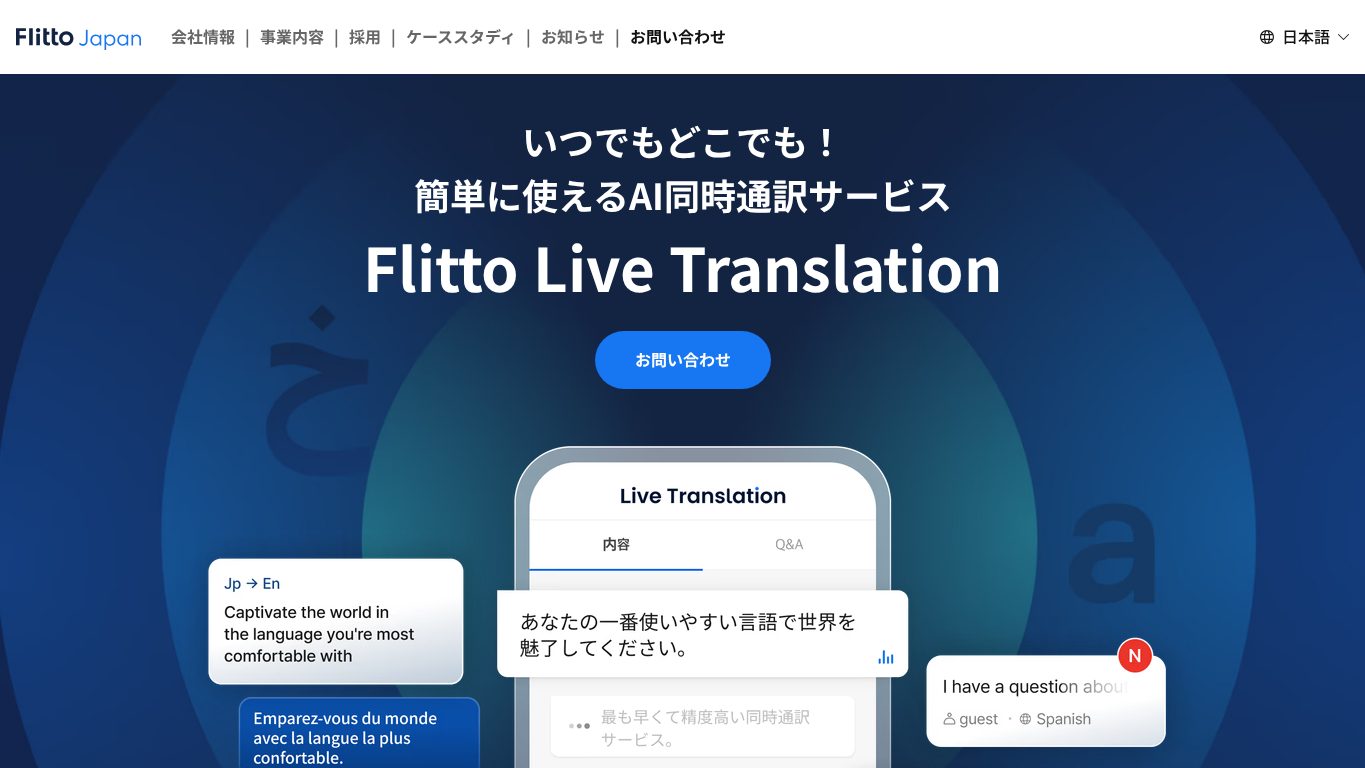
Flitto Live Translation is an event-focused AI interpretation service. The official page highlights translation within 3 seconds, terminology pre-learning, QR access, audio replay, translation records, and resume-style summaries.
Best for
- Events mixing Korean, Japanese, and English
- IT, medical, manufacturing, finance, and industry-specific events
- Screen + smartphone interpretation workflows
- Events that want translation records and summaries
Watch out: latency depends on audio quality, language pair, speaker speed, and network conditions. Test in a real venue setup.
4. Wordly
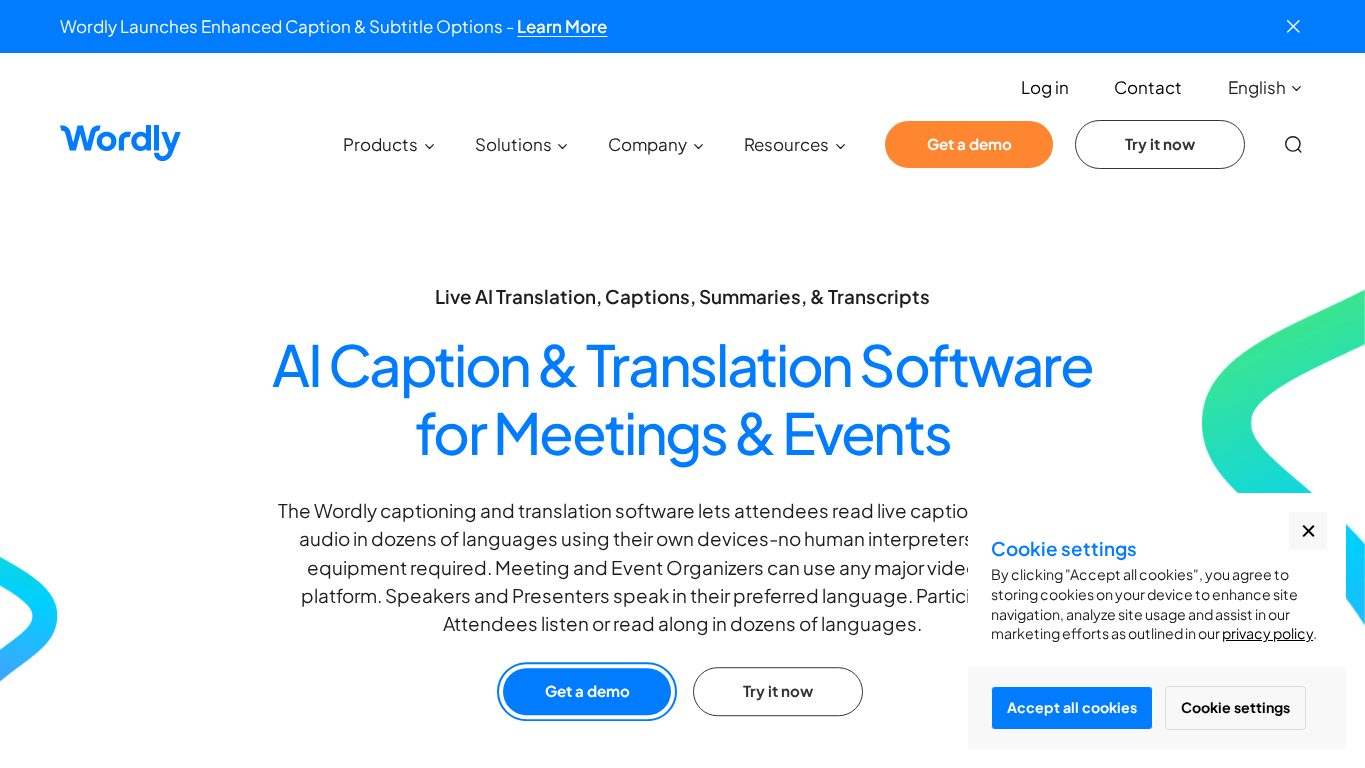
Wordly provides AI translation, captions, summaries, and transcripts for meetings and events. Attendees join by QR code or URL and choose translated audio or captions on their own devices.
Wordly publicly lists Zoom, Cvent, and Teams integrations, custom glossaries, transcripts, 5M+ translation users, 200K+ translation sessions, and 750M+ translation minutes.
Best for
- Global conferences
- Events already using Zoom, Teams, or Cvent
- Teams that want translation, captions, transcripts, and summaries together
- English-centric global event operations
Watch out: for events in Japan or Korea, confirm local support, attendee instructions, audio setup help, and language-specific UI needs.
5. Interprefy
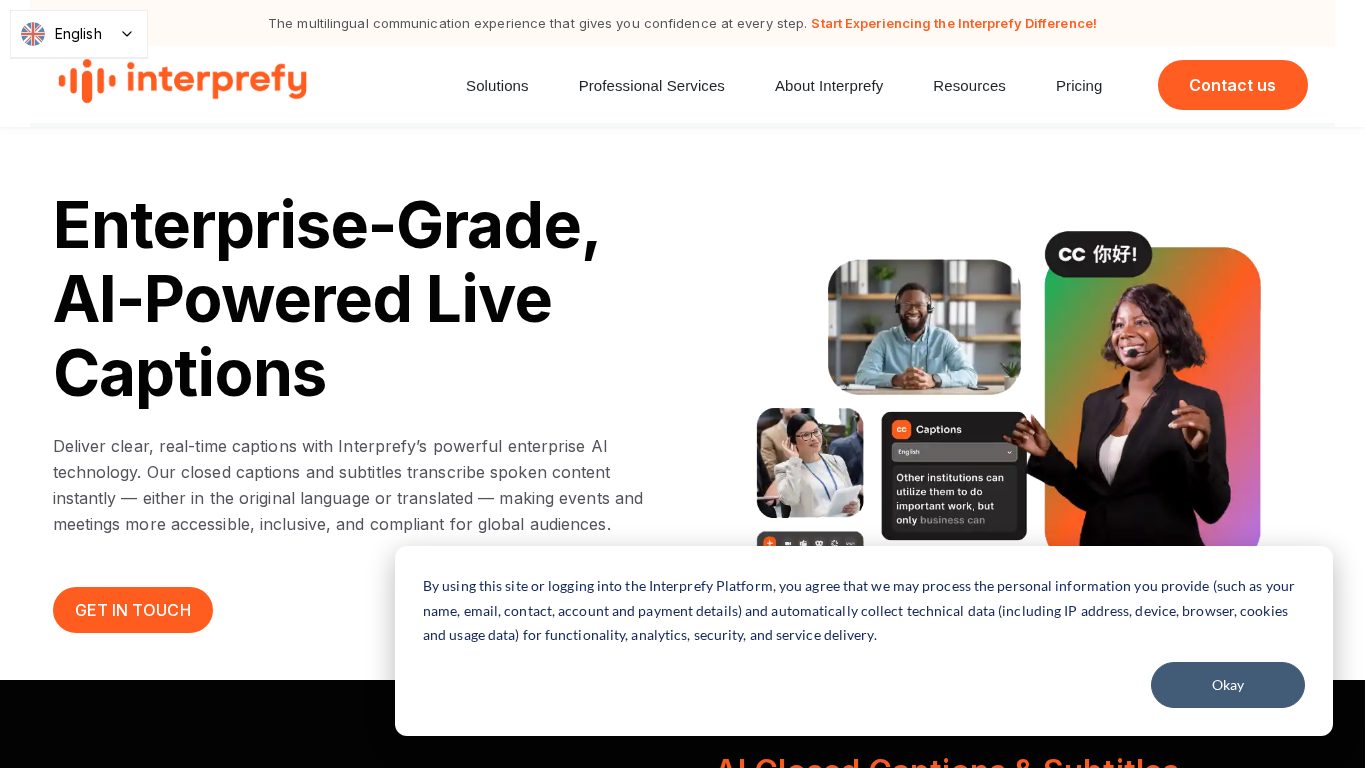
Interprefy provides remote simultaneous interpretation, AI speech translation, captions, and conference platform integrations. Its help page says Interprefy AI can translate speech into AI-generated speech and captions in 80 languages.
Best for
- Large international conferences
- Government, NGO, education, and accessibility-focused events
- Hybrid human interpreter + AI workflows
- Zoom, Teams, Webex, and event platform integrations
Watch out: it can be heavier than self-service AI tools. That is a benefit for large or high-risk events, but it may be too much for small webinars.
6. KUDO
KUDO combines live speech translation, captions, and human interpretation. The official page separates AI speech translation in 60+ languages from a network of 12,000+ human interpreters covering 200+ spoken and sign languages.
Best for
- Enterprise town halls, training, and global internal events
- Government, education, nonprofit, and worship events
- Hybrid AI + human interpreter workflows
- Organizations already using Microsoft Teams or other meeting platforms
Watch out: do not mix up AI language coverage and human interpreter coverage. They are different buying decisions.
7. EventCAT
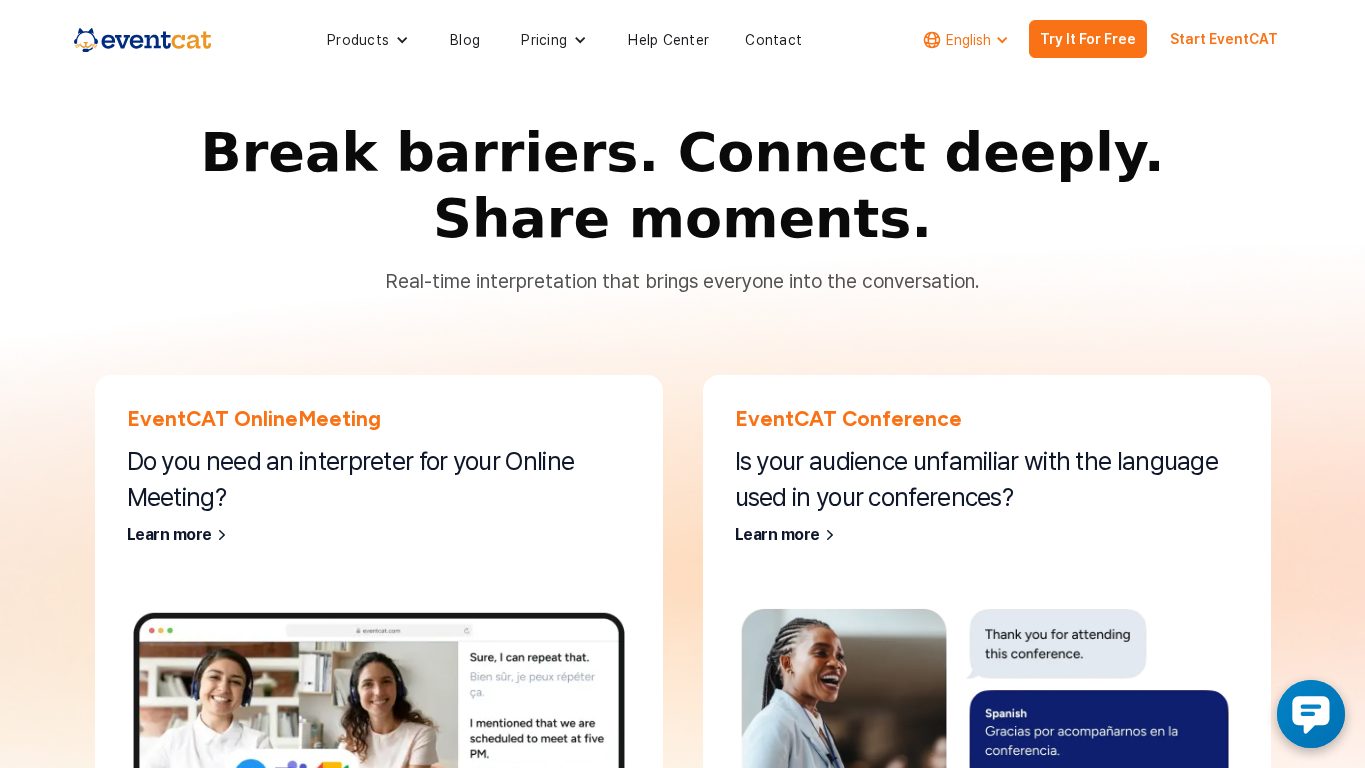
EventCAT provides real-time subtitles, voice translation, meeting bots, and event QR-code viewing. The official page lists +50 languages, Zoom/Google Meet/Microsoft Teams support, SOC 2, glossary support, script download, and summaries.
Best for
- Online meetings and seminars
- Research presentations and webinars
- Events that need both screens and personal device captions
- Teams that care about SOC 2 and data handling claims
Watch out: confirm local support, language-specific participant guidance, and whether you need Conference or OnlineMeeting.
8. Snapsight
Snapsight Live combines transcription, translation, captions, and event insights. Attendees scan a QR code or tap a link; no app or login is required. Snapsight also supports virtual attendees through Zoom, Teams, and Webex.
Best for
- Multi-track conferences
- Events that need real-time summaries and takeaways
- Organizers who want post-event reports and content reuse
- Hybrid events with both venue and online participants
Watch out: evaluate it as an event intelligence platform, not only as an interpretation tool.
9. Stenomatic
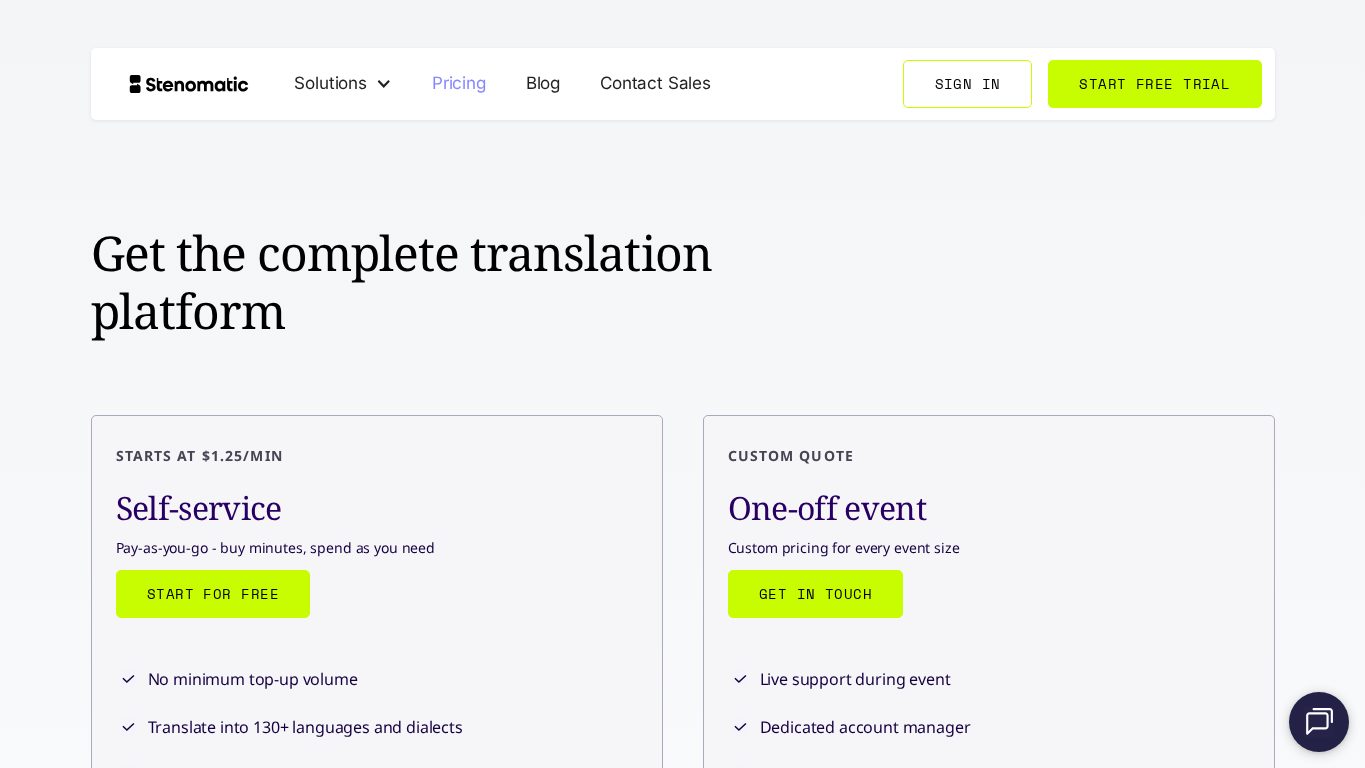
Stenomatic offers AI live translation, captions, and event/broadcast translation infrastructure. Its pricing page lists self-service from $1.25/min, 130+ languages and dialects, unlimited parallel tracks, unlimited speakers and participants, and free transcripts.
Best for
- Webinars and professional broadcasts
- Self-service translation with predictable minute pricing
- RTMP, API, custom models, SSO, and access-control needs
- Events with many target languages
Watch out: for in-person events in Asia, confirm local event support, audio setup help, and time-zone coverage.
10. Maestra AI
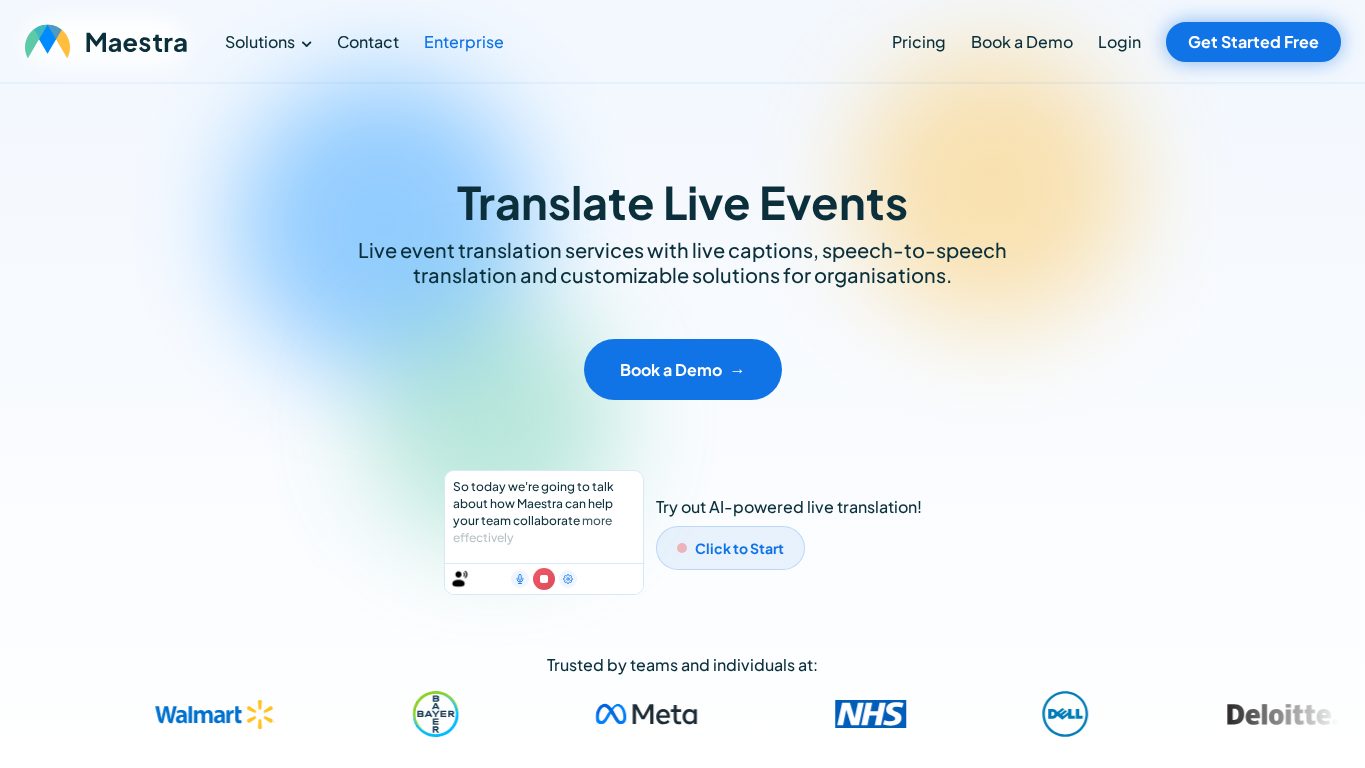
Maestra AI is strong for live captions, live translation, OBS/vMix/Zoom workflows, and post-event editing. It lists 125+ languages and browser-based sharing.
Best for
- Livestreams, webinars, and online events
- OBS, vMix, and Zoom caption workflows
- Teams that want subtitle exports and video reuse
- Content, education, and marketing teams
Watch out: if your main requirement is QR-code audio interpretation for people physically in a venue, compare event-first tools like VoicePing, Sentio, Flitto, and Wordly.
Implementation Checklist
Audio
- Test the actual microphones and mixer path.
- Separate speaker, moderator, and Q&A microphones where possible.
- Avoid loud BGM and speaker feedback.
- Test panel discussions with overlapping speech.
- Rehearse with the real venue audio, not a laptop microphone.
Attendee Access
- Place QR codes at registration, entrances, screens, and printed materials.
- Explain language selection in one short instruction.
- Tell attendees whether they need earphones.
- Prepare mobile-network fallback if Wi-Fi is weak.
- Assign support staff for large events.
Terminology
- Register speaker names, company names, product names, session titles, and acronyms.
- Share decks and scripts before the event.
- Confirm pronunciation for names and specialized terms.
- Warn speakers that long unfinished sentences reduce translation quality.
Security
- Decide whether audio, transcripts, and translation logs are stored.
- Confirm deletion and retention policies.
- Confirm whether data is used for AI training.
- Use password protection or SSO for confidential events.
Common Failure Points
Poor audio
AI interpretation starts with speech recognition. Distorted, distant, echo-heavy, or overlapping audio will reduce quality for every tool.
No glossary
Proper nouns and acronyms are the most common mistakes. For anime, medical, technology, and investor events, glossary preparation is essential.
Weak QR instructions
Attendees will not read long instructions after a session starts. QR codes should be visible in several locations, and the language selection steps should be simple.
No AI vs human interpreter policy
AI interpretation is useful for cost-effective multilingual access, but legal, medical, financial, diplomatic, and contract-critical sessions may need human interpreters or review.
No post-event plan
Transcripts, translation logs, and summaries can become reports, blog posts, captions, social content, and internal documentation. Decide the reuse plan before the event.
Why VoicePing for Event Interpretation
VoicePing lets event organizers display a QR code and let attendees receive translated captions or audio from their own smartphones. It does not require attendees to install an app.
VoicePing is a strong fit when:
- Japanese-language sessions need to reach English, Korean, Chinese, Vietnamese, or other audiences.
- The budget cannot support human interpreters for every session.
- The organizer wants both screen display and mobile translation.
- Specialized terminology needs to be prepared in advance.
- Post-event transcripts, translation logs, and summaries are useful.
See VoicePing Event Translation App for product details and event use cases.