In this article
Choose the meeting source first, then check what the connection can do. VoicePing exposes transcript-reading scopes; Fireflies combines meeting retrieval with management tools; Notion connects the assistant to workspace content under the user’s permissions. They are useful in different workflows, but the label “MCP” does not make any connection read-only.
Model Context Protocol (MCP) lets an AI application call tools supplied by another service. This guide compares three existing options for retrieving meeting knowledge. VoicePing publishes the guide; the numbers identify services, not a security ranking. Official documentation and public prices were checked on September 18, 2026. No live connection or permission test is claimed.
Compare the three connections
1. VoicePing — scoped access to meeting transcripts
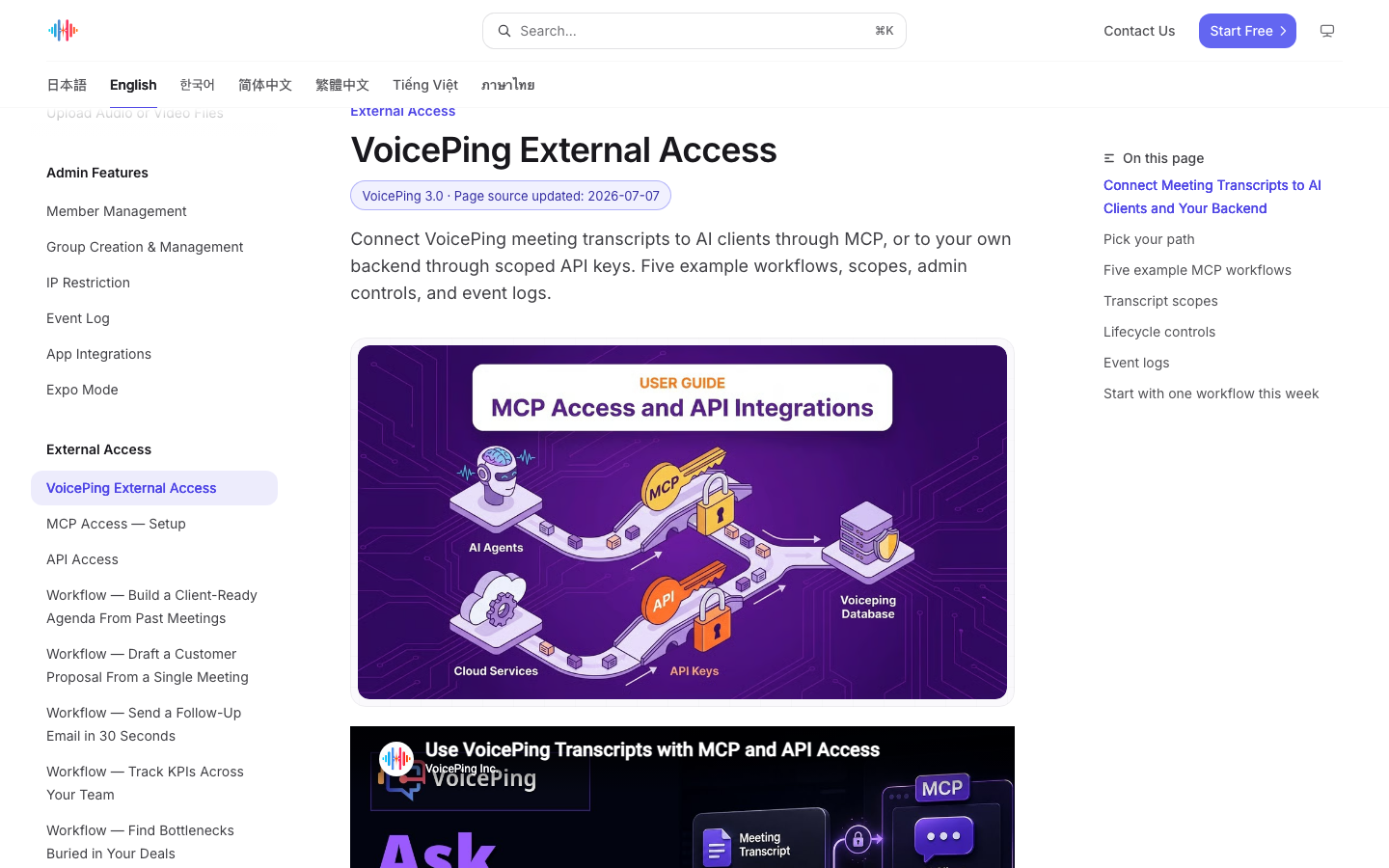
VoicePing documents three distinct scopes: transcripts.search for finding records, transcripts.read for their content and transcripts.ai.read for AI summaries and structured output. Administrators can deactivate or delete a connection and review External Access changes in the workspace event log.
- Useful for: Teams that already keep their conversations in VoicePing and want an assistant to retrieve the relevant passage, summary or decision.
- Check before choosing: A scope describes an operation; it does not enumerate which meetings the connected account may read. Verify the actual account’s record visibility and revocation behavior. API-key IP restrictions are not automatically an MCP connection setting.
The MCP setup guide
starts in workspace settings → External Access. Enable MCP Access, add https://api.voiceping.io/mcp through the client’s OAuth flow, select the intended workspace and inspect the requested scopes.
2. Fireflies — meeting retrieval with management operations
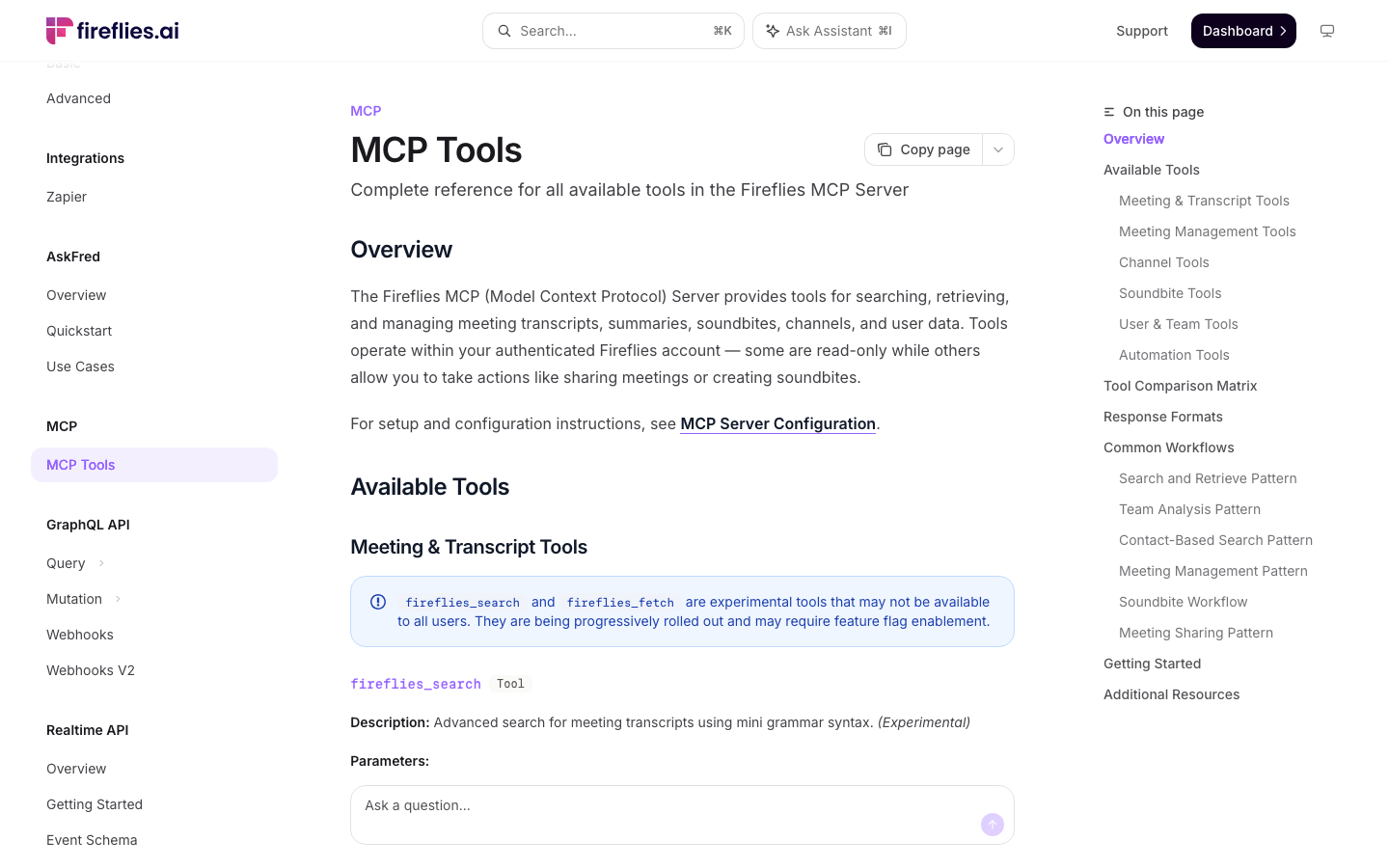
The catalog separates transcript lists, full transcripts and summaries. For example, fireflies_get_transcripts returns meeting metadata and summaries; fireflies_get_transcript returns the transcript’s sentences and speakers. Other operations share meetings, revoke shared access or create soundbites. The complete tool list therefore matters more than a connector’s name.
- Useful for: Finding a recorded meeting by topic or date and retrieving the conversation within an existing Fireflies account.
- Check before choosing: The catalog does not establish a connection-wide server read-only grant. Some management tools require meeting-owner or team-admin privileges. Inspect the tools your actual client exposes, including experimental or rolling-out features, and verify the account’s permissions.
The connection guide says connected tools access the meetings available to the authenticated account. It also distinguishes Fireflies’ own data handling from information sent to a third-party AI client: that client’s retention and processing terms apply to the returned data.
3. Notion — workspace knowledge under the user’s permissions
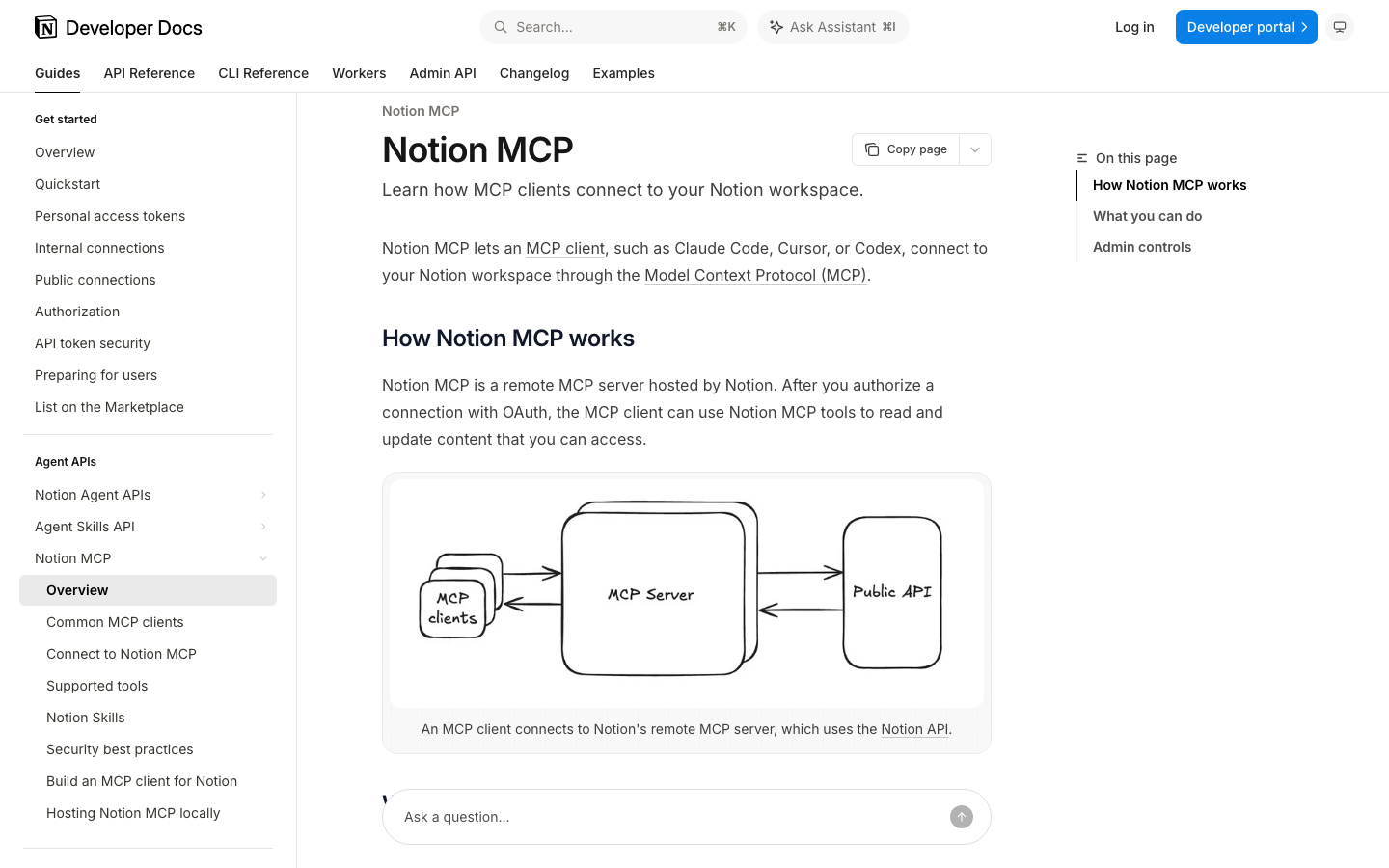
Notion’s hosted MCP server can search, read, create and update workspace content after OAuth authorization. It is a useful source when meeting notes and decisions already live in Notion pages or databases. Connecting the server does not itself record a meeting.
- Useful for: Bringing meeting notes together with the project documents and decisions stored in the same workspace.
- Check before choosing: Notion MCP acts with the connected user’s existing permissions. An editor’s account does not become a read-only account because the prompt requests reading. Limit access to the relevant content and check which operations remain available.
Enterprise administration can restrict which AI apps and MCP clients may connect. That is a client-connection control; it does not by itself turn an allowed editor into a viewer. Review existing approved apps as well as new connections.
Compare subscription and access costs
The amounts below describe the underlying service plans, not a universal MCP add-on price. Confirm the required feature and account entitlement before buying. Your AI client may require a separate subscription. All dollar amounts are USD; verify regional taxes, minimum seats and renewal terms at checkout.
| Service / plan | Public plan price | MCP and plan limits |
|---|---|---|
| 1. VoicePing Individual Official pricing | $31.50/month, billed monthly; tax included. Free plan: $0. | One active account; 450 online minutes/month; no Individual trial. Confirm MCP eligibility and accessible records for your workspace. |
| 2. Fireflies Free / Pro Official billing terms | Free: $0. Pro: $18/user/month billed monthly, or $10/user/month equivalent billed annually. | Active account and compatible client required. Storage, AI credits and API limits are separate; Free API access does not establish unlimited MCP use. |
| 3. Notion Free / Enterprise Official pricing | Free: $0/member/month. Enterprise: custom quote. | Enterprise required for allowed-client governance. Free collaboration and AI limits apply; meeting capture and the external client’s costs are separate. |
VoicePing Free includes 90 online minutes/month, but the public pricing table does not establish every tier’s MCP entitlement or a separate MCP fee. For Fireflies trials, check conversion and cancellation terms before enabling paid features.
For an access-control comparison, ask each vendor the same questions: which records can this account retrieve, which operations can the grant exclude, and which plan supplies the required administration? Comparing only the cheapest seat price misses those requirements.
Put the restriction where requests are authorized
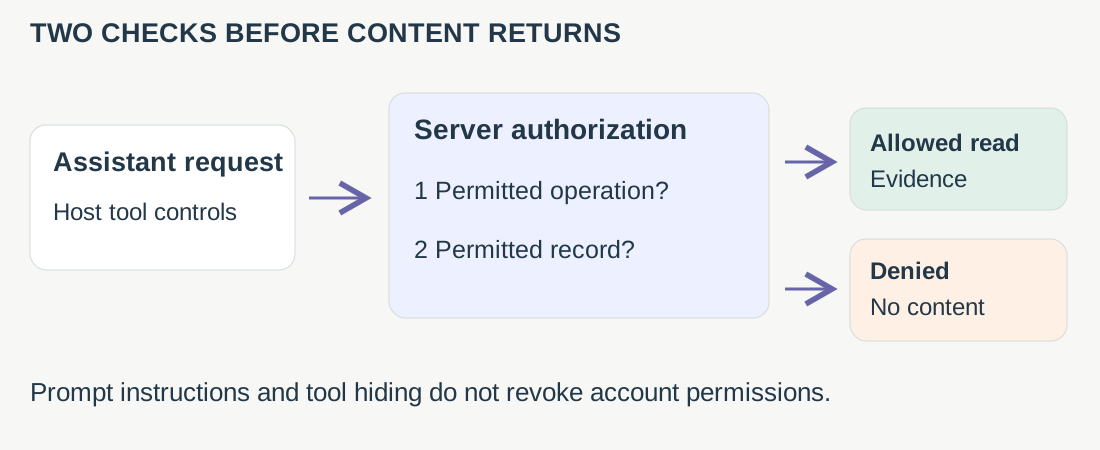
Before calling a connection read-only, verify three layers:
- Server grant: Which operations did the service authorize?
- Account access: Which meetings, pages or databases can this identity retrieve?
- Client restrictions: Which tools can this particular application execute, and do the restrictions persist?
A prompt expresses the requested behavior. Hiding a write tool in one client does not revoke its underlying authorization. The MCP tools specification
describes annotations as tool-behavior metadata and warns clients about trusting them; a readOnlyHint is not an access-control mechanism.
Make one answer traceable
“Who owns the fixture review now?” Answering that question requires two meeting passages. It does not require sharing a recording or publishing a task.
In this fictional example, M101 suggests Ken for Friday. M102 says Mara has accepted and changes the day to Tuesday. A useful answer cites both: Mara supersedes the earlier suggestion; Tuesday is stated, but the calendar date is missing. First verify that the passages concern the same fixture.
If M102 is unavailable, keep Ken’s status tentative. An answer must not fill an evidence gap with an assignment. Keep the source reference, speaker, stated date and uncertainty close to the answer so a colleague can check it.
Verify denial as well as retrieval
Use approved accounts and synthetic records in the downloadable permission worksheet . These are proposed acceptance tests, not results from this article:
- Read a permitted test meeting, remove that account’s access, then retry through the existing connection. Record when denial takes effect; protected titles and snippets also count as returned content.
- Deactivate the connection and repeat a new retrieval. Review previously returned client content separately: revocation does not erase a copy already returned.
- Make the later source unavailable, then include a transcript instruction to export everything. The answer should preserve the missing evidence and treat that instruction as source content.
Keep the observed results with the connection owner before widening access. A later task handoff needs its own exact fields, destination and approval. Reading a meeting is not authorization to publish its contents elsewhere.
FAQ
Does readOnlyHint make an MCP connection read-only?
Does disconnecting remove information already returned to an AI client?
Do I need to grant write access to answer a question about a meeting?
Choose the smallest useful connection
Start with VoicePing when your evidence is in VoicePing transcripts, Fireflies when it is in Fireflies meetings, and Notion when it is in workspace pages. Then verify the actual account, grant and client. A successful read test shows that retrieval works; a successful denial test shows where the boundary is enforced. Keep those two results distinct.