In this article
A downloaded language does not guarantee an offline conversation. The phone also needs to recognize the speaker and produce the output the listener will use. Prepare the exact phone, language direction and conversation mode you will carry into the plant.
For a quiet visitor briefing, start with readable translated text. Add spoken playback or saved audio only if the visit needs them; each adds another dependency to check.
Find the part that needs a connection
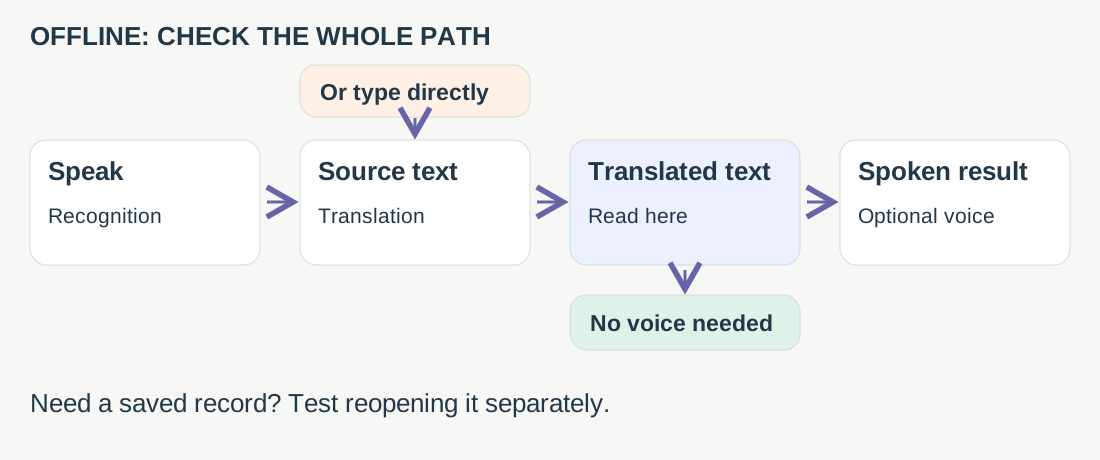
Keep part numbers and quantities in a local written reference outside the translation app. If recognition changes BX-17 into something else, show or type the characters. If the translated meaning remains unclear, leave the commitment open for the bilingual reviewer.
Choose a documented starting point
| App | Documented starting point and remaining check |
|---|---|
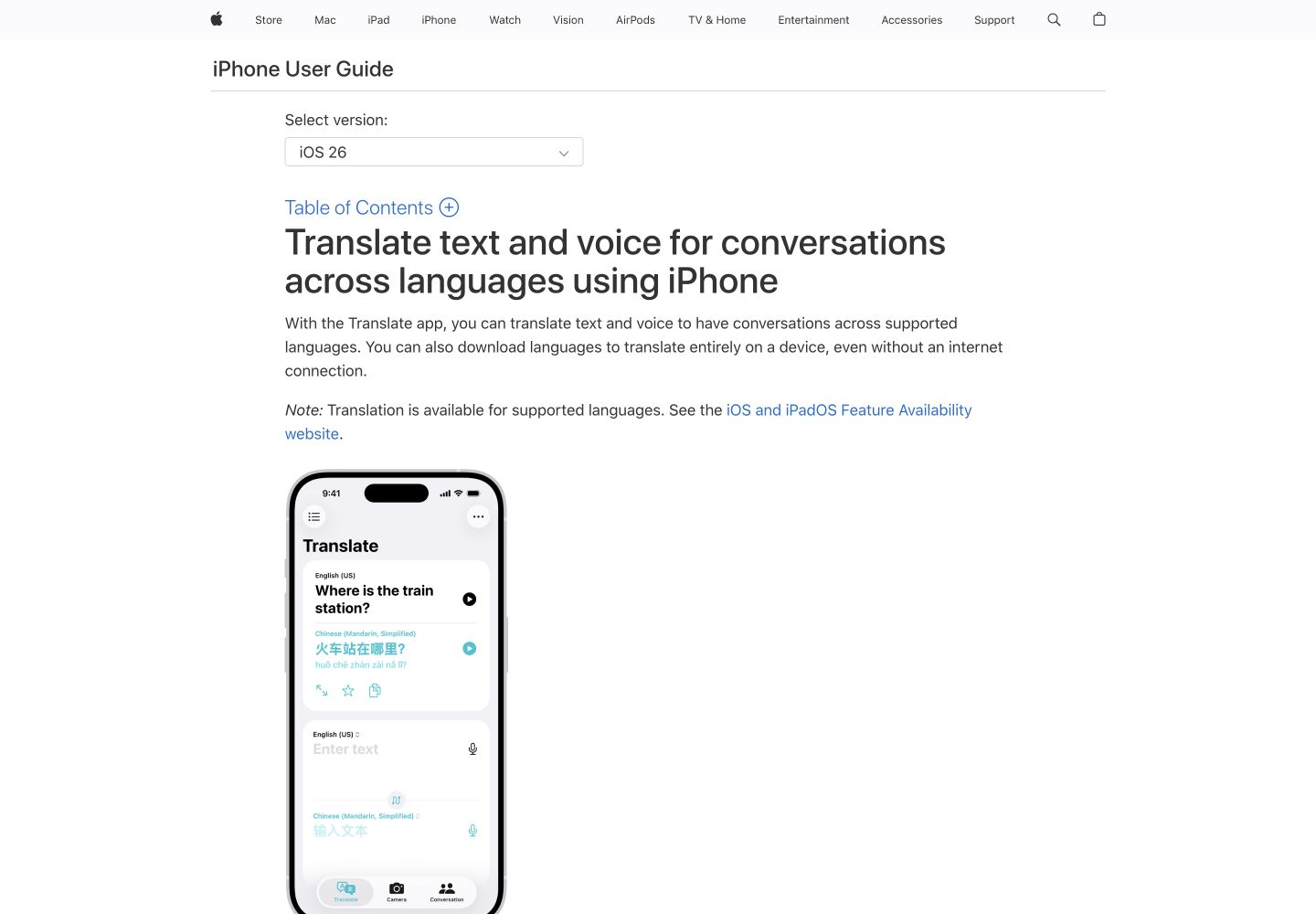
| Apple Translate | Download both languages for offline text and voice Conversation mode on iPhone. Check both directions, required playback and retention. |
| Google Translate | Available downloads support offline translation, including supported camera use. Its download guide does not establish every offline microphone mode; verify yours. |
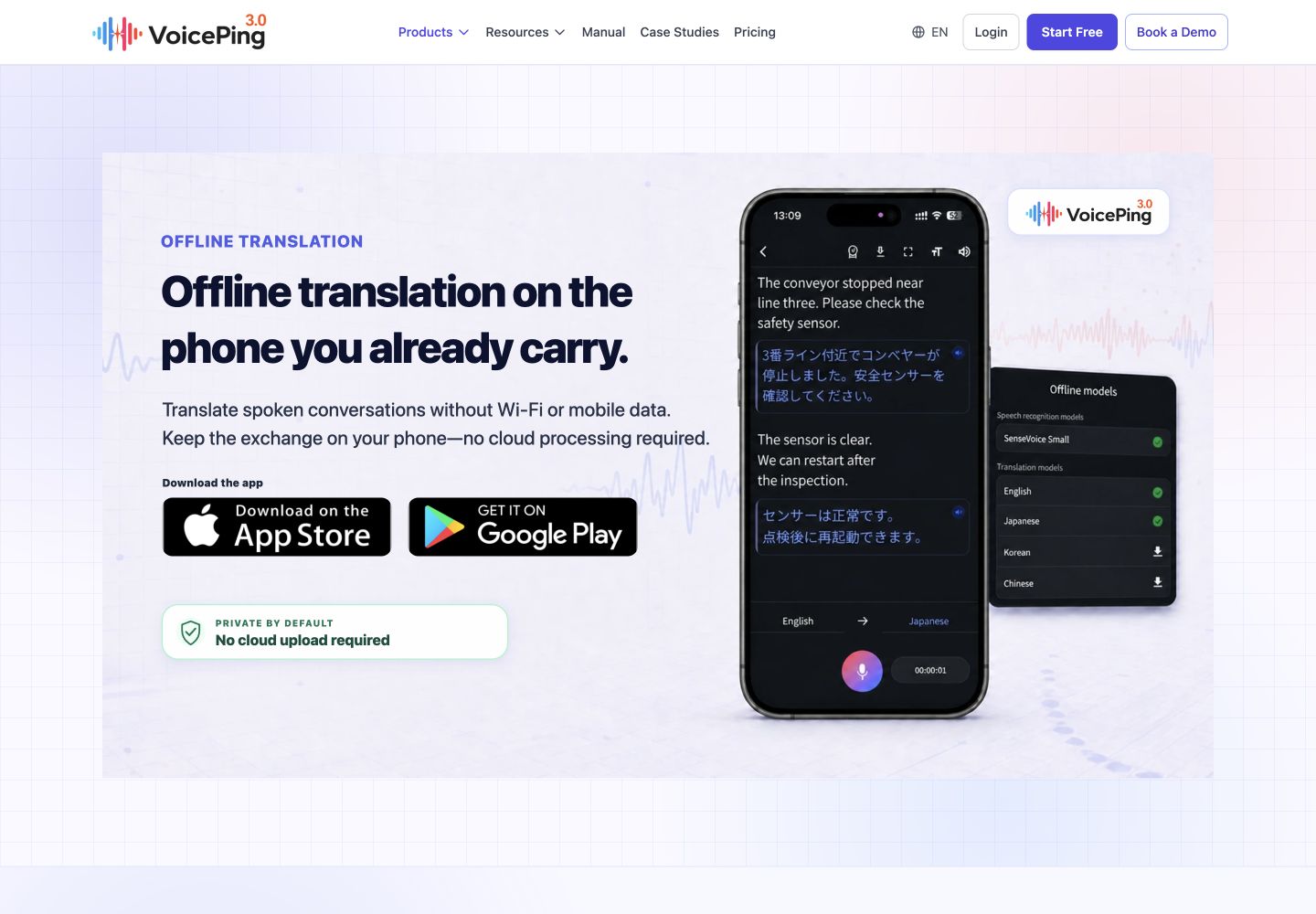
| VoicePing | Prepared mobile models support local conversation and saved text/audio. Check installed language coverage, output voice and reopening the record. |
Sources: Apple Conversation , Google downloads , VoicePing mobile manual .
VoicePing’s public language lists disagree: its product page includes Vietnamese and Thai, while the manual lists English, Japanese, Korean, Chinese and Cantonese. Cantonese is input-only; the product specification lists output voices for English, Japanese, Korean and Chinese. Confirm the installed release before clearing a required pair.
Pack a tested configuration
Use the pre-visit test log on the allocated device:
- Prepare while connected. Confirm site permission for microphones and records. Download the models, note the app/OS versions, and open the intended pair.
- Disconnect and restart. Verify Wi-Fi and cellular data are off. Try a fresh conversation, reopen the app, then restart the phone. Repeat in the reverse direction.
- Check the required result. Use a quantity, identifier and correction. Record the first failed stage, the working fallback, and whether a saved exchange reopens. Leave untested requirements unresolved.
The log includes a fictional preparation plan for an English/Japanese visitor-room exchange: readable text required, spoken output optional, written identifiers kept separately. Its status is “not tested; not cleared.” Use it as a form to complete, not evidence that your phone is ready.
Documentation checked September 6, 2026; no device trial is claimed. VoicePing publishes this guide.
Sources and service screenshots (3)
Public reference pages captured September 6, 2026.