In this article
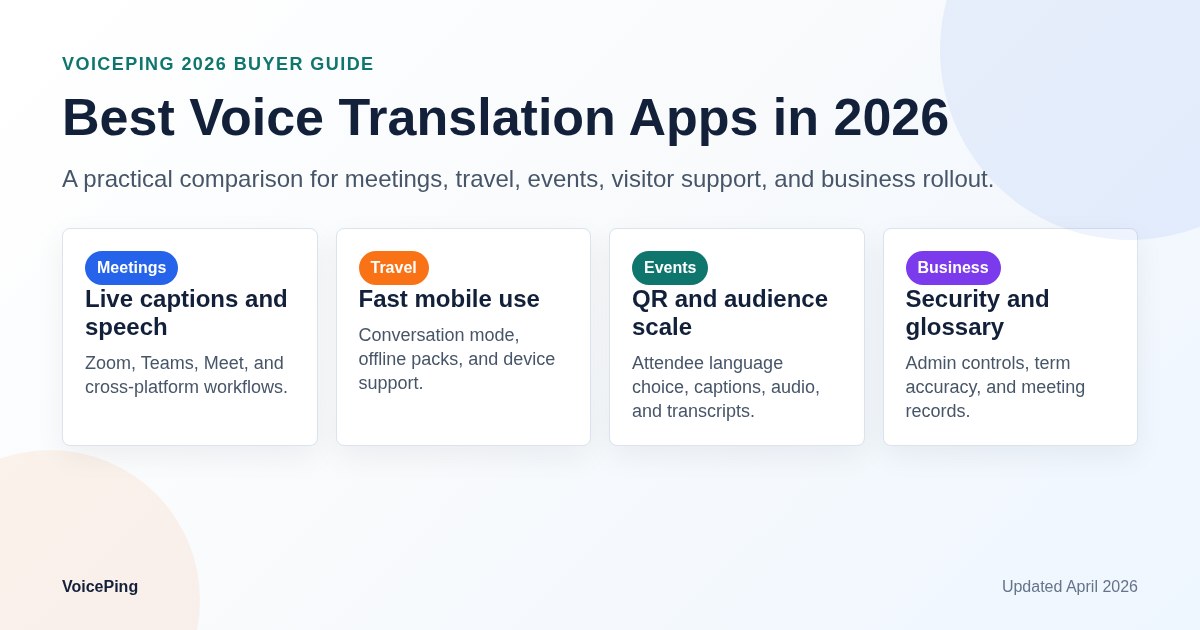
Compare 32 voice translation apps for business meetings, travel, events, visitor support and mobile use. Check languages, offline support, AI captions, speech-to-speech, security and pricing model.
Voice translation apps have moved beyond simple travel phrasebooks. In 2026, the best tools can translate business meetings, live events, face-to-face conversations, call center discussions, captions, transcripts and post-meeting summaries. The hard part is choosing the right class of tool, because a travel app, a web meeting feature and an event captioning platform solve different jobs.
This guide compares 32 voice translation apps and services for business meetings, travel, events, visitor support, mobile use and PC workflows. It was rebuilt with official product pages and help centers checked on April 25, 2026.
Quick Recommendations
| Use case | Start with | Why it fits | Watch out for |
|---|---|---|---|
| Business meetings | VoicePing, DeepL Voice, Microsoft Teams Interpreter, Zoom translated captions, Google Meet | Meeting captions, speech interpretation, glossary, minutes and admin review | Platform lock-in, licenses, data policy and language-pair details |
| Global events | VoicePing, Wordly, Interprefy, KUDO, Webex | Audience captions, QR or link access, venue screens, hybrid event workflows | Audio routing, attendee onboarding, caption delay and operations support |
| Travel and face-to-face use | Google Translate, Apple Translate, Papago, VoiceTra, Pocketalk | Fast mobile or device-based conversations | Offline mode usually does not cover every live speech feature |
| Dedicated translator device | Pocketalk, Timekettle, Vasco, Langogo, World Speak | Simple handheld or wearable experience | Device cost, network coverage, battery and noise handling |
| Transcription and content workflows | Notta, Happy Scribe, ZMEETING, Real Time Translator | Transcripts, subtitles, searchable records and post-processing | Not every tool is built for low-latency live interpretation |
How This Guide Evaluates Voice Translation Apps
Do not compare voice translation apps only by the largest language number on a pricing page. A product may support 100+ text translation languages but fewer spoken input languages, fewer text-to-speech output languages or no offline speech mode.
For each tool, evaluate six practical points:
| Evaluation point | What to verify |
|---|---|
| Speech input | Which languages can the app recognize from live audio? |
| Translation output | Does it show captions, translated text, synthesized speech or all three? |
| Latency | Is it fast enough for turn-taking, or better for notes after speech ends? |
| Workflow fit | Does it work in Zoom, Teams, Meet, Webex, mobile, PC or event rooms? |
| Business controls | Does it support glossary, SSO, admin roles, retention policy and audit needs? |
| Cost model | Is pricing per user, per hour, per device, per event, bundled with a suite or usage based? |
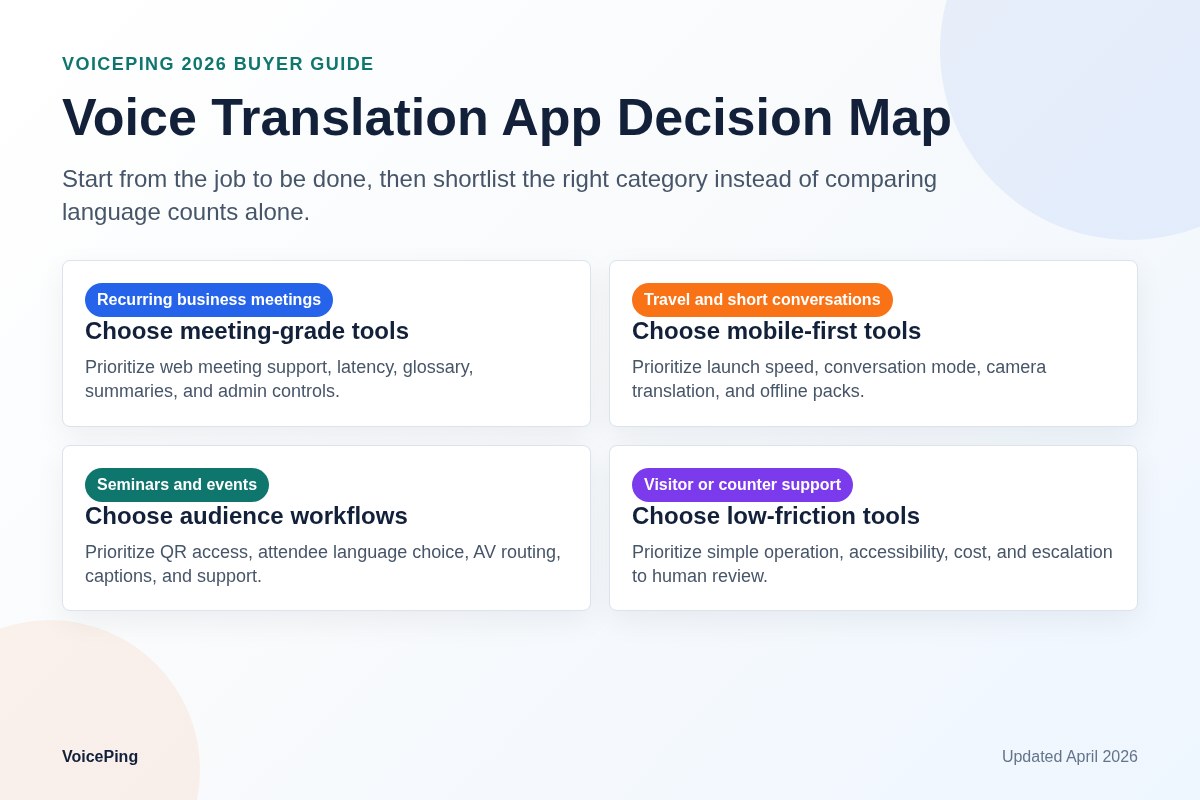
2026 Decision Map
Use the workflow first, then choose the product.
| Your main job | Best category | Shortlist |
|---|---|---|
| Run weekly multilingual business meetings | Business meeting translation platform | VoicePing, DeepL Voice, Teams Interpreter, Zoom, Google Meet |
| Give attendees translated captions at a seminar | Event translation and captioning platform | VoicePing, Wordly, Interprefy, KUDO, Webex |
| Talk while traveling | Mobile translation app | Google Translate, Apple Translate, Papago, VoiceTra, Microsoft Translator |
| Avoid using a personal phone at counters or stores | Dedicated device | Pocketalk, Vasco, Timekettle, Langogo, World Speak |
| Translate recorded interviews, videos or subtitles | Transcription and subtitle platform | Notta, Happy Scribe, ZMEETING |
| Build real-time translation into a product | API or infrastructure | DeepL Voice API, Palabra.ai, Interprefy, selected platform APIs |
Comparison Matrix by Audience
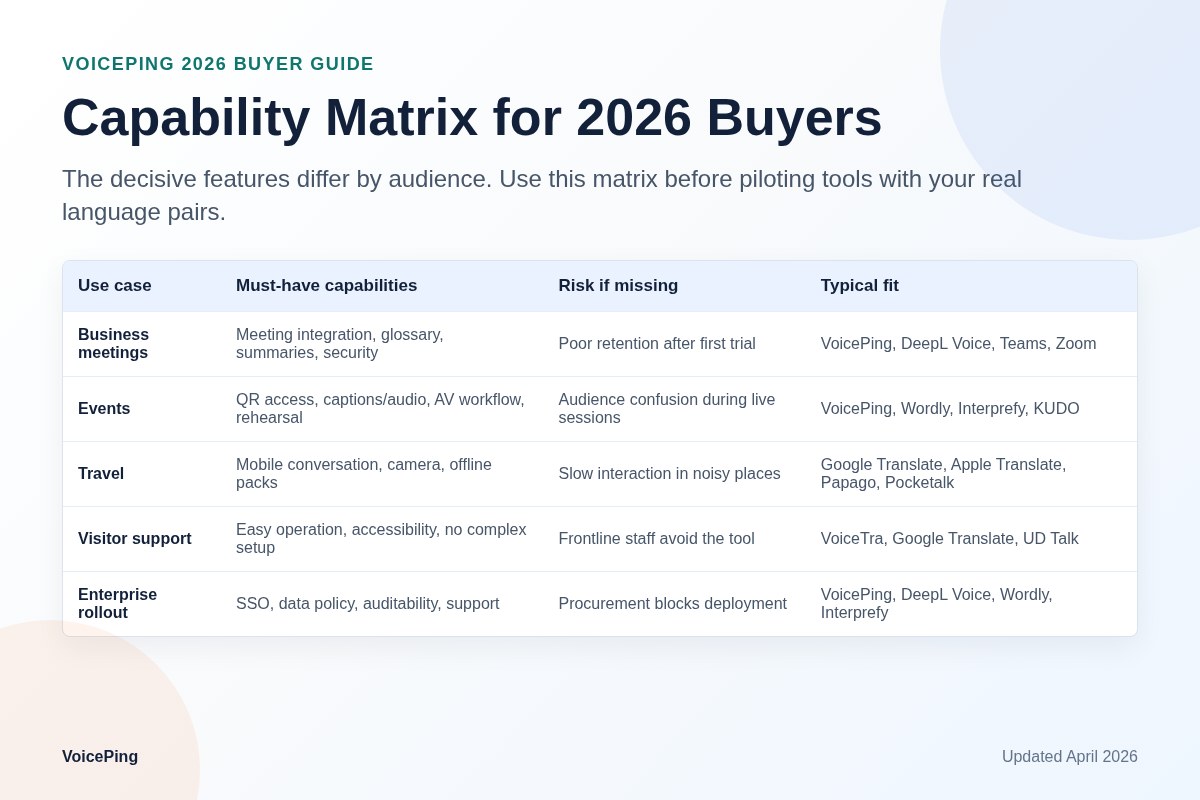
| Tool | Best audience | Live meeting support | Event support | Mobile conversation | Business notes |
|---|---|---|---|---|---|
| VoicePing | Global teams and events | Strong | Strong | Available | Glossary, AI minutes, Zoom/Teams/Meet workflow |
| DeepL Voice | Enterprise teams using DeepL | Strong | Medium | Strong for conversations | DeepL quality, security, Teams/Zoom meetings |
| Microsoft Teams Interpreter | Teams-first companies | Strong | Medium | Low | Requires Microsoft 365 Copilot setup |
| Zoom translated captions | Zoom-first teams | Strong | Medium | Low | License and account settings matter |
| Google Meet speech translation | Google Workspace teams | Strong | Medium | Low | Gemini/Workspace availability matters |
| Wordly | Conferences and associations | Medium | Strong | Attendee mobile access | Captions, audio, transcripts and summaries |
| Interprefy | Managed events | Medium | Strong | Attendee access | AI and human interpretation options |
| KUDO | Multilingual conferences | Medium | Strong | Attendee access | Stronger for event operations |
| Google Translate | Travelers | Low | Low | Strong | Free and fast for short conversations |
| Apple Translate | iPhone users | Low | Low | Strong | Integrated in iOS workflows |
| Papago | Korea and Asia travel | Low | Low | Strong | Strong Asian-language travel fit |
| VoiceTra | Travel and public support | Low | Low | Strong | Free NICT app for daily conversation |
| Pocketalk | Travel, retail and visitor support | Low | Low | Strong | Dedicated device with connectivity model |
| Notta | Meeting records | Medium | Low | Medium | Transcription and notes first |
| Happy Scribe | Video and subtitles | Low | Low | Low | Better for recorded content |
Best Tools for Business Meetings
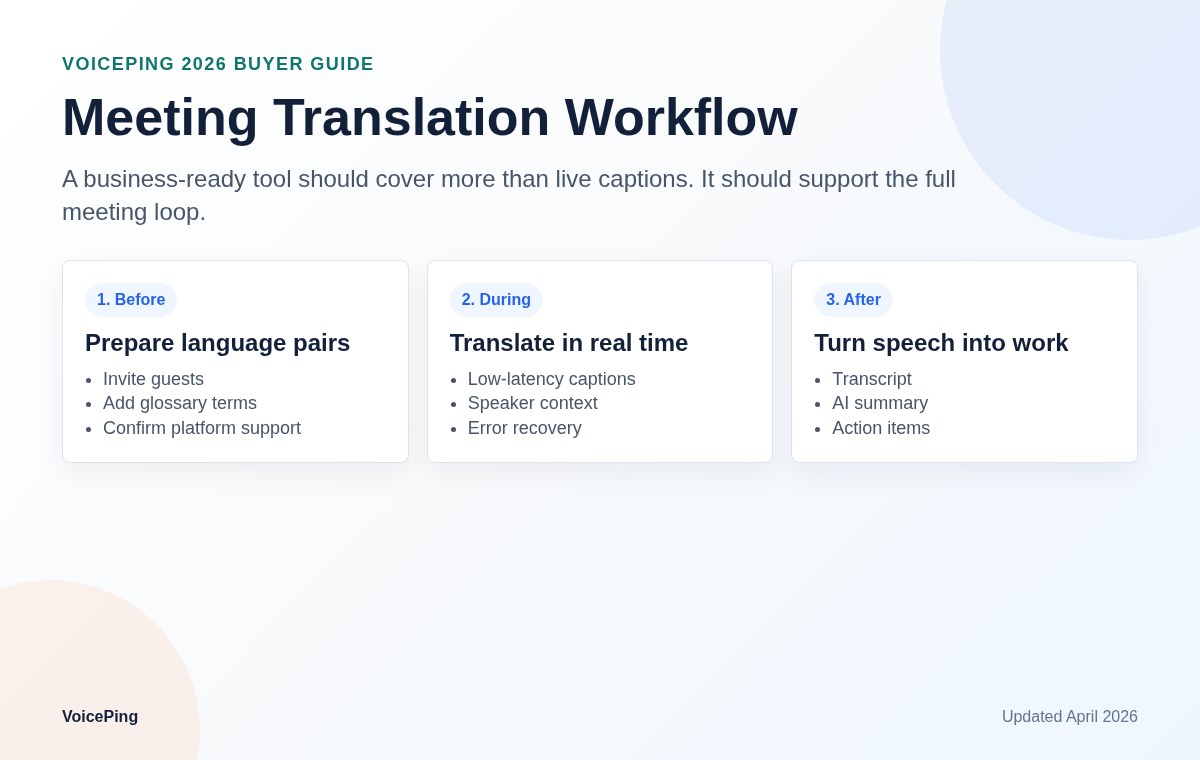
Business meetings need more than a translated sentence. They need support for long audio, speaker changes, product names, people names, action items, data policy and post-meeting records.
1. VoicePing
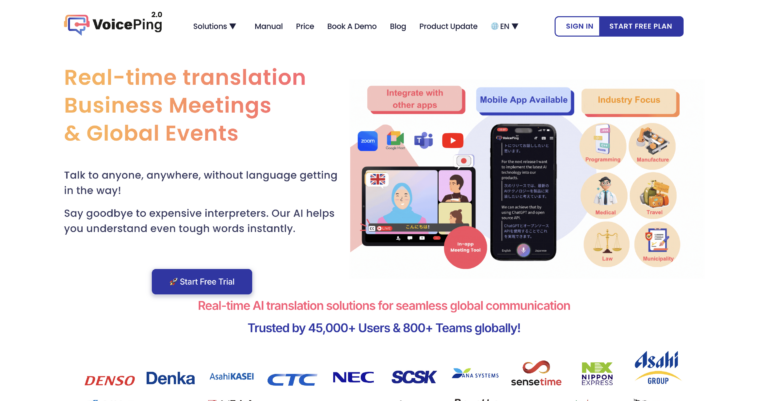
Official site: VoicePing
VoicePing is the best fit when real-time translation must support actual business operations: recurring meetings, overseas branches, customer calls, project handoffs and events. It combines real-time translation, AI meeting minutes, glossary support and integrations with common web meeting workflows.
Use VoicePing when you need:
- Real-time translation in business meetings and events.
- AI minutes and summaries after the conversation.
- Glossary control for product names, technical terms and people names.
- Zoom, Microsoft Teams and Google Meet support.
- A business security review, including ISO 27001 context.
- Event and guest workflows where attendees should not struggle with setup.
VoicePing is less suitable if you only need a one-off travel phrase in a taxi. For that job, a free mobile app is faster. For recurring business use, VoicePing is stronger because the translation output becomes part of a meeting record and team workflow.
Related resources:
- VoicePing event translation app
- VoicePing virtual office
- VoicePing pricing
- Denka case study
- AnimeJapan 2025 event case study
2. DeepL Voice
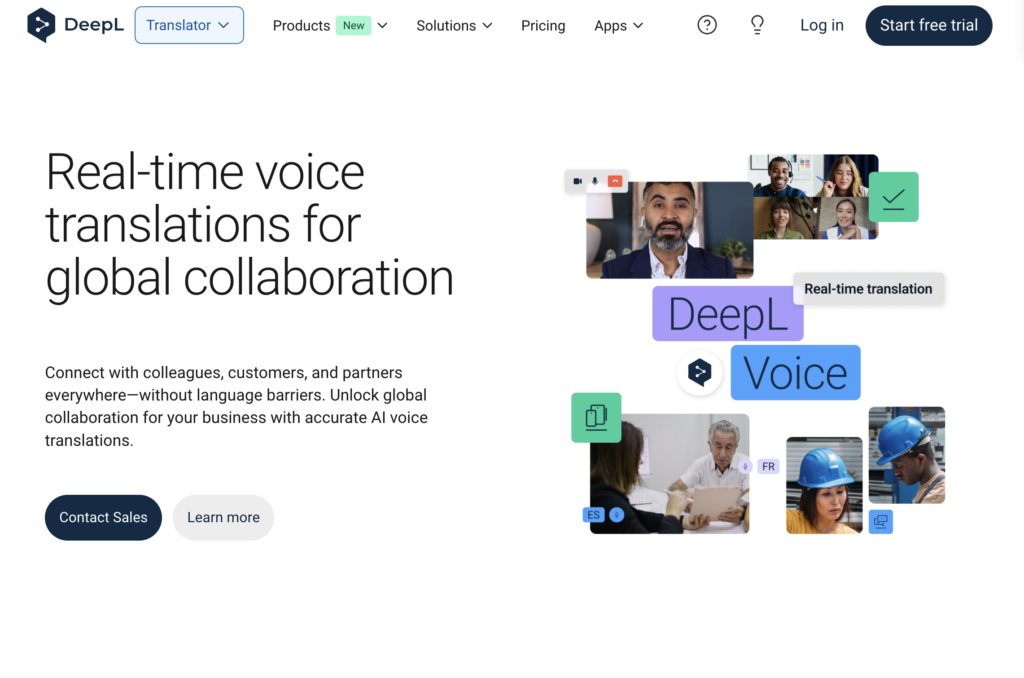
Official site: DeepL Voice
DeepL Voice is a strong enterprise candidate for companies that already trust DeepL for translation quality. Its official product page describes Voice for Meetings for Microsoft Teams and Zoom Meetings, Voice for Conversations for face-to-face use and a Voice API for embedded speech translation workflows.
DeepL is especially relevant when translation quality, terminology and privacy review are more important than free access. Check the supported spoken input languages, caption output languages, subscription details and whether the exact meeting platform you use is covered.
3. Microsoft Teams Interpreter
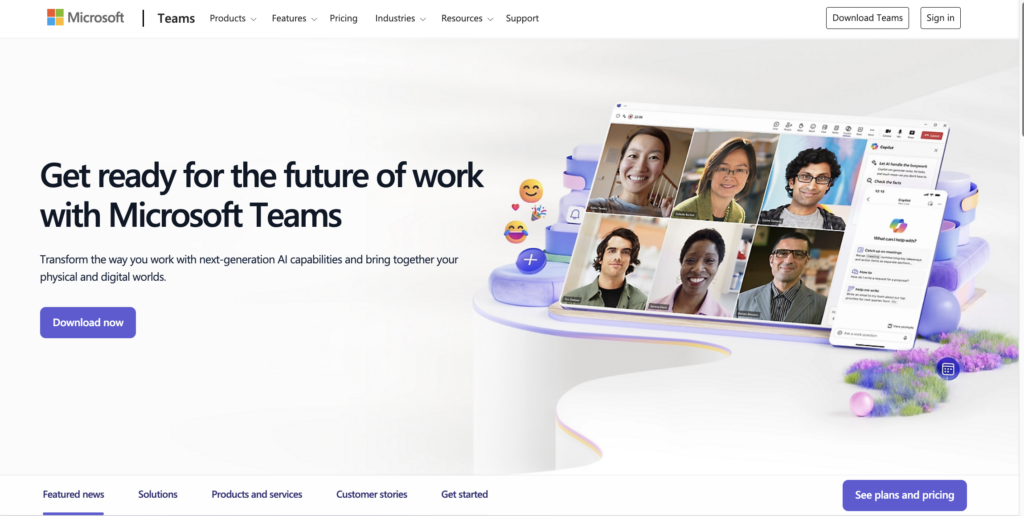
Official documentation: Microsoft Teams Interpreter agent
Teams Interpreter is attractive for organizations standardized on Microsoft 365. It gives Teams administrators a native path for speech interpretation inside Teams meetings and calls. The tradeoff is platform dependency: it is strongest when your employees, guests and meeting governance already live in Teams.
Before rollout, confirm Microsoft 365 Copilot licensing, admin policy settings, supported languages and whether guests can use the intended experience without friction.
4. Zoom translated captions
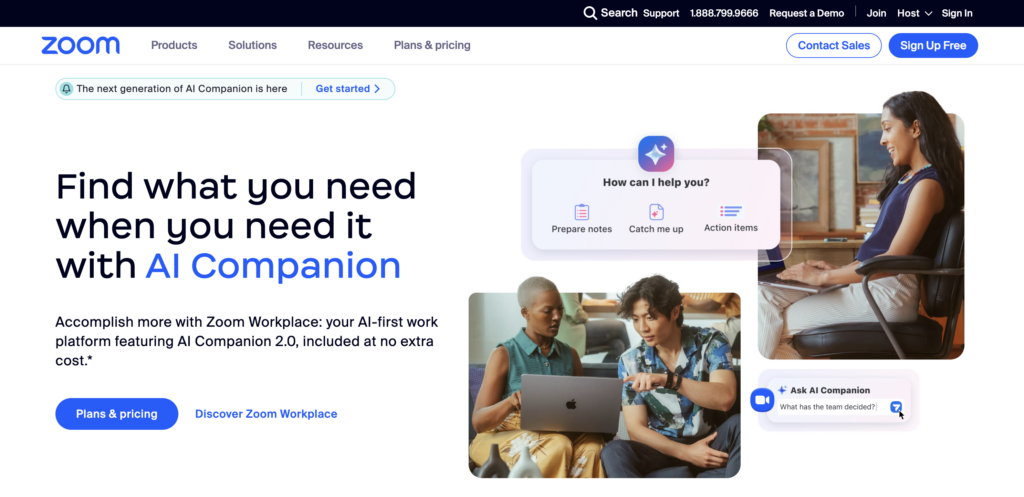
Official support: Zoom translated captions
Zoom translated captions are a practical option for companies already running customer meetings, webinars and internal calls in Zoom. The main advantage is low workflow change for Zoom-first teams. The main risk is assuming every account has the feature by default.
Check the account plan, add-ons, host settings, participant settings and the language pairs you need before promising translated captions to customers or event attendees.
5. Google Meet speech translation
Official announcement: Google Meet speech translation is generally available for businesses
Google Meet speech translation is important for Google Workspace teams because it keeps translation inside the collaboration suite. It is a good fit when translated captions are enough and the organization already manages Meet through Workspace.
For business rollout, verify eligible Workspace plans, Gemini-related availability, admin controls, supported languages and whether the feature is available in the regions where your team operates.
6. Webex
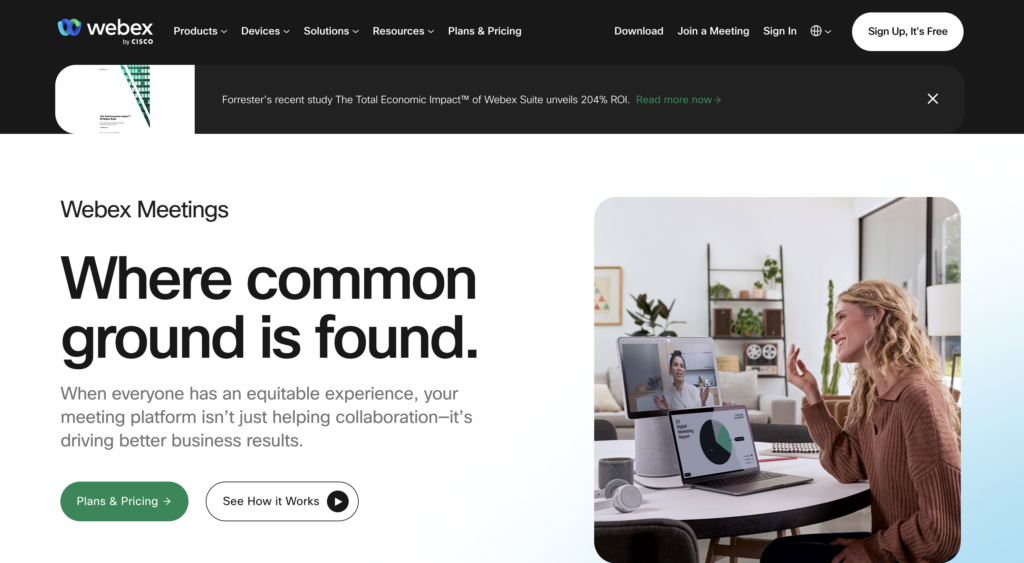
Official site: Webex
Webex belongs on the shortlist for enterprises already using Cisco collaboration products. It is often considered for large meetings, webinars and regulated collaboration environments. Evaluate it if your company is Webex-first or if your event operations already rely on Cisco tooling.
7. Minutz
Official site: Minutz
Minutz is relevant for teams that want meeting productivity and multilingual records. It is not only a live translation comparison. Test transcript accuracy, summary quality, language coverage and how well it handles your meeting audio.
8. Felo
Official site: Felo
Felo is worth testing when you need AI translation, subtitles or multilingual meeting support. Because feature scope changes quickly in this category, confirm the current app, supported platforms and pricing before putting it in a business shortlist.
9. Transync AI
Official site: Transync AI
Transync AI focuses on real-time translation and multilingual communication. It is a candidate for teams exploring low-latency captions or meeting translation beyond the default functions in a meeting suite.
10. Palabra.ai
Official site: Palabra.ai
Palabra.ai is more relevant when a team needs speech translation infrastructure, AI dubbing or embedded translation workflows. Product and engineering teams should evaluate API quality, latency, voice options, consent workflow and data handling.
Best Tools for Events and Seminars
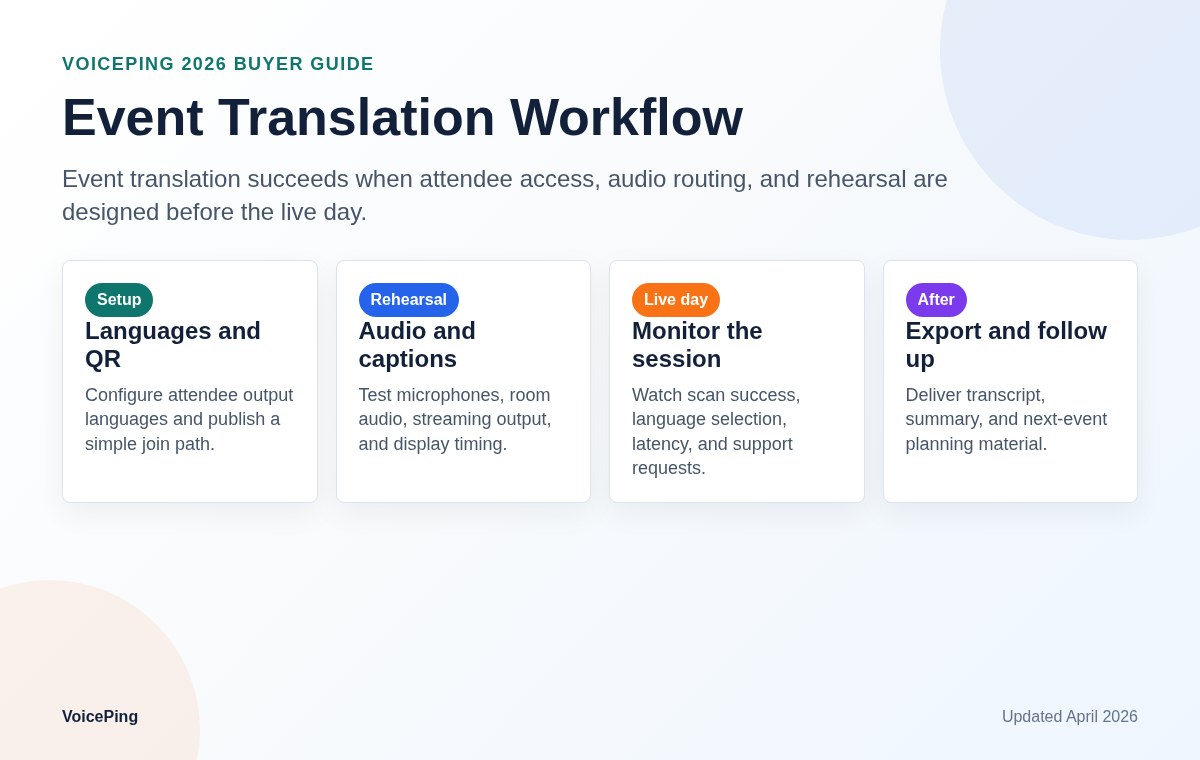
Events are operationally different from meetings. You need microphone routing, venue screens, QR access, attendee devices, staff instructions, rehearsal time and a fallback plan if network quality drops.
1. VoicePing for events
VoicePing is a strong event option when the event team wants live translation plus a business workflow after the session. It can support seminars, global conferences, exhibitions, customer briefings and hybrid events where attendees need captions without complex setup.
VoicePing is especially useful when an event also produces business outputs: meeting records, follow-up notes, sales handoffs or internal knowledge sharing. See VoicePing’s event translation app and the AnimeJapan 2025 case study .
2. Wordly
Official site: Wordly
Wordly is designed for AI translation and captions across meetings and events. Its official site emphasizes attendee access by phone, tablet or computer, live captions, translated audio, transcripts, summaries and event integrations.
Shortlist Wordly when the primary job is making a conference, association event, training session or webinar accessible to a multilingual audience.
3. Interprefy
Official site: Interprefy AI translation
Interprefy is built for live event language access and interpretation operations. It is relevant when you need a managed event setup, AI translation, multilingual captions or a combination of human and AI interpretation.
4. KUDO
Official site: KUDO
KUDO is a long-running multilingual meeting and event platform. It is better for managed interpretation and conference workflows than for casual personal translation. Evaluate KUDO when your event has multiple language channels, interpreters, production staff or enterprise-level requirements.
5. Webex events and webinars
Webex is worth comparing for companies that already use Cisco’s meeting stack and want translation or captions inside existing webinar operations. Its advantage is enterprise familiarity; its limitation is that attendees and production workflows may still be tied to the Webex environment.
Best Mobile Apps for Travel and Face-to-Face Conversation
Travel apps should open quickly, handle short phrases, support camera or text translation and work well on a phone. They are not a replacement for a business meeting platform, but they are often the fastest option for restaurants, taxis, hotels and visitor counters.
1. Google Translate
Official help: Translate by speech
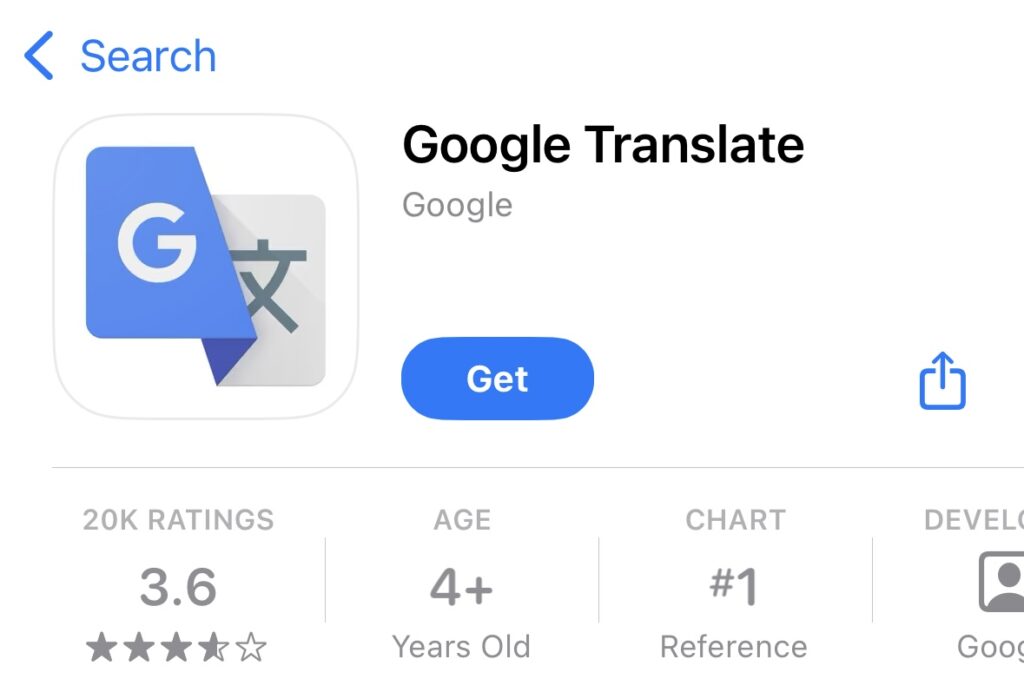
Google Translate remains the default free choice for many travelers because it combines text, speech, conversation and camera workflows. It is a strong first app for short conversations.
Confirm offline behavior carefully. Google’s help separates speech translation from downloaded languages, and offline language packs are not the same as guaranteed live speech translation for every language pair.
2. Apple Translate
Official support: Translate messages, calls, and conversations on iPhone
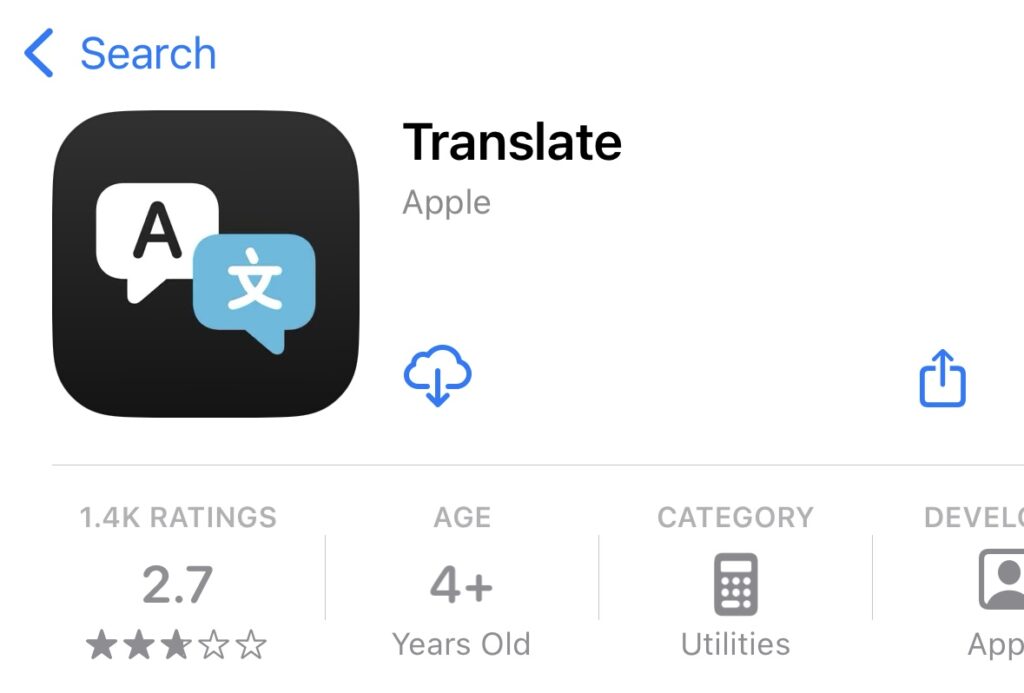
Apple Translate is convenient for iPhone users because translation is integrated into iOS workflows. It is useful for messages, calls and in-person conversations, depending on device, iOS version and language support.
3. Papago
Official site: Papago
Papago is a strong choice for Korean, Japanese, Chinese and other Asian-language travel. It is often more natural for Korea-related trips than generic translation apps. Check the current app help for supported conversation languages and offline behavior.
4. DeepL mobile app
Official app page: DeepL apps
DeepL’s mobile app is useful when translation quality and written output matter. It is not the same product as DeepL Voice for Meetings, so compare the mobile app and DeepL Voice separately.
5. Microsoft Translator
Official site: Microsoft Translator
Microsoft Translator is a practical free app for multilingual conversation and text translation. It is especially relevant for users already in the Microsoft ecosystem. Check current app support for phrasebooks, offline packs and conversation modes.
6. VoiceTra
Official site: VoiceTra
VoiceTra is a free speech translation app from Japan’s National Institute of Information and Communications Technology. It is designed for travel and daily conversation and is useful for visitor support, tourism and public counters.
7. iTranslate Voice
Official site: iTranslate
iTranslate Voice is a consumer-focused spoken translation app. Evaluate current subscription terms, language list, privacy policy and whether it is suitable for work conversations before using it beyond travel.
8. AI Translate Voice Translator
App stores contain many similarly named voice translator apps. Treat this as a category: check current reviews, subscription pricing, supported languages, ads, trial terms and data policy before depending on it.
9. SayHi
Official site: SayHi
SayHi is a simple spoken conversation app. It can be useful for travelers who want a quick voice-to-voice interface, but business users should still check data policy and export options.
10. Translate Now
Official site: Translate Now
Translate Now is a mobile translation app with voice, text and camera-oriented workflows. Review subscription terms and supported languages before using it for recurring work.
Best Dedicated Translator Devices
Dedicated devices are useful when you do not want to hand a personal phone to visitors, when staff need a simple shared device or when frequent travelers prefer a separate translator with connectivity.
1. Pocketalk
Official site: Pocketalk device
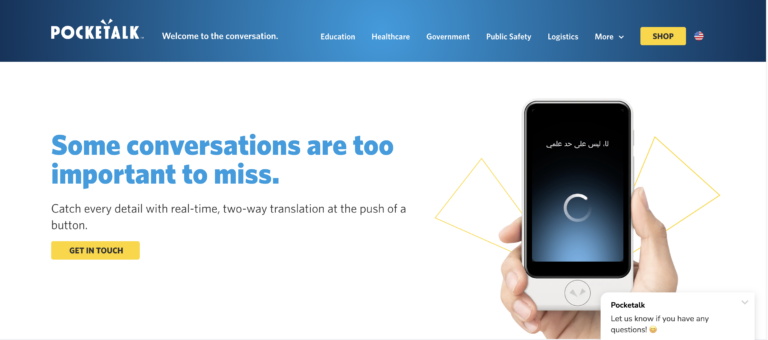
Pocketalk is one of the most recognizable dedicated translator devices. It is useful for retail, travel, visitor support and counters where a single-purpose device is easier than a smartphone app.
Check the device model, network coverage, subscription or data plan, camera translation support and whether the official language list covers your actual use case.
2. Timekettle
Official site: Timekettle
Timekettle is known for earbud-style translation devices. It can feel more natural than passing a phone back and forth, but noise handling, turn-taking and hygiene workflows matter in real use.
3. Vasco Translator
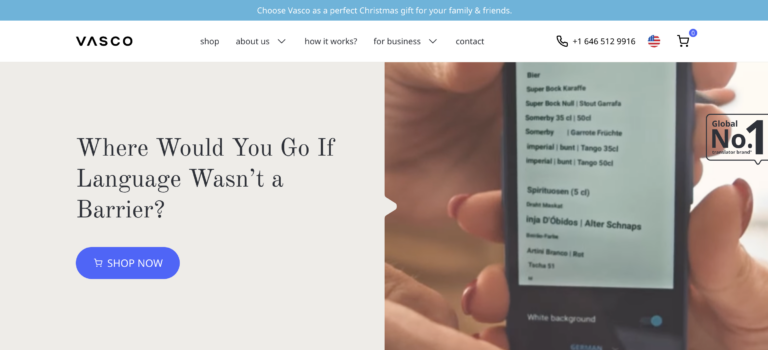
Official site: Vasco Translator
Vasco is a dedicated translator device for frequent travelers and business visitors. It is worth comparing when you need built-in connectivity and a separate hardware workflow.
4. Langogo Genesis
Official site: Langogo
Langogo Genesis is a portable AI translator device. Evaluate current availability, support, language pairs, battery life and network requirements before buying for a team.
5. World Speak
Official site: World Speak
World Speak belongs in the dedicated-device comparison set. Compare it on device cost, supported languages, connectivity, support availability and whether it can handle your real acoustic environment.
Best PC and Content Workflow Apps
Some tools are better for transcripts, subtitles and translation after recording than for live speech interpretation. They still matter because many teams need searchable records, video subtitles or multilingual content after a meeting.
1. Notta
Official site: Notta
Notta is useful for transcription, recording and meeting notes. It is a good candidate when your primary output is a searchable transcript or summary, with translation as part of the record workflow.
2. Happy Scribe
Official site: Happy Scribe
Happy Scribe is stronger for subtitles, transcription and translation of recorded content than for live conversation. It fits video teams, interview workflows and localization work.
3. Real Time Translator
Official site: Real Time Translator
Real Time Translator style tools can display translated speech on a PC. Test audio routing, virtual microphone settings, delay and privacy before using them in external meetings.
4. Dokotsu AI
Official site: Dokotsu AI
Dokotsu AI is relevant for desktop multilingual communication. Verify current product scope, supported meeting tools and language coverage because smaller AI translation products can change quickly.
5. ZMEETING
Official site: ZMEETING
ZMEETING focuses on AI meeting support, transcription and translation. It is worth checking for Japanese enterprise meeting productivity workflows and teams that need records more than travel-style voice output.
Buyer Checklist for Business Rollout
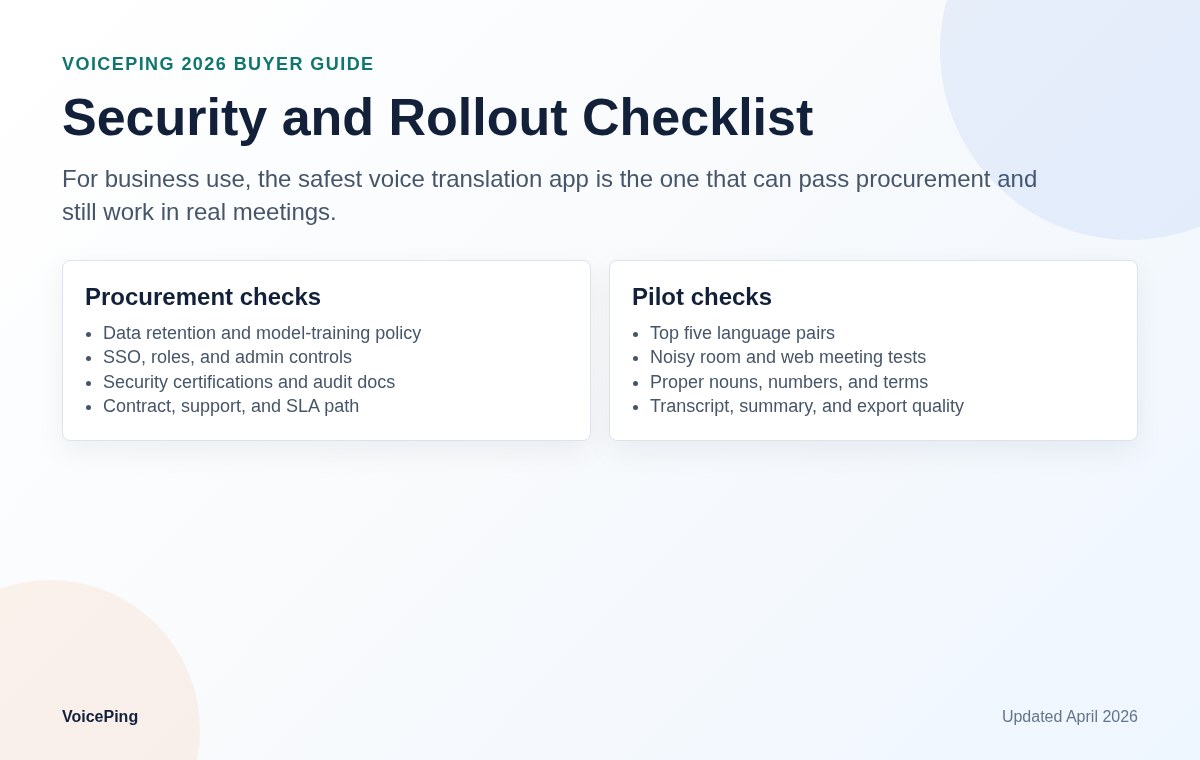
Before buying or standardizing on a voice translation app, run a practical pilot:
| Test | Why it matters |
|---|---|
| Real meeting audio | Demo audio is cleaner than your actual meetings. |
| Product names and people names | Proper nouns are common failure points. |
| Numbers, prices and dates | Small mistakes can create business risk. |
| Long speech and interruptions | Real meetings include overlap, repairs and unfinished sentences. |
| Accents and microphone quality | Accuracy depends on audio conditions. |
| Guest joining | External customers should not need complicated setup. |
| Glossary behavior | Technical terms need consistent translation. |
| Data policy | Confirm retention, training use, encryption and access control. |
| Admin controls | Check SSO, roles, user management, logs and exports. |
| Support process | Events need fast response, not only a help article. |
Why VoicePing Fits Business Voice Translation
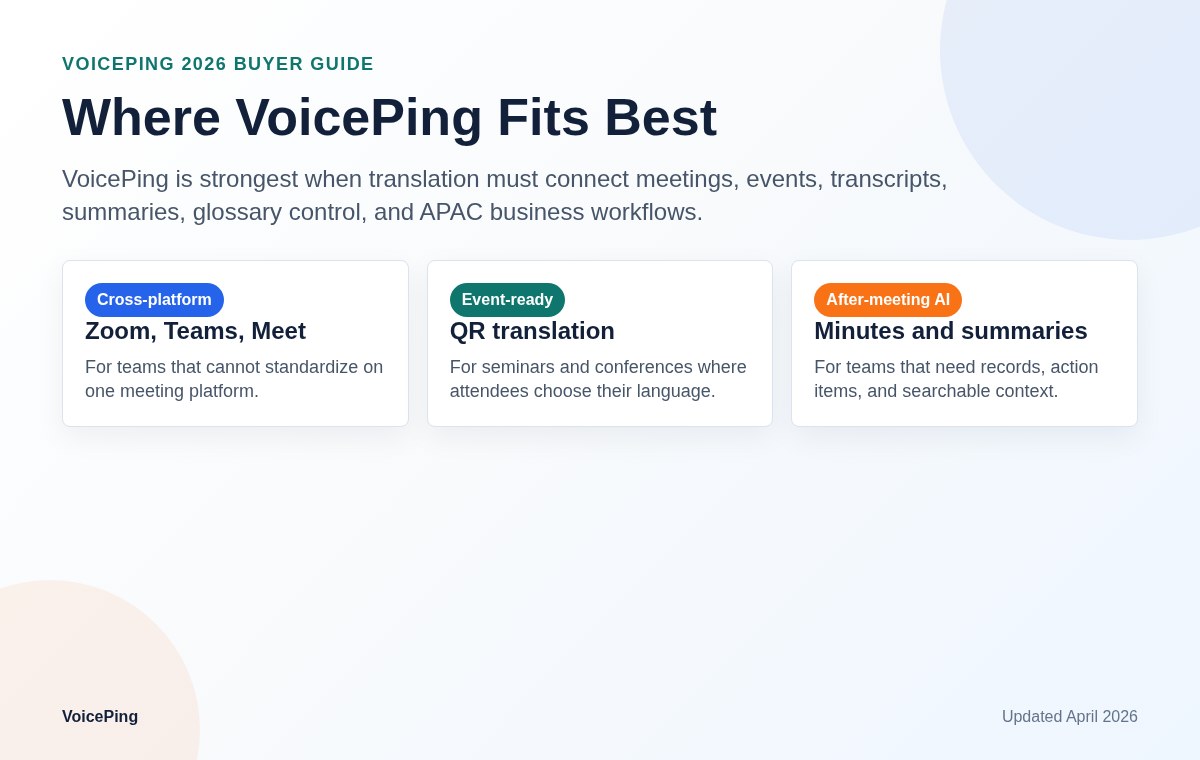
VoicePing is built for organizations that need voice translation to become part of daily work, not just a temporary phrase translation. It is strongest in three patterns:
| Pattern | Why VoicePing fits |
|---|---|
| Global team meetings | Real-time translation, AI minutes and meeting history help teams keep decisions visible. |
| External sales or partner calls | Glossary support and summaries reduce follow-up confusion. |
| Events and seminars | Caption access, multilingual support and post-event records fit business operations. |
Choose VoicePing if your company needs translation, meeting records and event workflows together. Choose a free mobile app if the job is a single personal conversation. Choose a dedicated device if staff need a shared counter device without logging into a personal phone.