In this article
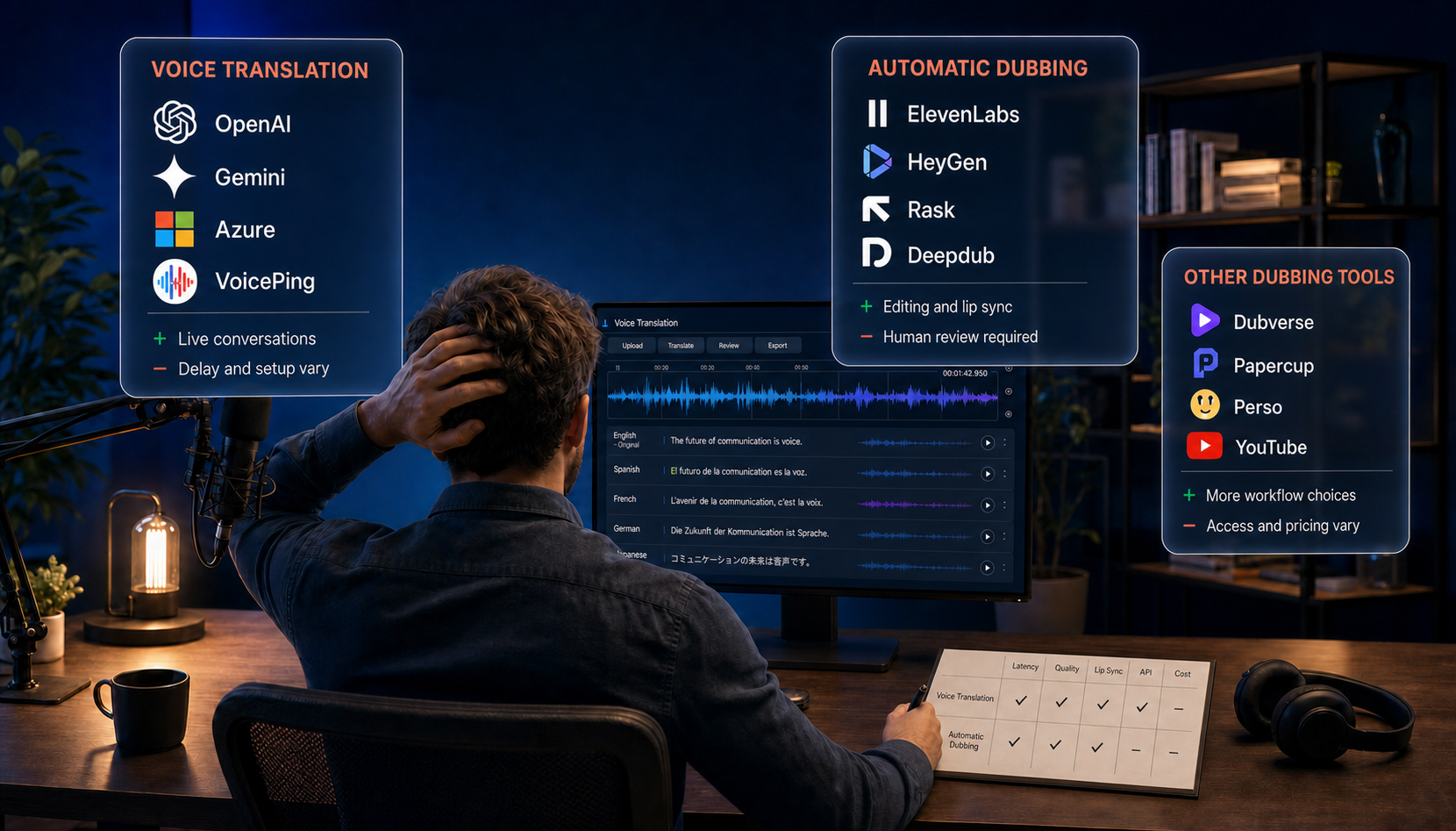
Looking for a tool to translate a video into another language? Compare options for translated subtitles and dubbed audio, including editing features, export formats, and pricing, to find the right tool for your project.
Comparison at a glance
| Tool | Product type | Use case | Outputs | Starting price |
|---|---|---|---|---|
| VoicePing | Business video workflow | Training, webinars, and global teams | Transcript, translation, summary, SRT/ASS, embedded subtitles, dubbing | Individual from $31.50/month |
| Vrew | Video and subtitle editor | Creators, education, and social video | Transcript, translated subtitles, edited video | Light $13.99/month; limited Free tier |
| VEED | Browser video editor | Marketing and short-form production | Transcript, translated subtitles, dubbing, rendered video | Creator $20/user/month; feature limits vary |
| Happy Scribe | Transcript and subtitle workspace | Media teams needing optional human review | Transcript, translation, subtitles, burned-in captions | Basic $17/month; limited trial |
| Sonix | Transcript and subtitle workspace | Interviews, podcasts, and webinars | Transcript, translation, subtitle exports | Core $25/month; pay as you go $10/hour |
| Notta | Meeting transcript workspace | Interviews and recorded meetings | Transcript, summary, translated SRT on qualifying paid plans | Pro web $13.49/month; regional pricing varies |
| HeyGen | AI dubbing and lip sync | Presenter-led video localization | Translated speech, voice options, lip-synced video | Creator $29/month; credit-based limits |
| Amazon Transcribe | Speech-to-text API | AWS-based products and media archives | Transcript, SRT, VTT | Usage-based |
| Google Cloud Speech-to-Text | Speech-to-text API | Custom Google Cloud applications | Transcript, SRT, WebVTT | Usage-based |

The table and chart use monthly billing in USD, not annual-plan discounts. Translation and dubbing allowances vary by plan; speech API rates cover transcription only. Plan details and pricing links appear under each tool.
Choose the output before the tool
- Transcript: searchable text from the video’s speech.
- Captions: timed text in the original spoken language.
- Translated subtitles: timed text in another language, exported as a subtitle file or embedded in the video.
- AI dubbing: spoken audio in another language.
- Lip sync: video adjustments that match the speaker’s mouth movements to the dubbed audio.
Compare tools by use case
Business video translation
1. VoicePing — For business video translation
VoicePing processes an uploaded business recording into a source transcript, translated transcript, AI summary, ASS or SRT subtitles, an embedded-subtitle video, or dubbed media. Its documentation lists 45 translation languages and common audio and video inputs up to 2 GB.
Our take: VoicePing makes sense for training videos and presentations that need translated media and a reusable written record. Keeping the transcript, translation, and summary alongside the recording is its practical advantage for business teams. If matching the on-camera speaker’s voice and mouth movements is essential, consider HeyGen instead: VoicePing lacks lip-sync and voice-selection controls.
Pricing: Individual starts at $31.50/month for 450 transcription/translation minutes. The Free plan includes 90 workspace minutes; confirm File Transcribe access before choosing that plan.
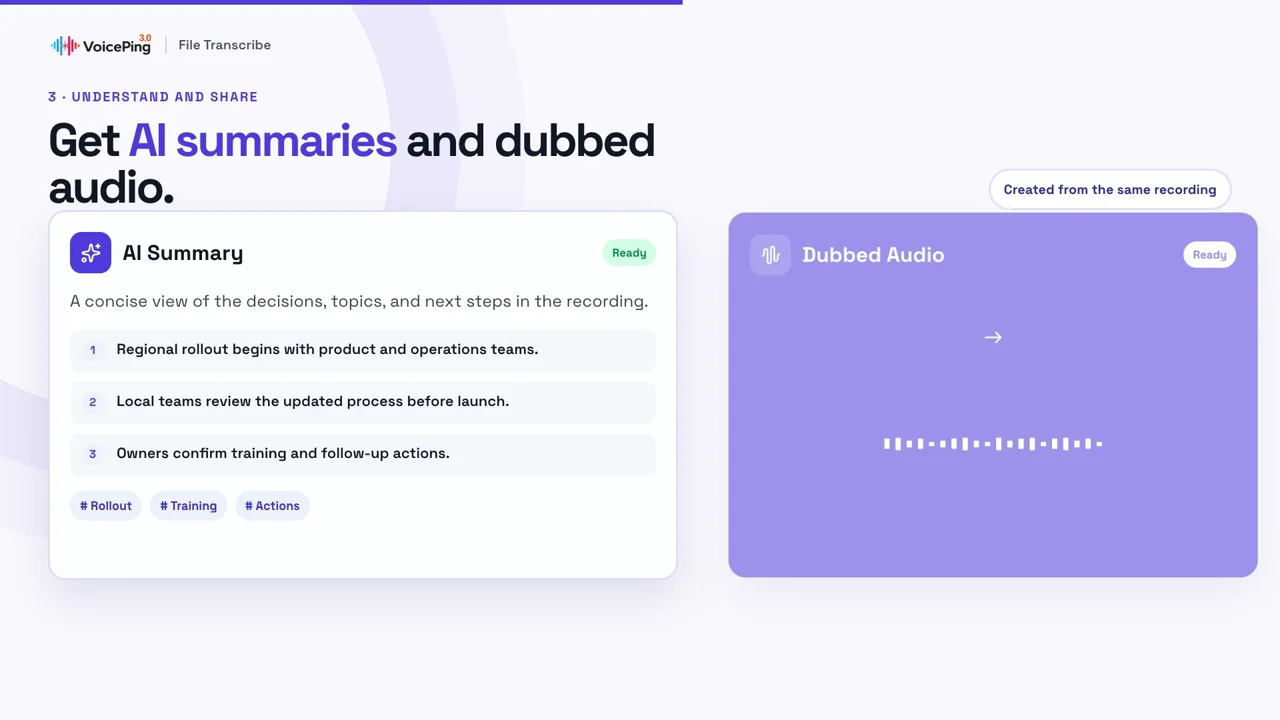
Unable to load this demo. Watch VoicePing: English video demo at the source.
Pros
- Combines transcripts, translations, and summaries.
- Exports ASS, SRT, and embedded subtitles.
- Supports 45 translation languages.
Cons
- Lip sync and voice-cloning controls are not advertised.
- File Transcribe access on the Free plan needs confirmation.
See current VoicePing pricing and plan details .
Video and subtitle editing
2. Vrew — For editing videos through subtitles
Vrew combines automatic transcription, text-based video editing, and subtitle translation. Editing transcript text can also edit the associated video, which is useful when caption correction and content trimming happen together.
Our take: Choose Vrew when translating subtitles is part of editing the video itself. Its text-based editing lets you cut and rearrange spoken content through the transcript, a useful approach for interviews and explainers. If the edit is already finished and your priority is translated speech with lip sync, start with a dubbing-focused tool such as HeyGen .
Pricing: Light starts at $13.99/month with monthly billing. A limited Free tier and credit-based paid plans are available.
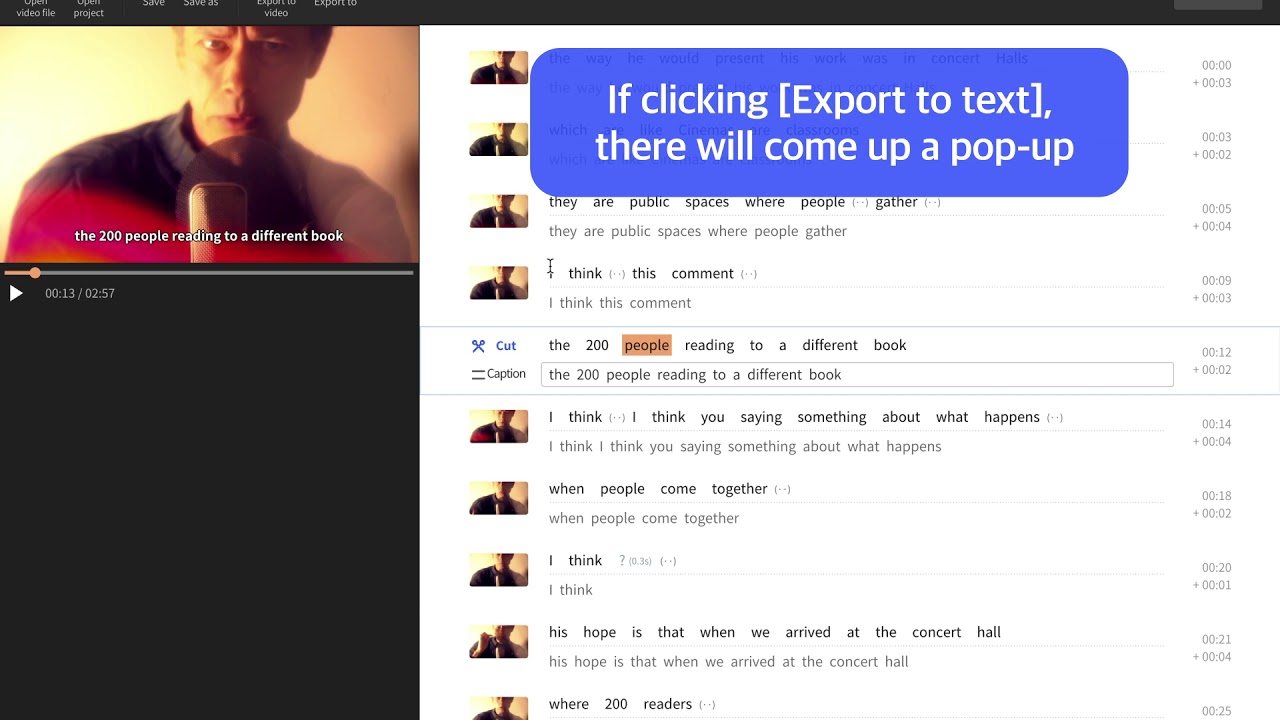
Unable to load this demo. Watch Vrew: export SRT subtitles and text — official English-interface demo at the source.
Pros
- Edits video through transcript changes.
- Combines subtitle creation and translation in one editor.
Cons
- The Free tier has usage limits.
- Credit consumption depends on the feature used.
3. VEED — For browser-based video editing
VEED combines browser-based video editing with automatic transcription, editable captions, subtitle translation, dubbing, styling, and rendered exports.
Our take: VEED is worth shortlisting when you need a finished video, not just a translated subtitle file. Translation alongside trimming, resizing, and caption styling makes it a practical fit for social clips and marketing videos. Watermark-free exports require a paid plan , and the broader editor may be unnecessary if subtitles are your only deliverable.
Pricing: Creator starts at $20/user/month with monthly billing. Translation, dubbing, export quality, watermark rules, and usage credits vary by plan.

Unable to load this demo. Watch VEED: AI dubbing and lip sync at the source.
Pros
- Combines video editing with subtitles and dubbing.
- Exports a finished video from the browser.
Cons
- Export quality and watermark removal depend on the plan.
- Subtitle and dubbing language coverage differ.
Transcript and subtitle workspaces
4. Happy Scribe — For subtitles with optional human review
Happy Scribe provides AI transcription, translation, subtitle timing, exports, and optional human transcription or subtitling services.
Our take: Happy Scribe stands out when you want a human review option for translated subtitles before publication. Its paid proofreading service offers a route beyond AI-only output, but adds cost and delivery time. If you will handle review yourself and also need to recut the video, Vrew or VEED is a more relevant starting point.
Pricing: Basic starts at $17/month with monthly billing. A limited AI trial is available; human services have separate costs.

Unable to load this demo. Watch Happy Scribe: create and translate subtitles at the source.
Pros
- Provides subtitle exports and burned-in captions.
- Offers optional human transcription and subtitling.
Cons
- Human services cost extra.
- Language coverage varies by feature; check your source and target languages.
5. Sonix — For interview and podcast subtitles
Sonix offers transcription, browser editing, translation, subtitle timing, AI analysis, and media exports.
Our take: Sonix is a strong fit when you need control over the wording and timing of translated interview or podcast subtitles. You can edit both the source transcript and its translation , so a reviewer can refine the text before export. If your main deliverable is speech in another language, shortlist a dubbing-focused product instead.
Pricing: Pay as you go costs $10/hour. Monthly plans start at $25 for Core, $50 for Advanced, and $80 for Pro, with 5, 20, and 40 hours respectively. A 30-minute trial is available.

Unable to load this demo. Watch Sonix: create and export subtitles at the source.
Pros
- Provides a browser editor for transcripts and subtitle timing.
- Offers AI analysis for transcripts.
Cons
- Confirm charges for translation, alignment, and subtitle burn-in.
- Additional subscription hours cost $10/hour; extra seats cost $25/month.
6. Notta — For recorded meetings and interviews
Notta is a meeting and recording workspace for live conversations, uploaded files, searchable transcripts, summaries, and transcript translation.
Our take: Notta makes most sense when a recorded meeting needs to be understood and shared across languages, with subtitles as a useful extra. Its transcript workspace is less flexible for publication-ready subtitles because translated text cannot be edited directly . If you need to refine translated wording before export, start with Sonix instead.
Pricing: Notta’s web-plan documentation lists Pro at $13.49/month with monthly billing; regional and app-store pricing can differ. A limited Free plan is available. Translated SRT export requires Pro or above.

Unable to load this demo. Watch Notta: edit source transcripts at the source.
Pros
- Supports live conversations and uploaded recordings.
- Combines searchable transcripts, summaries, and translated SRT exports.
Cons
- Per-conversation limits and export restrictions vary by plan.
- Translated SRT export is not a finished translated video.
See current Notta pricing .
AI dubbing and lip-sync localization
7. HeyGen — For AI dubbing and lip sync
HeyGen is a specialist AI video translation platform focused on translated speech, voice options, and lip-synced presenter video rather than meeting notes or transcript archives.
Our take: Shortlist HeyGen for presenter-led videos where translated speech and matching mouth movements matter. Its audio-only and lip-sync modes let you choose according to the footage, rather than paying for lip sync on every video. The trade-off is control and credit use: lip-sync modes cost more, and script proofreading requires Pro or above .
Pricing: Creator starts at $29/month with monthly billing. Credit use depends on video duration, target languages, export quality, and premium voice features. View HeyGen plans .

Unable to load this demo. Watch HeyGen: translate and dub a video at the source.
Pros
- Combines translated speech, voice options, and lip sync.
- Fits presenter-led marketing and training videos.
Cons
- Additional languages and premium features consume credits.
- Lip sync, pacing, and speaker likeness need review before publishing.
Developer speech APIs
8. Amazon Transcribe — For custom AWS video workflows
Amazon Transcribe provides batch and streaming speech recognition, speaker diarization, custom vocabulary, and language identification. Its batch workflow can also produce SRT or VTT subtitles.
Our take: Amazon Transcribe belongs on your shortlist if developers are building a video workflow around files already in AWS. Its batch subtitle output is a useful building block, but translation and video assembly remain separate jobs. For a one-off video or a team without development support, choose a ready-made translation editor instead.
Pricing: Usage varies by region and workload, with a limited free allowance for eligible new accounts.
| Option | What it does | Listed rate |
|---|---|---|
| Standard batch | Transcribes recorded files; supports SRT and VTT exports. | USD/min:$0.006 |
| Standard streaming | Transcribes live audio as it arrives. | USD/min:$0.010 |
Eligible accounts get 60 free minutes/month for 12 months. Check current AWS pricing .

Unable to load this demo. Watch Amazon Transcribe: create SRT and VTT subtitles at the source.
Pros
- Supports batch and streaming recognition, speaker labels, and custom vocabulary.
- Exports SRT and VTT from batch jobs.
Cons
- Transcription only; translation requires another service.
- Requires development work for storage, editing, and video publishing.
9. Google Cloud Speech-to-Text — For custom Google Cloud workflows
Google Cloud Speech-to-Text provides batch, short-form, and streaming recognition across many languages and variants. Its V2 batch workflow can generate SRT and WebVTT captions.
Our take: Google Cloud Speech-to-Text makes sense when your team wants transcription inside its own application. Dynamic batching offers a lower-cost option for recorded files when turnaround can wait. It is not an upload-and-translate video app: you still need translation, review, and rendering, so choose it for integration control rather than a ready-to-publish result.
Pricing: Recognition is usage-based and depends on the selected model, region, and processing mode.
| Option | What it does | Listed rate |
|---|---|---|
| Standard recognition | Transcribes live audio and recorded files. | USD/min:$0.016 |
| Dynamic batch | Lower-priority transcription of recorded files; up to 24 hours. | USD/min:$0.003 |
Audio channels and Cloud Storage are billed separately. Check current Google Cloud pricing .

Unable to load this demo. Watch Google Cloud: speech-to-text with cURL at the source.
Pros
- Supports batch, short-form, and streaming recognition.
- Generates SRT and WebVTT captions.
Cons
- Translation requires Cloud Translation or another service.
- Requires development work for editing, review, and video publishing.
FAQ
Is a free plan enough for a real video project?
Do we need separate transcription, translation, and dubbing tools?
How should we test accuracy before buying?
What should we verify before uploading confidential video?
Which tool fits your video project?
For subtitle editing, compare Vrew, VEED, Happy Scribe, and Sonix. For translated meeting transcripts, look at Notta. For presenter-led dubbing and lip sync, look at HeyGen. AWS and Google Cloud suit developers building their own workflow.
If you need transcripts, subtitles, summaries, and dubbed versions of business recordings together, explore VoicePing video translation .