In this article
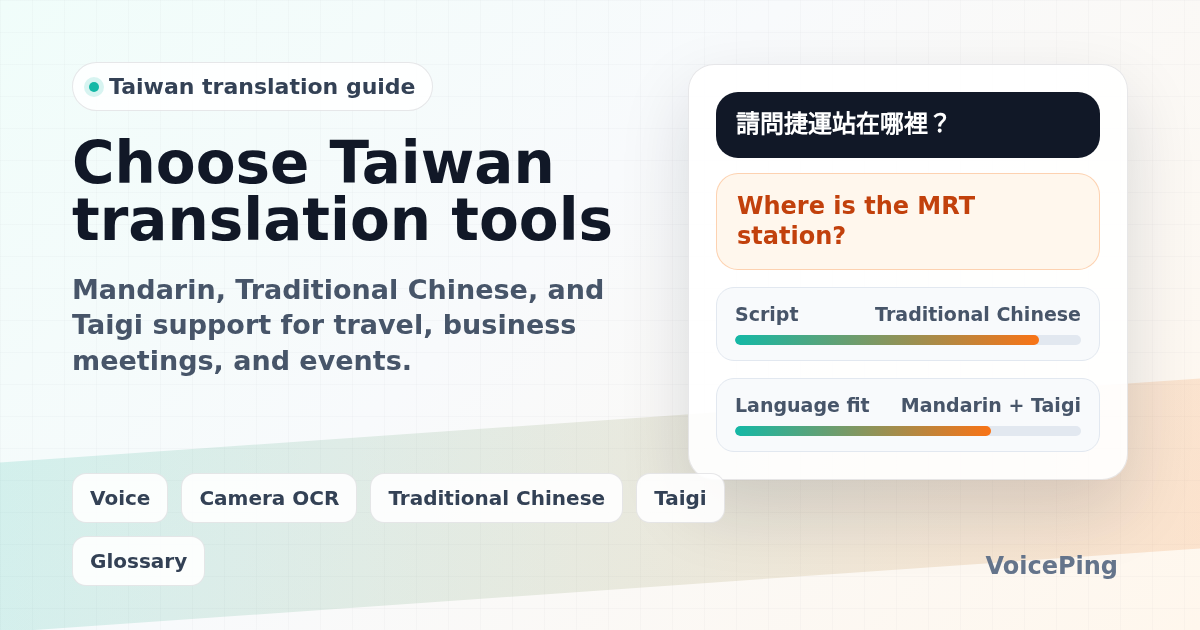
Compare Taiwan translation tools for Mandarin in Traditional Chinese, Taiwanese Hokkien/Taigi, business meetings, travel, camera OCR, and events. Covers VoicePing, Google Translate, DeepL, Microsoft Translator, Apple Translate, VoiceTra, Taigi AI tools, Pleco, and devices.
Last updated: April 26, 2026. We rebuilt this guide with current official product and help pages, and separated Taiwan Mandarin/Traditional Chinese workflows from Taiwanese Hokkien, also called Taigi or Taiwanese.
The first question is not “Which Taiwanese translation app is best?” It is “What do you mean by Taiwanese?”
For most travel, restaurant, sign, business, and meeting situations in Taiwan, the practical translation target is Mandarin Chinese written in Traditional Chinese characters. In local language contexts, “Taiwanese” may mean Taiwanese Hokkien, also called Taigi or Tâi-gí. Taiwan’s National Languages Development Act recognizes the natural languages and sign languages used by Taiwan’s different ethnic groups, so a single “Taiwanese translator” label can hide several different needs.
This guide separates researched product facts from VoicePing’s product opinion. Use it to choose the right tool for Taiwan travel, business meetings, events, Chinese reading, or Taigi support.
Quick Recommendations
| Use case | Start with | Why |
|---|---|---|
| Business meetings with Taiwanese partners | VoicePing , DeepL Voice, Microsoft Teams or Google Meet workflows | Live captions, glossary, transcripts, summaries, and guest access matter more than a phrasebook. |
| Taiwan travel, menus, signs, and transit | Google Translate , Apple Translate , Microsoft Translator , VoiceTra | Camera OCR, mobile voice, phrasebook, and offline text support are the practical checks. |
| Written Traditional Chinese to English | DeepL Translator , Google Translate, Pleco | Long text quality, Traditional Chinese support, dictionary lookup, and human review matter. |
| Taiwanese Hokkien / Taigi | Taigi AI Translation , ATAIGI research , human review | Taigi is lower-resource than Mandarin. Treat AI output as a draft, especially for public or formal content. |
| Events and seminars in Taiwan | VoicePing Event Translation , Wordly, Interprefy, KUDO | QR access, captions, venue audio, terminology, attendee support, and post-event records become the main buying criteria. |
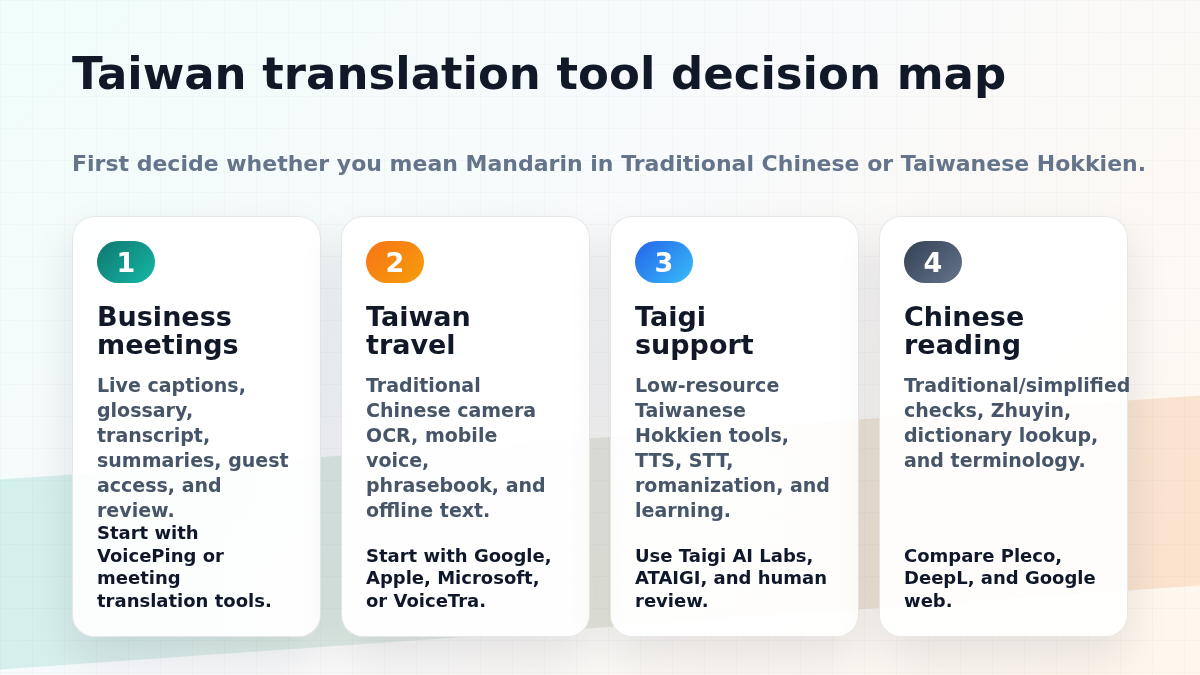
First: Mandarin, Traditional Chinese, or Taigi?
Before choosing an app, define the language problem.
| Need | What to choose |
|---|---|
| Reading signs, menus, hotel messages, receipts, or websites in Taiwan | Traditional Chinese OCR or text translation |
| Speaking with most business contacts in Taiwan | Mandarin speech translation, preferably with Traditional Chinese text support |
| Translating local Taiwanese Hokkien speech or phrases | Taigi/Taiwanese Hokkien-specific tools or human help |
| Preparing formal documents, HR notices, contracts, or medical content | Professional translation or expert human review |
| Running a bilingual meeting or event | A meeting or event translation workflow, not only a mobile app |
This distinction matters because many mainstream tools support Chinese, Simplified Chinese, or Traditional Chinese, but far fewer support Taiwanese Hokkien/Taigi well. If the app only says “Chinese,” check whether it can output Traditional Chinese and whether it supports the exact speech mode you need.
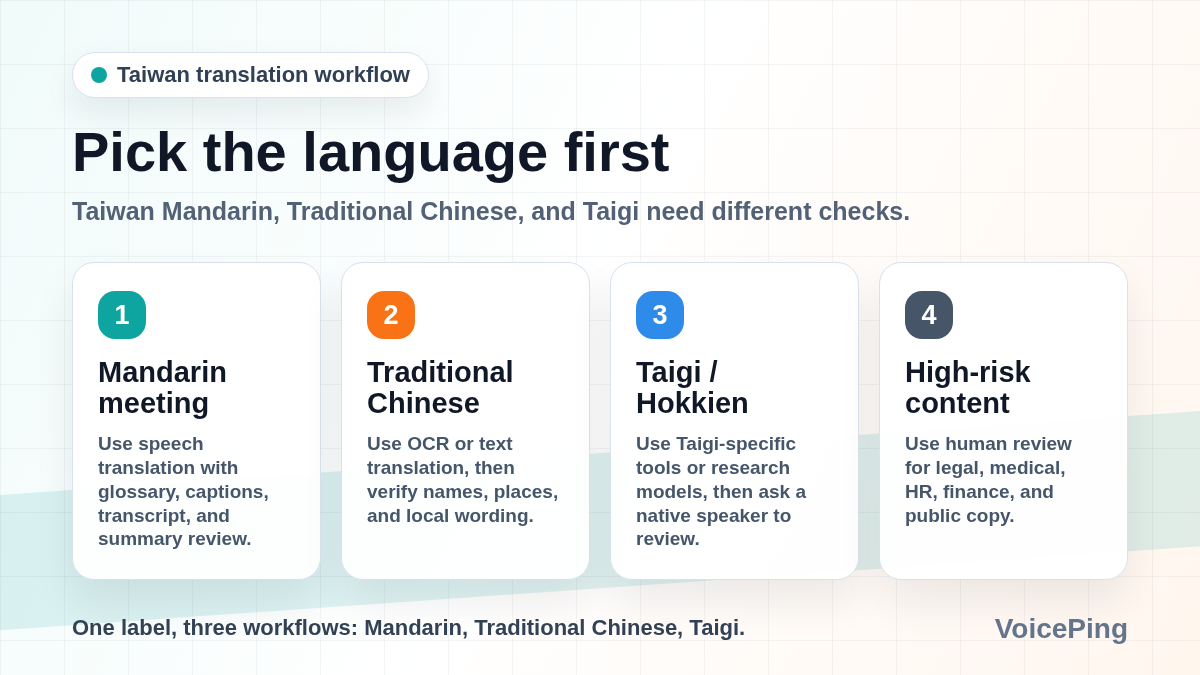
What to Compare Before Choosing a Tool
| Checkpoint | Why it matters in Taiwan |
|---|---|
| Traditional Chinese output | Taiwan normally uses Traditional Chinese characters, not Simplified Chinese. |
| Mandarin speech input | Travel and business conversations usually require Mandarin speech recognition. |
| Taigi support | Taiwanese Hokkien is a separate low-resource workflow; do not assume Mandarin tools can handle it. |
| Camera OCR | Menus, signs, labels, and receipts often require image translation before text translation. |
| Offline limits | Offline text support does not always include live voice or conversation mode. |
| Data handling | Business teams should review recording, storage, retention, and whether transcripts are used for training. |
| Terminology | Product names, organization names, speaker names, and place names should be added to a glossary when possible. |
For a broader comparison across meetings and events, see our 2026 voice translation apps guide and AI event translation tools guide .
Best Taiwanese Translation Tools and Apps
1. VoicePing
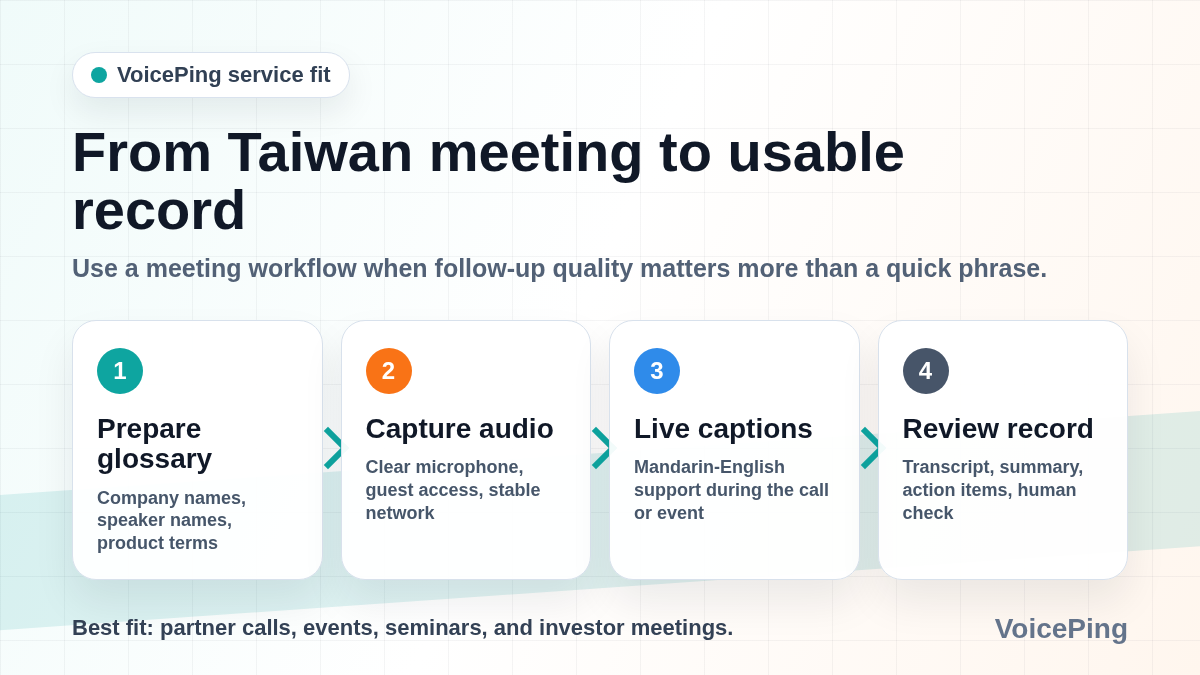
VoicePing is best for Taiwan-related business meetings, seminars, investor calls, trade events, and partner discussions where the conversation needs to become a record. It is built around real-time voice translation, transcription, AI meeting summaries, and business workflows.
VoicePing’s event translation page lists QR-code browser access, no app download for attendees, text-to-speech, 40+ languages, technical terminology support, post-event transcripts, AI summaries, and one-PC support for 2,000+ attendees in event setups.
VoicePing product fit note: choose VoicePing when you need live captions, a meeting transcript, terminology preparation, and follow-up summaries for Taiwan-related meetings or events. It is a business workflow tool, not just a phrase translator.
Watch out for: live translation depends on microphone quality, speaker overlap, venue noise, network conditions, and glossary preparation. Test real Mandarin or Taiwan-accented meeting audio before using any tool for critical discussions.
2. Google Translate
Google Translate is the default travel option. Google’s help page says the app can translate text, handwriting, photos, and speech in over 200 languages. It also documents offline setup and notes that unsupported offline languages show as unavailable.
For Taiwan travel, Google Translate is useful for camera translation, signs, menus, websites, short Mandarin phrases, and quick checks between Chinese and English.
Best for: travel, camera OCR, web pages, everyday lookup, and broad language coverage.
Watch out for: check whether the output is Traditional Chinese when writing to Taiwanese contacts. Broad Chinese support does not remove the need to verify tone, names, and local wording.
3. DeepL Translator
DeepL Translator supports Chinese and English, and its help center notes that Chinese Traditional can be used as a target language while source-language detection does not distinguish Chinese varieties. That makes DeepL useful for polished Chinese-English text drafts, but you should still verify whether the output matches Taiwan usage.
Best for: long written text, business drafts, email polishing, and second-opinion checks.
Watch out for: DeepL is a text-first workflow unless you are using a specific DeepL Voice product. For live meetings, verify the exact plan, supported languages, meeting platform, and data handling.
4. Microsoft Translator
Microsoft Translator is useful for Microsoft ecosystem users, classroom conversations, small group translation, and travel. Microsoft’s Android FAQ says offline packs support text, camera, phrasebooks, and pinned translations. It also says live conversation and microphone speech translation are not available offline, and that speech translation works only online.
Best for: group conversations, travel text and camera translation, phrasebook use, and Microsoft-first teams.
Watch out for: offline text support does not mean offline live Mandarin speech translation. Test the exact Chinese Traditional and speech modes before travel or field work.
5. Apple Translate
Apple Translate is convenient for iPhone users who want built-in text and voice translation. Apple’s iPhone guide documents text, voice, and conversation translation, plus downloaded languages for offline use where supported.
Best for: iPhone-first travel, quick Mandarin phrases, and users who prefer built-in iOS workflows.
Watch out for: some features depend on device, OS, region, downloaded language availability, and Apple Intelligence support. Check requirements before a Taiwan trip.
6. VoiceTra
VoiceTra is a speech translation app from Japan’s National Institute of Information and Communications Technology. The official page says VoiceTra translates speech into different languages, supports 33 languages, is free to download and use, and requires internet data communication.
Best for: short speech translation, travel conversation practice, and users who want a public research-backed option.
Watch out for: because internet communication is required, it is not an offline fallback.
7. Taigi AI Translation
Taigi AI Translation is designed for Taiwanese Hokkien/Taigi rather than general Mandarin Chinese. The public page supports translation between Taigi and languages such as Traditional Chinese, English, Japanese, and others, and includes speech output.
Best for: Taigi phrase drafts, learning, and exploring Taiwanese Hokkien translation.
Watch out for: the page itself warns that important documents should be checked by a native speaker. Treat Taigi AI output as a draft, not final copy for official, medical, legal, or public communications.
8. ATAIGI and Taigi research tools
ATAIGI is a 2025 research paper on a multilingual model for Taiwanese Hokkien. The paper describes Taiwanese as an endangered language and focuses on multimodal capabilities such as machine translation, automatic speech recognition, and text-to-speech.
Best for: understanding where Taigi AI is heading and why mainstream Mandarin tools are not enough.
Watch out for: research models are not always packaged as production-ready consumer apps. For real public content, use human review.
9. Pleco
Pleco is a Chinese dictionary and learning tool. It is useful when the main issue is reading Chinese, checking Traditional/Simplified variants, understanding a word, or looking up definitions beyond one machine-translation result.
Best for: Chinese reading, dictionary lookup, Traditional Chinese checks, and learners.
Watch out for: dictionary lookup is not the same as live meeting interpretation or event captions.
10. Pocketalk and translation devices
Dedicated devices such as Pocketalk can be useful for counters, stores, reception desks, travel groups, or staff who should not use personal phones.
Best for: handheld translation, customer counters, travel groups, and environments where a dedicated device is easier to manage.
Watch out for: compare supported Chinese variants, network costs, battery life, noise handling, admin control, and whether the device can export records if you need compliance or follow-up.
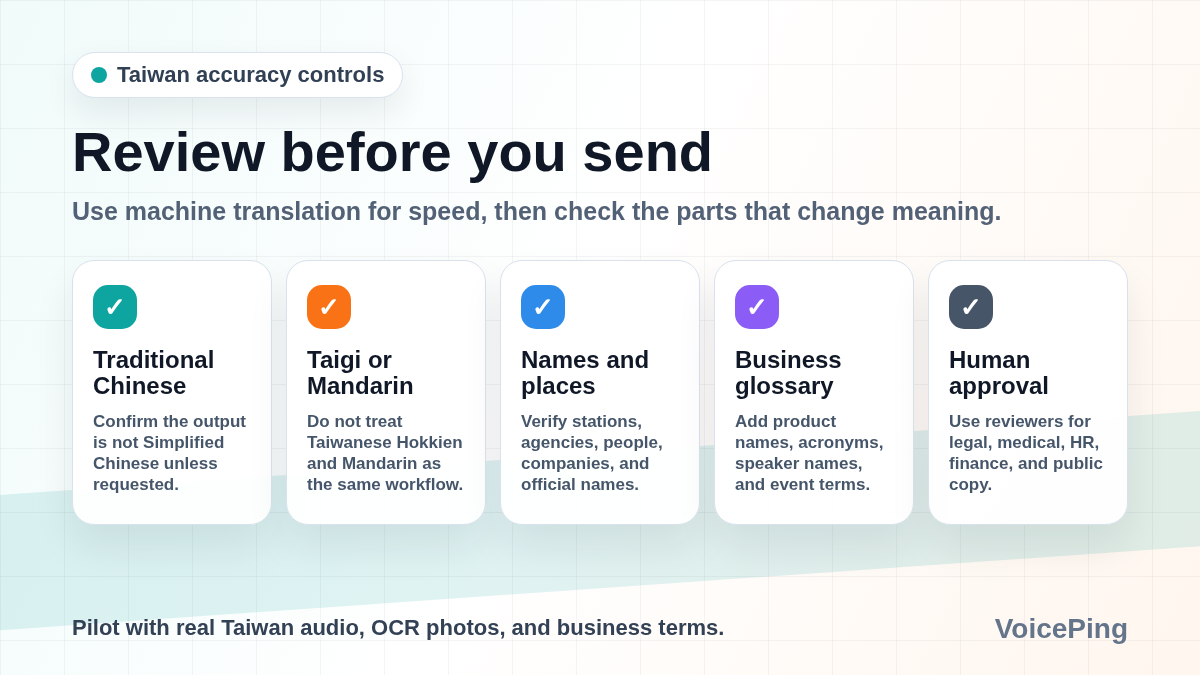
Accuracy Tips for Taiwan Translation
Specify Traditional Chinese
When writing to Taiwan, use Traditional Chinese unless the recipient explicitly asks otherwise. If an app outputs Simplified Chinese, switch language settings or rewrite before sending.
Do not treat Mandarin and Taigi as interchangeable
Mandarin is the practical default for many travel and business workflows. Taigi/Taiwanese Hokkien is a separate language workflow with fewer mature tools. For public Taigi content, ask a native speaker to review.
Verify place names and organization names
Taiwan place names, MRT stations, government agencies, company names, and personal names can be translated inconsistently. Confirm the official English or Chinese name before publishing.
Test OCR with real lighting
Camera translation can fail on vertical text, glossy menus, handwritten notes, small labels, neon signs, and low-light photos. Retake the image and verify the extracted Chinese text before trusting the English.
Use a glossary for business
Add company names, product names, speaker names, industry acronyms, event names, and location names before important meetings when your tool supports glossary setup.
Use human review for high-risk content
Legal, medical, financial, HR, immigration, public-sector, and customer-facing Taiwan communications should be reviewed by a qualified human translator or domain expert. Apps can speed up drafts, but they should not be the final authority.
A Simple Buyer Checklist
Before adopting a Taiwan translation tool for business, run a pilot:
- Test real Mandarin audio from Taiwanese speakers.
- Include place names, company names, numbers, product terms, and mixed English/Chinese terms.
- Check whether text output uses Traditional Chinese.
- Try one mobile travel workflow, one online meeting, and one noisy room.
- Test camera OCR on real menus, signs, and receipts.
- Review transcript quality, summary accuracy, data retention, admin controls, and export options.
- Decide when machine translation is acceptable and when human review is mandatory.
FAQ
What is the best Taiwanese translation app?
For Taiwan travel and Traditional Chinese text, start with Google Translate, Apple Translate, Microsoft Translator, or VoiceTra. For business meetings, start with VoicePing or a meeting-native translation workflow. For Taiwanese Hokkien/Taigi, use Taigi-specific tools and native-speaker review.
Is Taiwanese the same as Mandarin Chinese?
No. In many travel and business contexts people loosely mean Mandarin Chinese used in Taiwan and written with Traditional Chinese characters. In local-language contexts, “Taiwanese” often means Taiwanese Hokkien/Taigi, which is a separate language workflow.
Which tools translate Taiwanese Hokkien or Taigi?
Taigi AI Translation and research projects such as ATAIGI focus on Taiwanese Hokkien/Taigi. Mainstream Chinese translation apps may help with Mandarin and Traditional Chinese, but they should not be assumed to translate Taigi accurately.
Can I use free tools for business meetings in Taiwan?
Free tools can help with short phrases, but business meetings need continuous audio, terminology, transcripts, summaries, guest access, and data review. Test with real Taiwanese Mandarin meeting audio before relying on any tool for work.
Do Taiwan translation apps work offline?
Sometimes, but offline support varies. Google documents offline language downloads where supported. Microsoft says offline packs support text and camera translation, while live conversation and microphone speech translation are not available offline. VoiceTra requires internet data communication.