In this article
Compare Spanish to English voice translation apps for meetings, travel, and recordings, with practical criteria for accuracy, language support, devices, and cost.
Spanish to English voice translation is useful for business meetings, travel, customer support, interviews, webinars, and recorded audio. The right app depends less on the total number of supported languages and more on whether it handles live speech, regional Spanish, meeting records, device access, and privacy requirements.
This guide reviews Spanish to English translation apps and services for mobile conversations, PC meetings, and event workflows. For a broader category overview, see our voice translation apps guide .
The Struggle with Language Barriers
For many businesses operating between the USA, Mexico, and Canada, language barriers can pose significant challenges. Misunderstandings can breed conflict, stall progress, and even negatively impact business relationships.
Perhaps you are pitching a proposal to a Spanish-speaking partner, supporting customers in another region, or working with Spanish-speaking colleagues during a virtual conference. In those situations, a simple phrasebook is rarely enough. The translation workflow has to keep up with live speech, business terms, speaker context, and follow-up notes.
Jargon and technical terms are often the hardest part. A good translation app should preserve meaning, names, numbers, product terms, and regional phrasing instead of only translating word by word.
Choosing the Right Spanish Translation App: Key Considerations
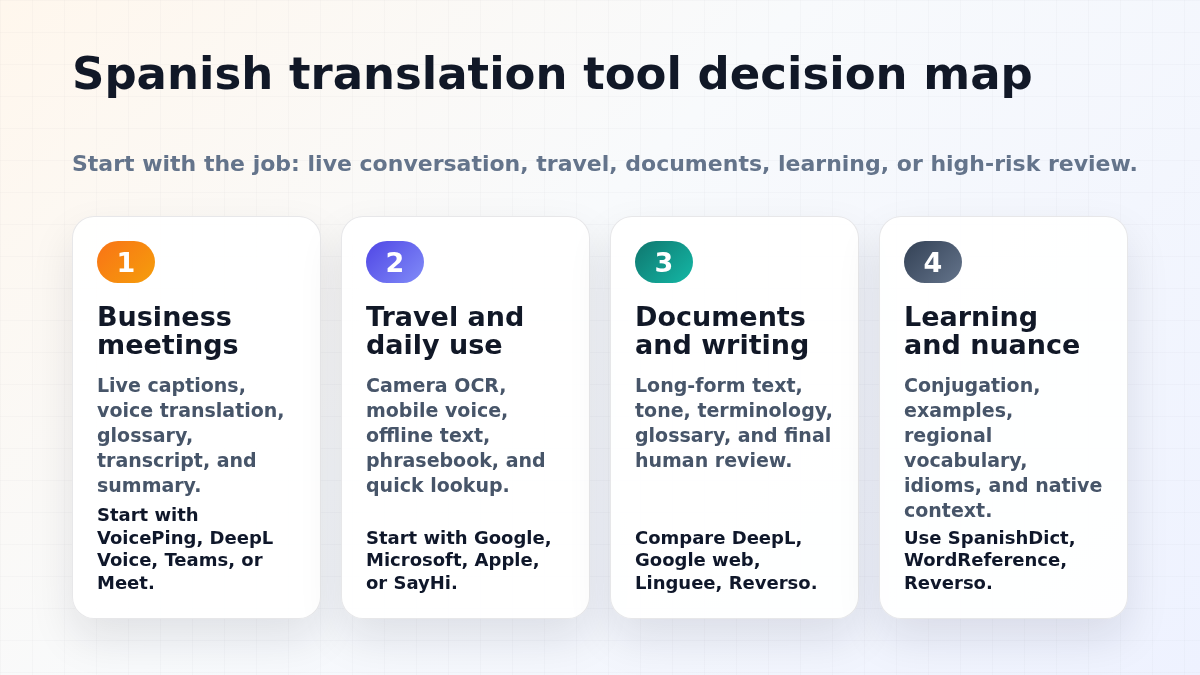
Selecting the right app starts with the job you need it to do. Use these checks before choosing a Spanish to English voice translation tool:
| Checkpoint | What to verify |
|---|---|
| Language support | Confirm Spanish and English support for speech input, translated text, captions, and audio output. |
| Accuracy and speed | Test real audio with accents, numbers, names, jargon, and background noise. |
| Use case fit | Separate travel conversation apps from meeting, event, transcription, and subtitle tools. |
| Cost | Check free limits, ads, subscriptions, usage-based pricing, and business plans. |
| Device compatibility | Verify iOS, Android, desktop, browser, meeting-platform, and offline behavior before relying on it. |
Quick shortlist by workflow:
| Workflow | Tools to consider |
|---|---|
| Business meetings | VoicePing, Webex, Wordly, KUDO, Interprefy |
| Travel and short conversations | Google Translate, Microsoft Translator, VoiceTra, SayHi Translate, Naver Papago |
| Spanish study and dictionary lookup | SpanishDict, iTranslate, U-Dictionary |
| Recorded audio and summaries | Notta, VoicePing, Webex |
Language Support

Spanish varies by region, so test the dialects your team or customers actually use. Strong tools handle idiomatic expressions, local phrasing, and regional accents more reliably than tools tested only on clean textbook sentences.
Accuracy and Speed

The effectiveness of a translation app hinges on its ability to provide high-quality translations at a rapid pace. Accuracy ensures that the intended message is conveyed without misunderstandings, which is critical in professional settings, emergency situations, or during travel. Speed, on the other hand, facilitates real-time communication, allowing for natural and fluid conversations without awkward pauses. Advanced apps leverage AI and machine learning to continuously improve both accuracy and processing speed, making them more reliable over time.
Use Case Suitability

Your specific needs should dictate the translation app you choose. For business negotiations, an app with formal language options and technical vocabulary support might be ideal. Travelers might prioritize apps with offline capabilities and voice translation features for on-the-go assistance. Language learners could benefit from apps that offer contextual examples and pronunciation guides. Assessing how an app aligns with your particular use case can significantly enhance your communication experience.
Budget-Friendly

Translation apps range from free versions with basic functionality to premium offerings with advanced features. While free apps can be appealing, they may include limitations or ads that can hinder your experience. On the other hand, paid apps should justify their cost with superior performance, additional features, and customer support. Evaluate the cost against the app’s value to your personal or professional life, considering any subscription fees or in-app purchases that may apply over time.
Device Compatibility

The best translation app is one that integrates seamlessly into your digital ecosystem. Whether you rely on smartphones for on-the-spot translations or tablets and PCs for more detailed work, the app should be compatible with your hardware. Cross-platform compatibility ensures you can switch between devices without losing functionality or convenience. Additionally, consider the app’s integration capabilities with other tools or platforms you use, enhancing its utility and making it a more powerful aid in your daily activities.
10 Spanish to English Voice Translation Mobile Apps
Mobile translation apps are useful for travel, quick conversations, and lightweight meeting support. Check current plan limits, offline behavior, and language-pair support before using any app for important business conversations.
VoicePing
VoicePing is built for businesses that need real-time voice translation for online meetings, customer calls, and multilingual team communication.
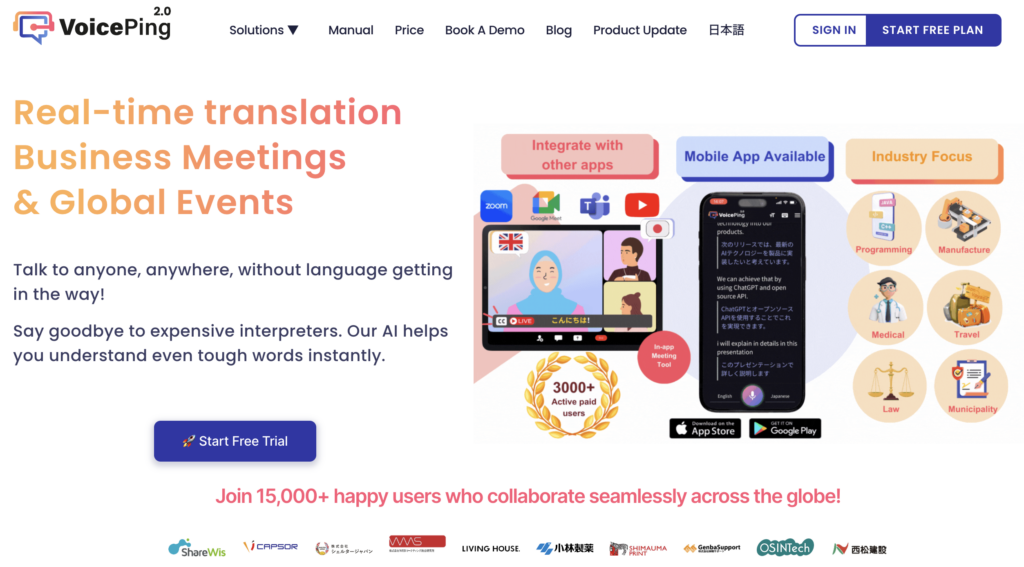
When it comes to quality, VoicePing stands out for its excellent real-time translation and transcription capabilities. It helps transcribe and summarize meetings, ensuring no important details are missed. This feature sets VoicePing apart from other translation tools and makes it an all-in-one solution for online meetings.
It is available across desktop and mobile workflows. Check the current VoicePing site for the latest app and plan details before starting a rollout.
Rating: 9.5/10
Google Translate
Google Translate is arguably the most recognizable name when it comes to translation services. This free service allows for smooth Spanish to English translation and can be accessed on various devices, including Android, iOS, and desktops.
But who is this for? Google Translate is a universal tool. It’s suitable for individuals who need quick translations and businesses that operate on an international scale and require regular translation services.
Quality-wise, Google Translate offers a high level of accuracy[1], and it even has a feature to translate handwritten texts and images. Its USP lies in its comprehensive functionality and accessibility. Unlike some translation services, Google Translate doesn’t only rely on machine learning; it also considers the input from its vast user community to improve the accuracy and richness of its translations.
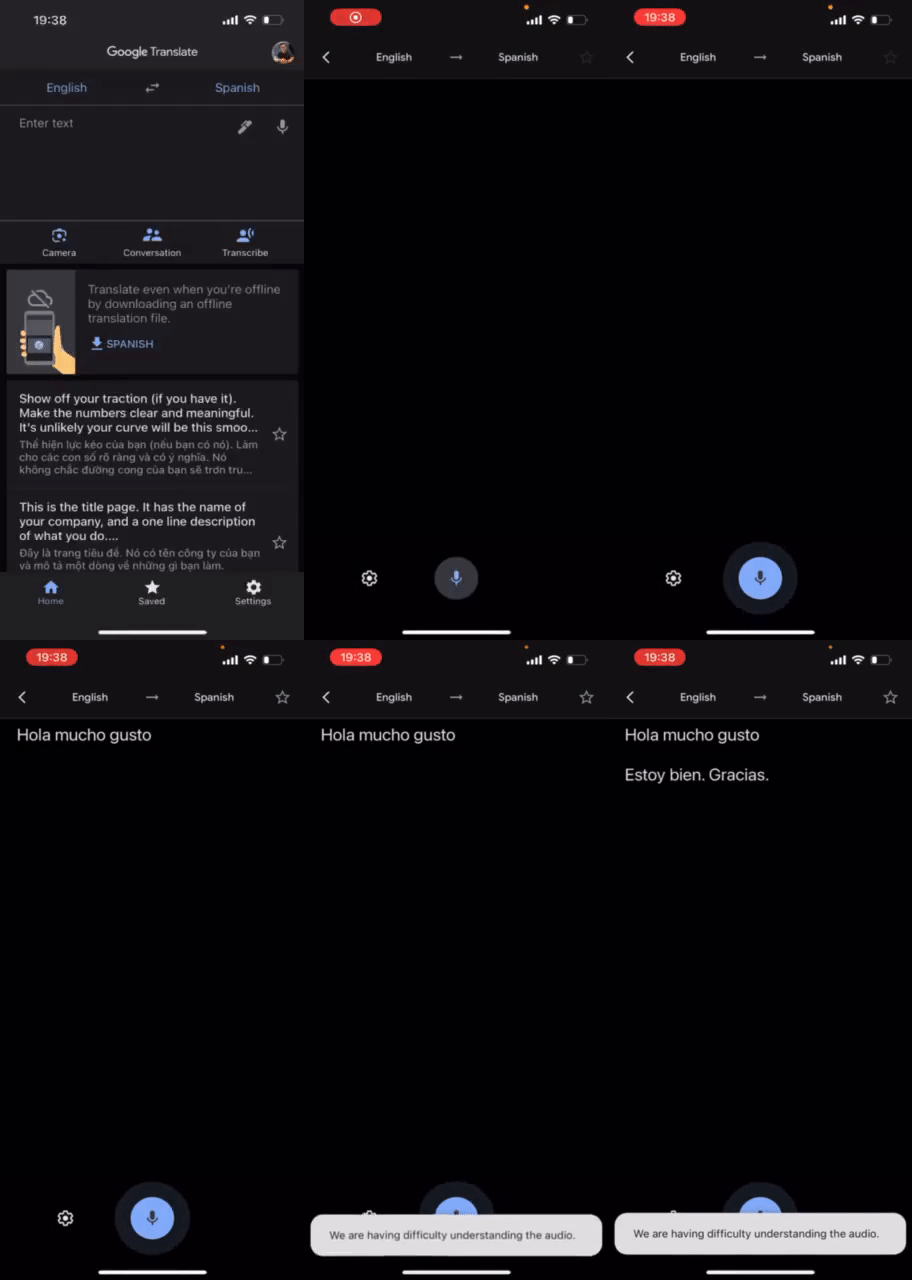 Testing Google Voice Translation
In terms of customer feedback, Google Translate has been applauded for its accuracy, speed, and versatility. Although it might struggle a bit with technical terms or slang, it’s a solid tool for general translation needs.
It is a strong general-purpose option for short phrases, travel, and quick checks. For business meetings, test technical terms, speaker changes, and privacy requirements before relying on it. Rating: 8/10
Microsoft Translator
The next app on our list is Microsoft Translator. It’s another widely-used service that allows translation between Spanish and English among other languages. Microsoft Translator is especially useful for business meetings as it supports multi-device conversation translation.
The quality of Microsoft Translator is commendable. The translations are accurate and the app has a good reputation for recognizing and translating speech quickly. Microsoft Translator’s unique selling point is its support for offline translations, which can be a lifesaver in situations with unstable or no internet connection.
The feedback from customers is generally positive, with users praising its offline feature and its ability to handle technical terms well. Microsoft Translator may still struggle with slang or colloquial terms, so test the exact Spanish dialect and use case.
Available on iOS, Android, and Windows devices, Microsoft Translator offers a limited amount of free translations per month. The pricing for additional translations is affordable, making it a viable option for businesses.
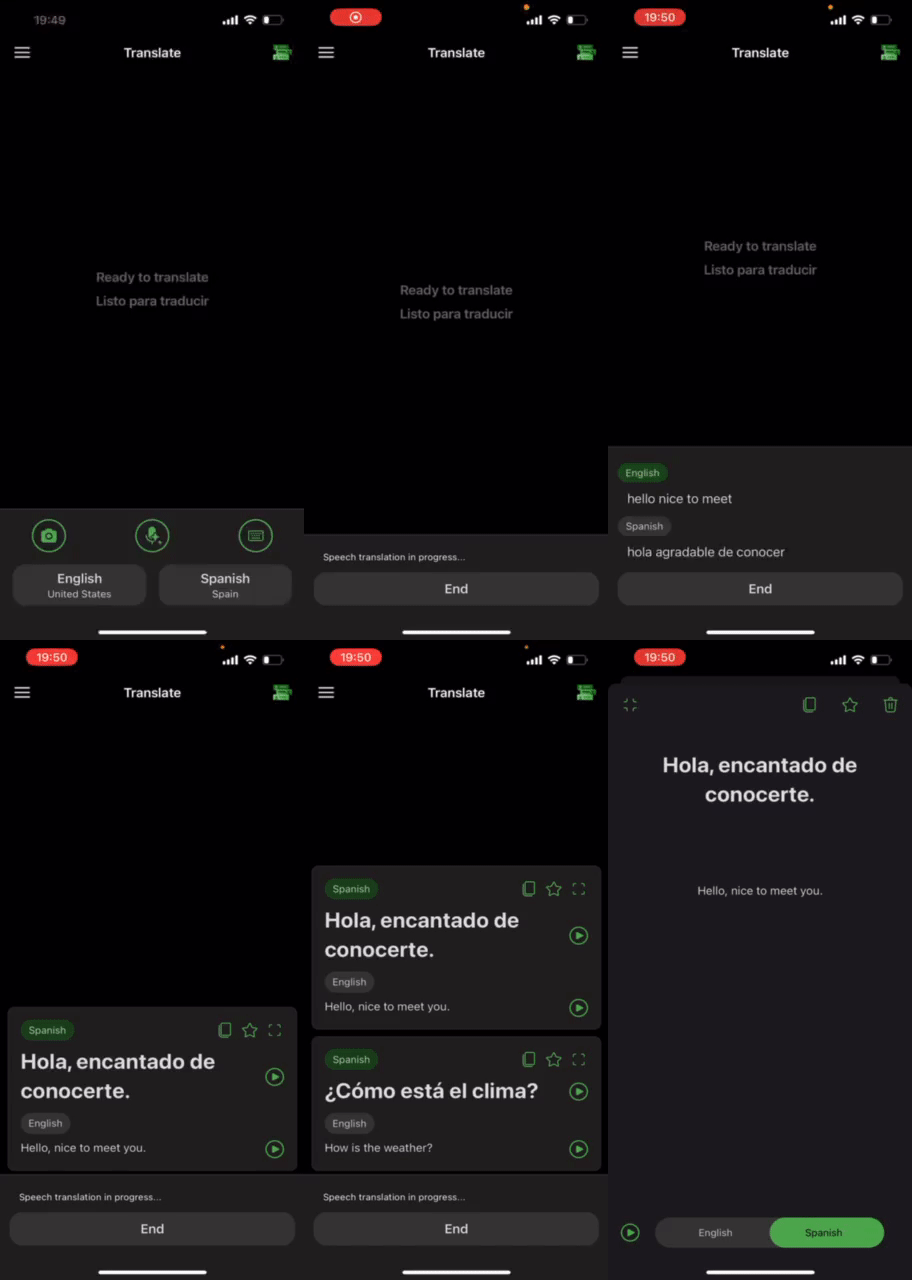 Testing Microsoft Voice Translation
Offline support can be useful during travel, but live speech features and language packs vary by platform. Confirm the exact offline mode before relying on it. Rating: 8.5/10
iTranslate Translator
iTranslate Translator is another fantastic tool that deserves a spot on this list. This application provides a translation dictionary and voice-to-voice capability in various languages, including Spanish and English.
iTranslate Translator is best suited for businesses that require frequent translations. The quality of translation provided by iTranslate Translator is high, and the app prides itself on its ability to effectively handle conversational and technical language.
The unique selling point of iTranslate Translator is its voice-to-voice capability, which enables users to have real-time conversations with people who speak different languages.
Customer feedback for iTranslate Translator is generally positive, with users appreciating its accuracy, user-friendly interface, and speed. The pricing varies depending on the plan chosen, but a free version is available with basic features.
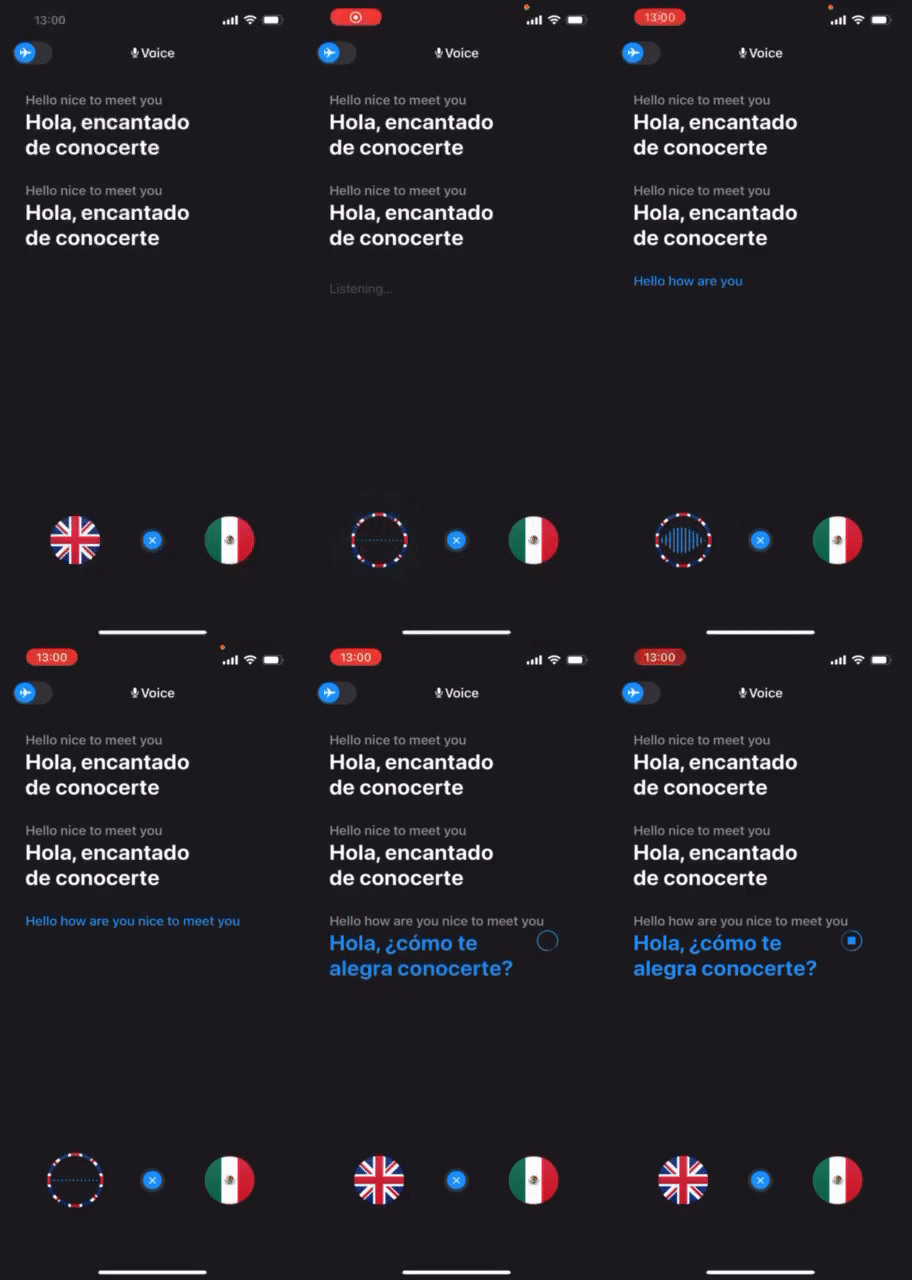
It is worth testing when you need a familiar consumer translation app with voice-to-voice support and dictionary features. Rating: 8/10
SpanishDictionary.com
SpanishDict is an app that specializes in Spanish translation. It’s available on iOS and Android devices. This tool is especially useful for businesses dealing predominantly with Spanish-speaking partners or clients.
In terms of quality, SpanishDict offers high accuracy, especially when it comes to Spanish translation. Its unique selling point is the integration of a comprehensive Spanish dictionary, which can be a valuable resource for understanding and learning the language better.
Customer feedback for SpanishDict is highly positive, especially for its in-depth Spanish resources. However, the free version contains ads, and a subscription is needed to access ad-free translations and additional features.
SpanishDict is especially useful when you need dictionary context, conjugations, and examples instead of only a one-line machine translation.
Rating: 7.5/10
VoiceTra
VoiceTra is a highly accurate voice translation application developed by the National Institute of Information and Communications Technology (NICT). It is available for iPhone and Android devices in 31 languages, including Spanish.
The ability to instantly switch translation directions allows two people to communicate on a single device. It is ideal for travel-related conversations and can be useful in hotels and shopping while traveling abroad.
Rating: 8/10
Talking Translator
Talking Translation provides real-time voice and text translation. It is available for Android devices only. It supports over 100 languages, including Spanish.
One of the features of this app is the speed of translation. Recognized speech is translated instantly, roughly within one second. This allows for smooth conversations in real time. The interface is also excellent, with eight colorful themes from which to choose your favorite style.
Naver Papago
Naver Papago is an application with multiple translation features, available for iPhone and Android devices. It supports 13 languages including Spanish.
It supports text translation and image translation in addition to voice translation. In addition, offline translation, handwritten translation, website translation, and many other features are available. It is useful in a variety of ways when you need translation while traveling, on a business trip, or while studying a language.
SayHi Translate
SayHi Translate is a voice translation app that supports 60 languages. It also supports Spanish dialects. Available for iPhone and Android devices.
This app is completely free and has no ads or premium features. The simple and modern appearance is impressive. Perfect if you want to learn a new language, travel to a foreign country, or chat with people who don’t speak your language.
UDictionary Translator
U-Dictionary is an efficient translation and dictionary app. Voice translation supports 33 languages including Spanish and 47 accents. Available for iPhone and Android devices.
According to customer reviews, it is highly rated among language learners. The paid premium version offers additional features such as grammar checking and offline mode.
5 Spanish to English Voice Translation PC Apps
Webex Meetings

Webex Meetings is widely used as a web conferencing tool worldwide. It is equipped with a real-time translation function as a paid add-on function. It is available in a browser version and a desktop app version.
The features of Webex Meetings include:
- Translate from 13 languages to 108 languages
- Easy to hear with noise canceling function
- Automatic transcription of the whole meeting
- Up to 5 languages can be translated simultaneously
- You can customize the subtitle display location, font size, etc.
Real-time translation function requires a $30 monthly add-on fee in addition to the fees listed below.
Check the current Webex pricing and add-on details before budgeting for a rollout.
Notta
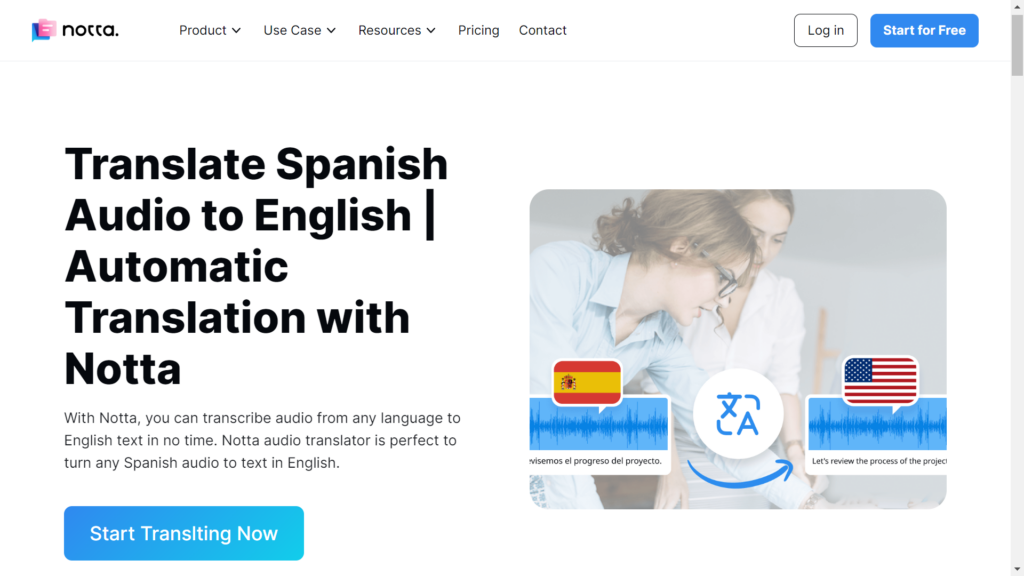
Notta is a service that uses speech recognition technology and AI summarization to record and summarize interviews, face-to-face meetings, and web conferences. It also functions as an audio transcription and translation tool. It supports 42 languages, including Spanish.
The features of Notta include:
- State-of-the-art voice recognition technology
- Protect privacy and security of data using the SHA256 hashing algorithm and symmetric key encryption technology
- Support for a wide variety of file formats
- Fast recognition and conversion speed that transcribes a 1-hour recording in only 5 minutes
Wordly
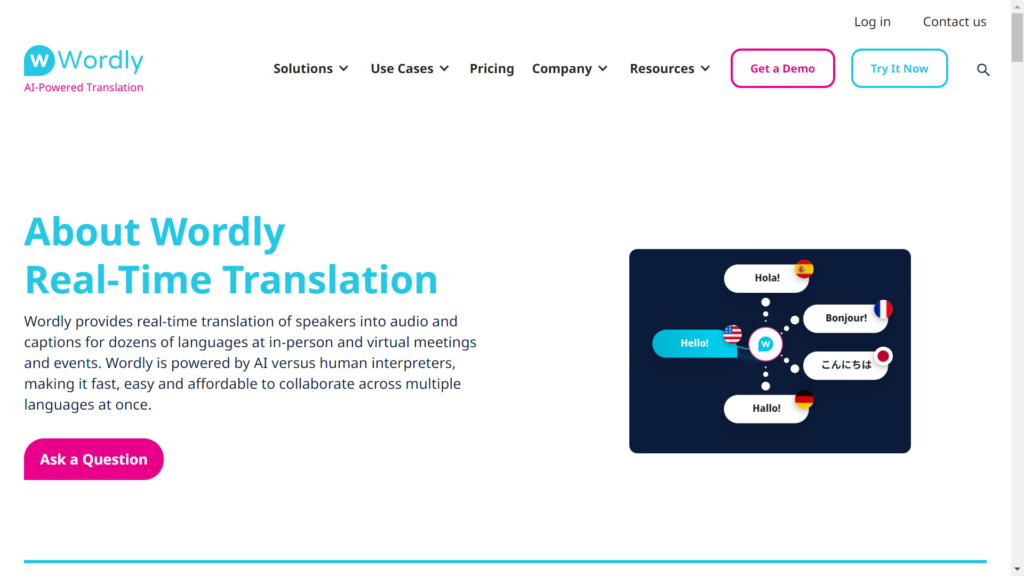
Wordly provides easy, accurate, and affordable AI translation for any meeting or event. Supports over 50 languages and over 2,000 language pairs. It is a reliable service with 2 million users since its launch in 2019.
The features of Wordly include:
- High-quality translation at an affordable price with extensive language testing and ongoing translation engine optimization
- Translate existing resources such as webinar videos, product demos, etc. into over 50 languages.
- Flexible integration options, working with Cvent, Zoom, Teams, Encore, and many more event platforms and service providers.
- Strong security and privacy protection, which meets SOC 2 Type II compliance requirements
Pricing is based on usage and the number of attendees.
KUDO
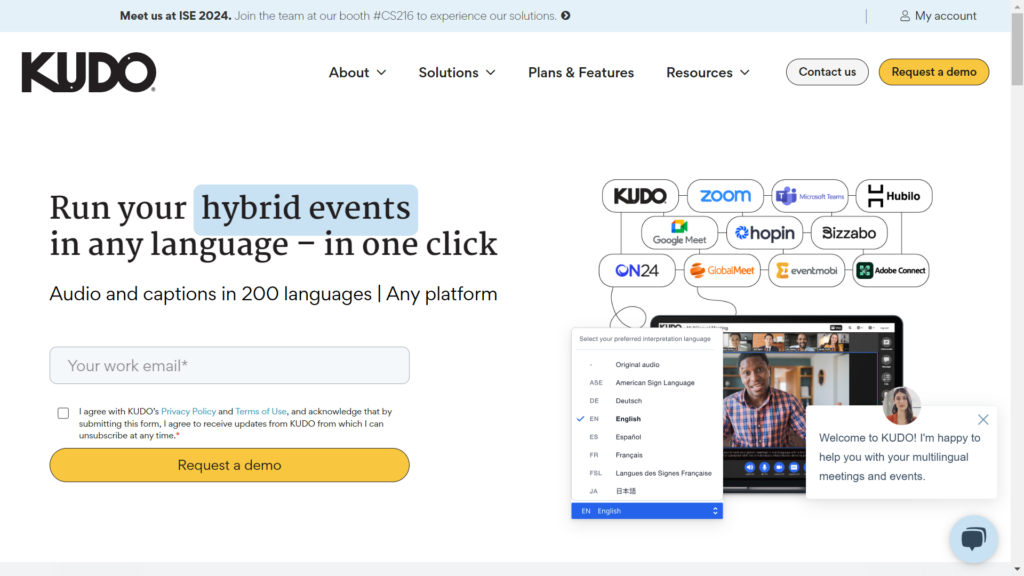
Kudo supports multilingual communication on any meeting or event platform. Translate from 10 languages, including Spanish, into 31 languages.
Features of KUDO include:
- AI-generated voice that imitates the natural flow of speech
- Download recordings in each language for offline use
- It is not limited to one speaking language. Presenters can speak multiple languages.
- Real-time continuous translation, not a record-and-playback workflow.
Interprefy
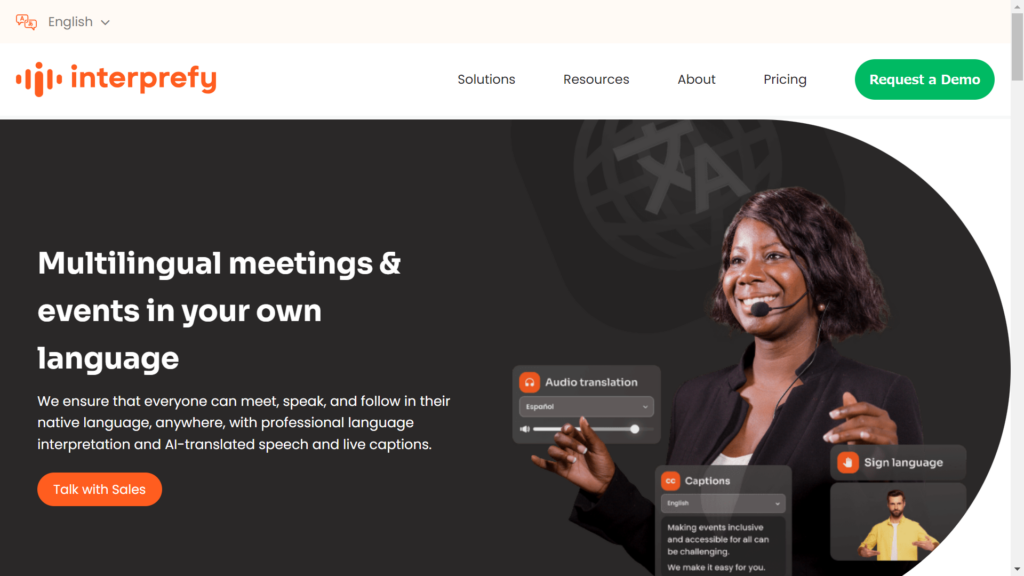
Interprefy provides live captions at meetings and real-time AI speech translation at events. It also provides interpreters and broader language support for multilingual events. It supports over 70 languages.
- Transcribe spoken language in its original form instantly
- Seamlessly translate live speech automatically
- AI-powered voices that sound just like humans
- Work in any platform you choose, Zoom, Teams, and more
Interprefy offers bespoke pricing plans to meet your unique requirements.
Conclusion
Every app has strengths, and the right choice depends on the workflow. Travel apps are useful for short conversations, dictionary apps help with Spanish learning and nuance, and meeting or event platforms are stronger when you need captions, transcripts, summaries, and business controls.
For recurring Spanish to English business meetings, prioritize live audio quality, glossary support, transcript review, data handling, and attendee access. For a broader comparison of meeting, event, travel, and device options, read the best voice translation apps guide .