In this article
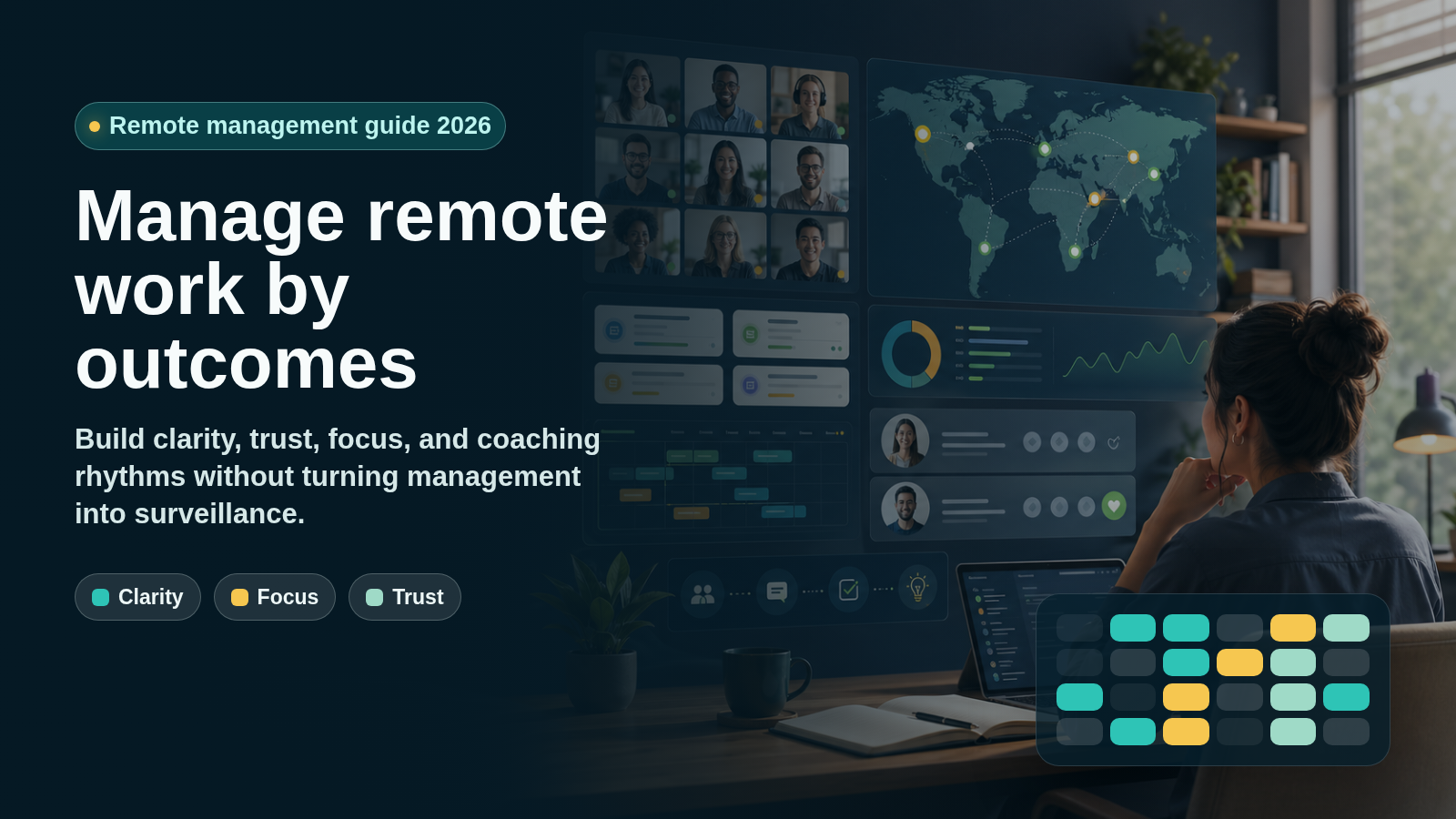
Learn how to manage remote employees in 2026 with clear outcomes, async communication, focus protection, trust, coaching, and the right collaboration tools.
Last updated: April 26, 2026. This guide was refreshed with current remote and hybrid work, employee engagement, work-rhythm, team-agreement, and VoicePing documentation sources. Tool pricing, plan limits, free trials, and product features change often, so verify official pages before purchasing or changing policy.
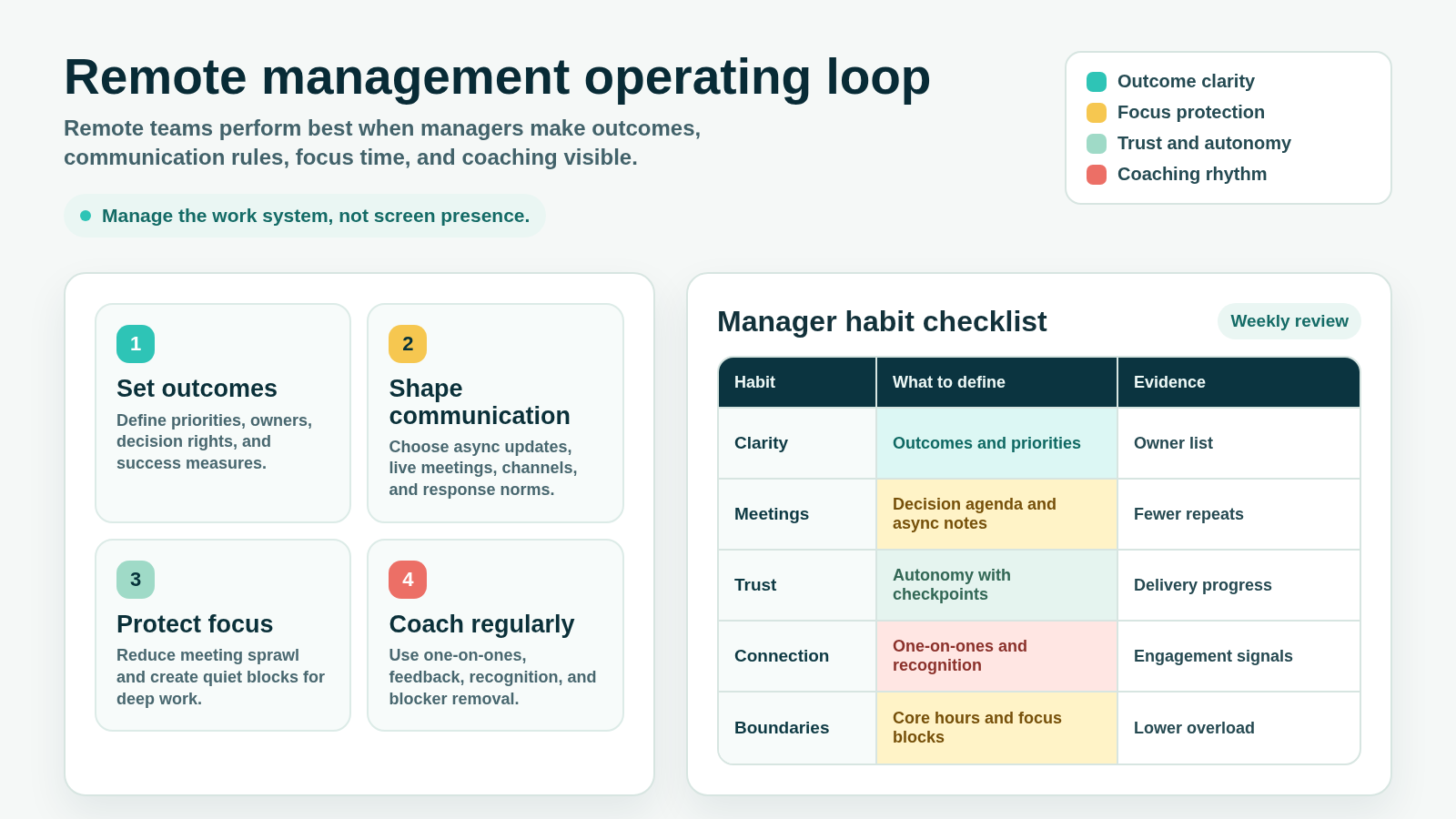
Managing remote employees in 2026 is not about proving that people are online. It is about designing a work system where outcomes, communication rules, focus time, trust, and coaching are visible enough that people can do good work from different places.
Remote and hybrid work are no longer temporary exceptions. Gallup’s guide to managing hybrid and remote teams says work location patterns have remained stable since 2022 and that remote-capable roles now account for roughly half of the U.S. workforce. WFH Research’s January 2026 update also shows hybrid and fully remote work continuing as a durable part of the labor market.
That stability changes the manager’s job. The question is not “how do we recreate the office online?” It is “how do we make expectations, decisions, relationships, and boundaries clear when the team is distributed?”
What Remote Work Management Means
Remote work management is the practice of leading employees who do not share the same physical workspace every day. It includes goal setting, communication, meetings, performance management, collaboration, coaching, security, documentation, and team connection.
The fundamentals of management do not disappear remotely. People still need:
- Clear expectations
- The right tools and information
- Reliable feedback
- Trust and autonomy
- Recognition
- Growth opportunities
- A manager who removes blockers
- A fair way to measure performance
Remote work makes those fundamentals more intentional. In an office, weak processes can be hidden by hallway conversations. In a remote team, unclear priorities, vague ownership, too many meetings, and poor documentation become visible quickly.
Why Old Remote Management Advice Is Stale
Early remote-work advice often focused on replacing the office: more video meetings, more check-ins, more status reporting, and more tools. That approach can create overload.
Microsoft’s 2025 Work Trend Index follow-up describes an “infinite workday” shaped by messages, meetings, app switching, after-hours work, and fragmented attention. For remote teams, this is a management design problem. If managers use meetings and pings to compensate for unclear priorities, flexibility turns into always-on work.
The better model is to manage the system:
- Define outcomes before activity
- Prefer written clarity before repeat meetings
- Use live time for decisions, coaching, and conflict
- Protect focus time
- Track delivery and quality, not screen presence
- Build connection deliberately
Remote Work Management Best Practices
1. Manage by Outcomes, Not Screen Presence
Remote employees should know what good work looks like without needing to prove they are at their desk all day.
Define:
- Team priorities
- Individual owners
- Deadlines or review dates
- Quality standards
- Dependencies
- Decision makers
- What “done” means
- How progress will be reviewed
Avoid vague standards such as “be responsive” or “stay visible.” Replace them with observable expectations, such as “post a daily blocker update before 10 a.m. local time” or “demo completed work every Friday.”
2. Clarify Communication Rules
Remote teams need fewer ambiguous channels. Decide what belongs where.
| Communication type | Best channel | Expected use |
|---|---|---|
| Urgent blockers | Voice, phone, or priority chat | Same-day escalation |
| Decisions | Meeting notes or decision log | Written record with owner |
| Status updates | Async post or project board | Short, regular progress visibility |
| Brainstorming | Live workshop or shared document | Time-boxed collaboration |
| Feedback | One-on-one or review comment | Clear, respectful, specific |
| Knowledge | Wiki, runbook, or project doc | Searchable source of truth |
This reduces tool sprawl and helps people avoid guessing whether a chat, meeting, email, or document is the real source of truth.
3. Protect Focus Time
Remote employees can lose deep work time when calendars fill with small meetings and pings. Create explicit focus blocks and treat them as part of the operating model.
Useful practices include:
- No-meeting half days
- Meeting-free recovery windows after long collaboration blocks
- Async status updates before live meetings
- Default 25- or 50-minute meetings instead of 30 or 60
- Clear rules for when chat is urgent
- Core collaboration hours that respect time zones
- Written agendas for every meeting
If a meeting does not need discussion, decision, coaching, or conflict resolution, it may not need to be live.
4. Build a Team Agreement
Atlassian’s Working Agreements Play recommends documenting shared norms for how a team communicates and collaborates, and revisiting the agreement when teams become hybrid or fully distributed.
A remote team agreement should cover:
- Core collaboration hours
- Response-time norms
- Meeting expectations
- Camera and recording expectations
- Async update format
- Focus-time protection
- Time-off visibility
- Escalation paths
- Documentation standards
- How decisions are recorded
- How new teammates are onboarded
Keep the agreement practical. If people cannot remember it, they will not use it.
5. Use One-on-Ones for Coaching, Not Status
One-on-ones are one of the manager’s most important remote rituals. Do not spend them only reading task updates that could have been posted asynchronously.
Use one-on-ones to discuss:
- Priorities
- Blockers
- Workload
- Feedback
- Career growth
- Motivation
- Collaboration problems
- Recognition
- Support needs
Gallup’s remote-team guidance emphasizes intentional management and employee engagement. In remote teams, connection does not happen by default; managers have to create regular, useful moments for feedback and support.
6. Make Progress Visible Without Surveillance
Remote work requires visibility, but visibility should not become surveillance. Use project boards, demos, decision logs, and written updates to show the state of work.
Good visibility answers:
- What is being worked on?
- Who owns it?
- What changed?
- What is blocked?
- What decision is needed?
- What is done?
- What risk is rising?
Avoid using activity metrics such as mouse movement, online status, or message volume as a proxy for performance. Those metrics can reward performative busyness and punish deep work.
7. Reduce Meeting Load
Meeting overload is a common remote-team failure mode. Audit meetings regularly.
For each recurring meeting, ask:
- What decision or collaboration does this meeting support?
- Can the status portion move async?
- Who truly needs to attend?
- Can it be shorter?
- Can it happen less often?
- Is there a written agenda?
- Is there a written outcome?
Remote teams need connection, but they do not need every update to become a video call.
8. Support New Hires and Early-Career Employees
Remote management should be especially intentional for people who are new to the company, early in their career, or new to remote work.
Provide:
- Onboarding plan
- Buddy or mentor
- First-week and first-month goals
- Clear documentation map
- Regular manager check-ins
- Recorded walkthroughs
- Early feedback
- Invitations to team rituals
Do not assume new hires will absorb context by observing the office. Remote onboarding needs designed context.
9. Set Boundaries Around Availability
Remote work can blur the boundary between work and personal time. Managers should model healthy availability.
Define:
- Core hours
- Emergency escalation rules
- Expected response times
- Time-zone handoff norms
- After-hours communication expectations
- Vacation and sick-day coverage
- Meeting booking windows
The goal is not to stop flexibility. The goal is to prevent flexibility from becoming constant availability.
10. Choose Tools That Match the Workflow
Tools should support the team agreement, not replace it.
A remote management stack usually needs:
- Calendar and scheduling
- Chat
- Voice and video
- Project or task management
- Documentation
- File sharing
- Recording or transcription
- Access management
- Security controls
- Presence or availability context
Too many tools create confusion. Too few tools force everything into meetings. Choose deliberately.
Common Remote Management Mistakes
Measuring Activity Instead of Impact
Online status, messages sent, and meetings attended are weak performance signals. Use delivery quality, customer outcomes, collaboration quality, and clear progress instead.
Replacing Trust With Monitoring
Monitoring may produce data, but it can damage trust if it is used as a substitute for clear expectations and good management. Be explicit about what is tracked, why it is tracked, and how it is used.
Letting Async Work Become Ambiguous Work
Async work only works when the writing is clear. A vague async update creates as much confusion as a vague meeting.
Making Every Problem a Meeting
Some problems need a live conversation. Many need a written decision, a better project board, a clearer owner, or a shorter escalation path.
Ignoring Connection
Remote employees still need relationships, recognition, and career development. Connection should be intentional, not left to chance.
Applying One Policy to Every Role
Customer support, engineering, sales, operations, and leadership teams may need different remote rhythms. Use consistent principles, but adapt the operating model to the role.
Remote Work Metrics to Track
Useful metrics include:
- Delivery reliability
- Cycle time
- Customer response time
- Escaped defects or rework
- Blocker age
- Meeting load
- Focus-time protection
- Employee engagement
- One-on-one completion
- Onboarding progress
- Retention and internal mobility
- Documentation completeness
Metrics should help managers improve the system. They should not become a scoreboard that encourages unhealthy behavior.
Where VoicePing Fits in Remote Work Management
VoicePing is not a complete HR management system or project management suite. It supports the communication and visibility layer around remote and hybrid teams.
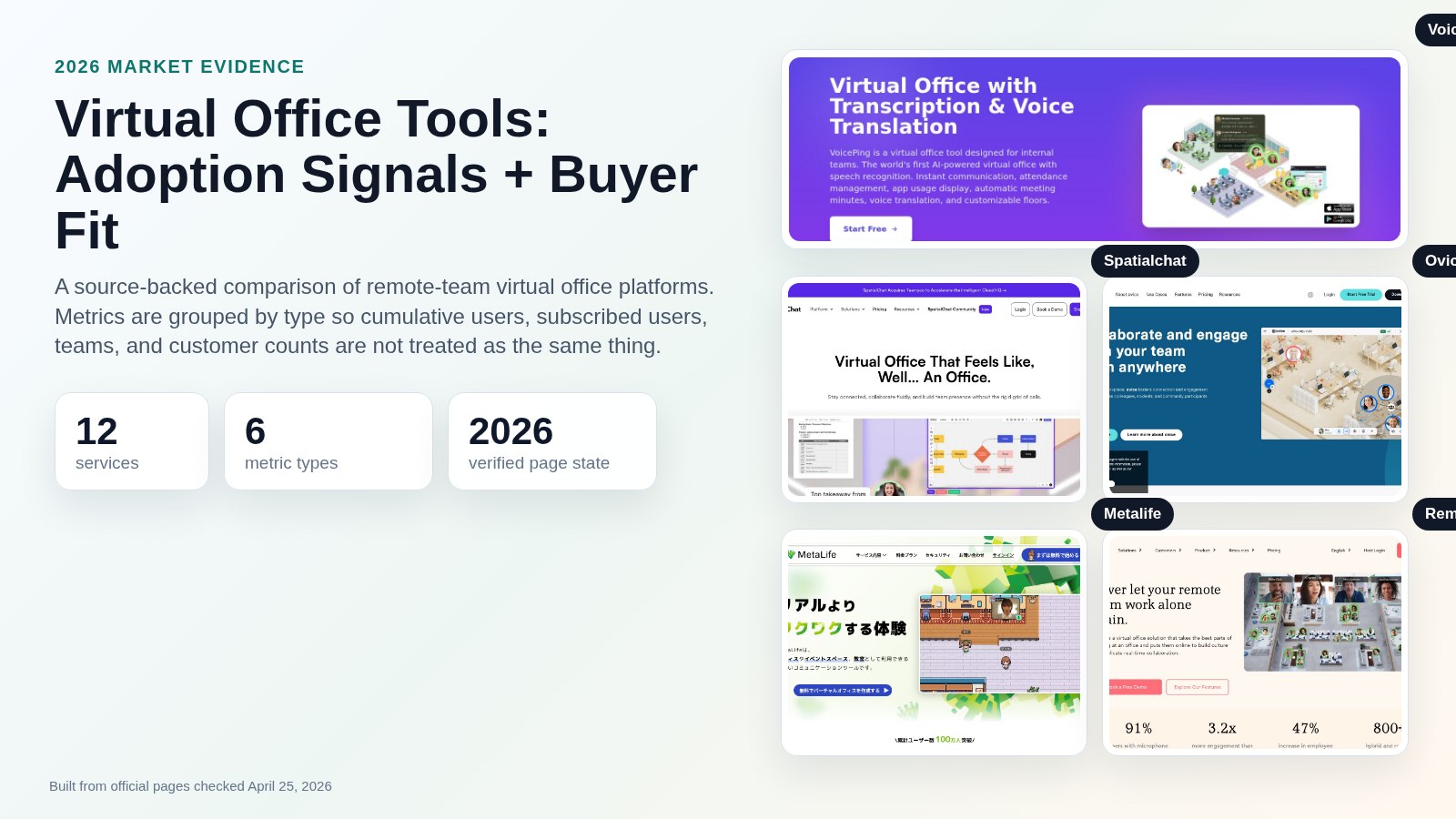
VoicePing’s virtual office page currently describes features such as instant communication, speech recognition, automatic meeting minutes, voice translation, attendance management, customizable floors, cloud recording, team status visibility, productivity management, workspace feature settings, and event logs.
For remote managers, that can help with:
- Seeing who is available before starting a quick conversation
- Using voice when chat is too slow
- Keeping transcripts, meeting minutes, and recordings for people in different time zones
- Supporting multilingual teams with transcription and voice translation
- Inviting external collaborators when needed
- Configuring time tracking and productivity features according to company policy
Use these features to reduce coordination friction and improve shared context. They do not replace clear goals, strong one-on-ones, fair performance management, or trust.
Pricing and included allowances can change. The VoicePing pricing manual currently lists voice translation, virtual office, account limits, translation minutes, cloud recording, time tracking, trial availability, and enterprise options. Verify the current plan before rollout.
Remote Work Management FAQ
How do you manage remote employees effectively?
Set clear outcomes, define communication rules, protect focus time, run useful one-on-ones, make progress visible without surveillance, and review workload and engagement regularly.
How often should remote managers check in?
Most remote employees need a regular one-on-one, often weekly or every other week, plus lightweight async progress updates. High-risk projects, new hires, and blocked work may need more frequent support.
Should remote employees be monitored?
Managers need visibility into work, but monitoring should be limited, transparent, and tied to a legitimate business purpose. Project progress, blockers, quality, and outcomes are better management signals than screen presence.
What is the biggest challenge in managing remote employees?
The biggest challenge is usually ambiguity: unclear priorities, unclear ownership, unclear communication norms, or unclear performance expectations. Remote management works best when the operating system is explicit.
What tools do remote managers need?
Most teams need chat, voice or video, calendar, documentation, project management, file sharing, and a way to see availability or presence. Choose tools around the workflow rather than adding tools for every problem.
Related Reading
- Virtual Office Tools: 2026 Comparison Guide
- Hybrid Work Schedule Guide: Build a Fair Week in 2026
- Offshore Development Guide: How to Manage Remote Teams in 2026
- Resource Capacity Planning: How to Balance Team Demand in 2026
Sources Checked
- Gallup: How to Manage Hybrid and Remote Teams
- Gallup: Hybrid Work indicator
- Gallup: Employee Engagement Strategies for 2026
- Microsoft WorkLab: Breaking down the infinite workday
- Atlassian Team Playbook: Working Agreements
- Stanford SIEPR: Working from Home in 2025: Five Key Facts
- WFH Research: SWAA January 2026 update
- VoicePing: Virtual Office with Transcription and Voice Translation
- VoicePing Docs: Plans and Pricing