In this article
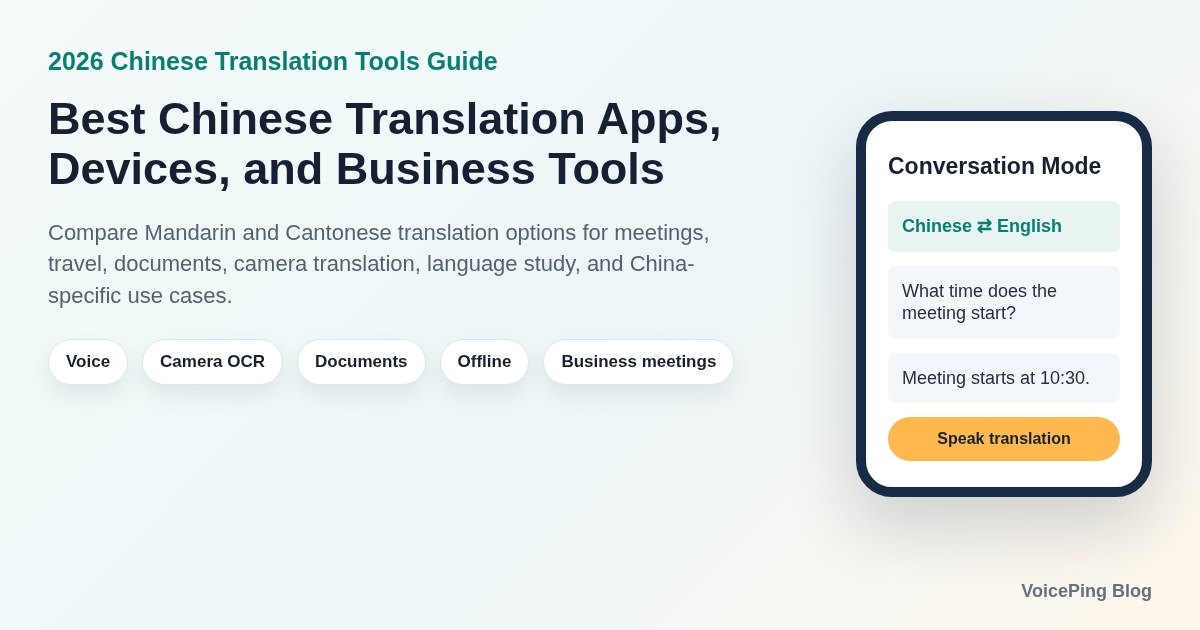
Compare the best Chinese translation tools in 2026 for Mandarin and Cantonese voice translation, camera OCR, business meetings, document translation, China travel, and Chinese learning.
Last updated: April 25, 2026. We reviewed official product pages, help pages, app listings, and documentation before rebuilding this Chinese translation tools guide.
Chinese translation is not one product category. A traveler reading a restaurant menu in Shanghai, a sales team negotiating with a supplier in Shenzhen, a support team handling Chinese phone calls, and a student reading a Traditional Chinese article all need different tools.
The right tool depends on the workflow:
- Spoken meetings: real-time speech recognition, audio translation, transcripts, and glossary support.
- China travel: mobile access, camera translation, offline packs, and local app reliability.
- Documents: file upload, formatting retention, terminology control, and privacy.
- Chinese learning: dictionary depth, handwriting, OCR, example sentences, flashcards, and character variants.
- Dedicated devices: built-in mobile data, battery life, microphone quality, and staff training.
- Developer or product integration: API coverage, latency, quotas, data retention, and compliance.
This guide compares the Chinese translation tools worth shortlisting in 2026. It focuses on practical buying fit, not only feature count.
Quick Recommendations
| Use case | Compare first | Why |
|---|---|---|
| Business meetings with Chinese speakers | VoicePing , Microsoft Translator , Apple Translate | Real-time speech, meeting context, transcripts, and multi-device conversations matter more than phrasebook features. |
| Free general translation app | Google Translate , Microsoft Translator , Apple Translate | Useful for quick text, camera, voice, and daily mobile translation. |
| Business document translation | DeepL , Tencent Machine Translation , Google Translate | File translation, glossary control, API options, and review workflows matter. |
| China travel and local China workflows | Baidu Translate , Youdao Translate , Google Translate | China-local apps can be more practical for local menus, signs, documents, and mobile availability. |
| Chinese learning and reading | Pleco , Papago , Youdao | Dictionaries, OCR, handwriting, examples, and flashcards are more useful than pure machine translation. |
| Dedicated translation devices | Pocketalk , iFLYTEK , Vasco , Timekettle | Hardware is useful for front desks, clinics, factories, field teams, and travelers who want a separate device. |
For most business teams, the shortlist should start with VoicePing for meetings, DeepL for documents, and Google Translate or Microsoft Translator for quick everyday lookup. If the team operates inside Mainland China, also test Baidu Translate and Youdao because app availability and local UX can change the real result.
How Chinese Translation Workflows Differ
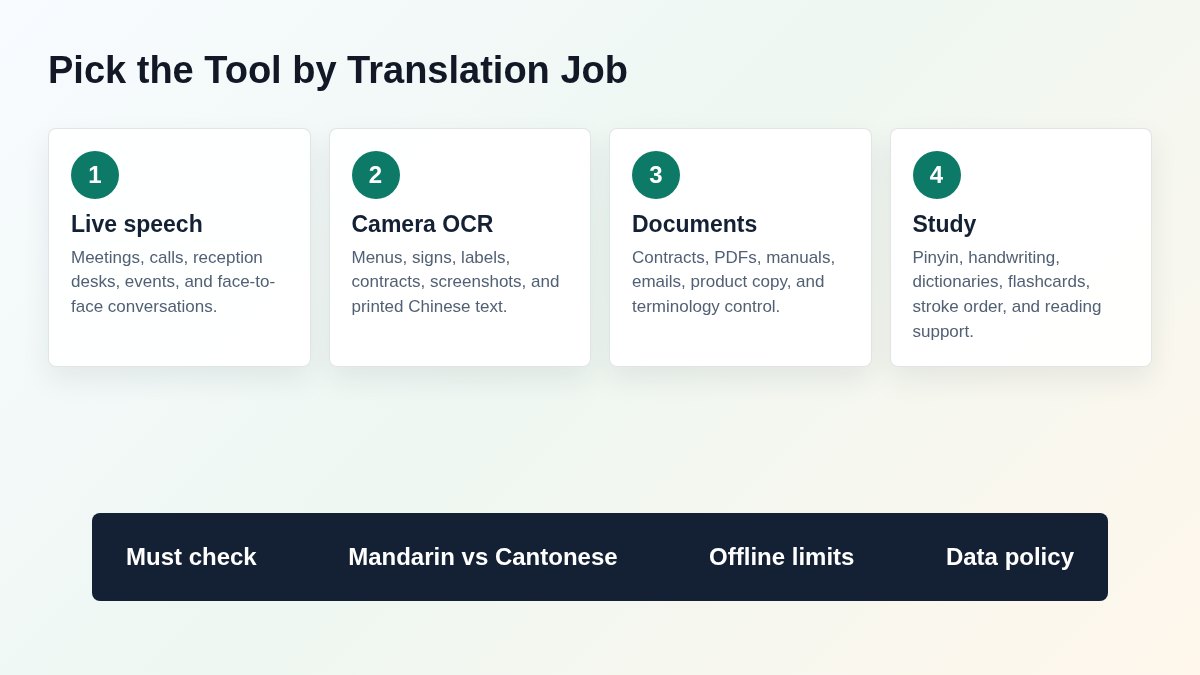
The biggest mistake is treating all Chinese translation tasks as the same.
Mandarin, Cantonese, Simplified Chinese, and Traditional Chinese are separate checks
“Chinese” can mean Mandarin speech, Cantonese speech, Simplified Chinese text, Traditional Chinese text, or a specific regional vocabulary set. A tool may translate Simplified Chinese text well but lack Cantonese speech input. Another may support Traditional Chinese text but not offline voice output.
Before buying or recommending a tool, test your real language pair:
- English to Mandarin speech
- Mandarin speech to English
- Cantonese speech to English, if needed
- Simplified Chinese text
- Traditional Chinese text
- Proper nouns, product names, company names, and regional terms
Voice translation fails differently from document translation
Voice tools depend on microphone quality, speaking speed, background noise, speaker accent, and turn-taking. Document tools depend on formatting, glossary, terminology, tables, PDFs, and review workflows.
If the use case is a sales meeting, a perfect PDF translator is not enough. If the use case is a contract or product manual, a good travel conversation app is not enough.
China connectivity and app access matter
For China travel, offline mode and local app availability can matter more than benchmark scores. Check app store access, login requirements, network availability, downloaded offline packs, camera OCR quality, and whether the tool works on the actual phone or device your team will carry.
What to Compare Before Choosing
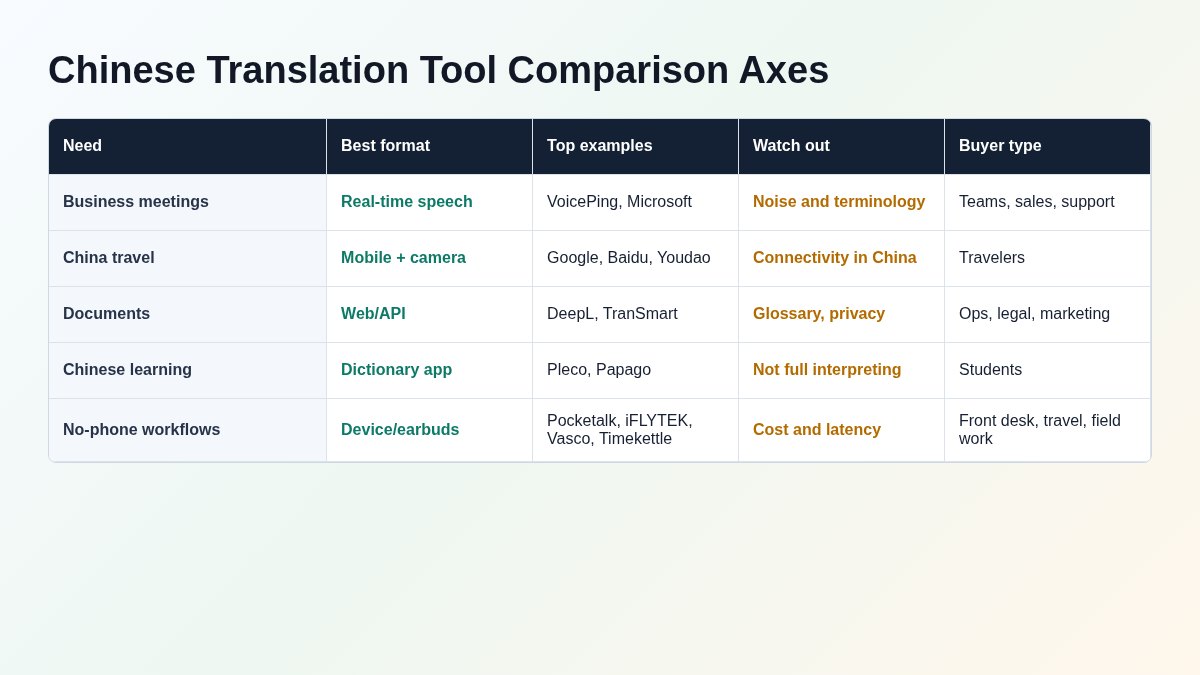
1. Real-time speech quality
For meetings, sales calls, site visits, and support calls, test the full chain: speech recognition, translation, translated voice or captions, speaker labels, transcript export, and summaries. Mandarin and Cantonese should be tested separately if both matter.
2. Camera and OCR quality
Menu, sign, label, packaging, and document translation require OCR. Test vertical text, low light, handwriting, stylized fonts, Traditional Chinese, Simplified Chinese, and mixed English-Chinese layouts.
3. Documents and formatting
Business users usually need more than plain text. Check PDF, Word, PowerPoint, spreadsheet, and HTML support. Also check whether the tool preserves layout and whether you can apply a glossary.
4. Offline mode
Offline mode is not the same across tools. Some products support offline text only, some support offline speech for selected pairs, and some require online access for advanced AI features. Download language packs before travel and test in airplane mode.
5. Glossary and terminology
Names, product terms, model numbers, legal terms, technical abbreviations, and brand language are common failure points. Business translation should include glossary setup or at least a review process.
6. Privacy and retention
For meetings, contracts, HR, healthcare, finance, legal, and government use, review what happens to audio, transcripts, documents, and translated output. Check data retention, export, deletion, admin controls, and whether content may be used to improve models.
7. Device and team workflow
The best tool is not always the most accurate model. It is the tool people can actually use. A hotel front desk may prefer a dedicated device. A remote sales team may need meeting translation. A student may need Pleco. A developer team may need an API.
Comparison Table
| Tool | Best fit | Voice | Camera/OCR | Documents | Offline | China-specific notes | Watch out |
|---|---|---|---|---|---|---|---|
| VoicePing | Business meetings, online calls, in-person interpretation | Yes | No | Meeting transcripts and summaries | Cloud service | Good fit for Chinese business meetings with notes and glossary context | Test microphone setup and terminology before important meetings. |
| Google Translate | Free everyday mobile translation | Yes | Yes | Web and document workflows | Some offline packs | Convenient for quick travel and general lookup | Availability and offline behavior should be tested before China trips. |
| DeepL | Polished business documents and writing | Limited versus meeting tools | No primary OCR workflow | Yes | Desktop/app behavior varies | Strong for Chinese-English documents when review quality matters | Check Simplified/Traditional needs and glossary scope. |
| Microsoft Translator | Multi-device conversations and Microsoft users | Yes | Yes | Text/web workflows | Offline text packs on mobile | Useful for group conversation workflows | Speech features still depend on cloud access and device support. |
| Apple Translate | iPhone users and Apple ecosystem | Yes on supported devices | Camera/text translation through Apple workflows | No full business document workflow | On-device and downloaded language options | Good for supported iPhone users who want built-in translation | Apple Intelligence and Live Translation require supported hardware, software, and languages. |
| Baidu Translate | China-local translation and travel | Yes | Yes | Yes | App-dependent | Strong local China fit and Chinese UI ecosystem | English UI and privacy review may be less convenient for global teams. |
| Youdao Translate | China-local study, travel, and document workflows | Yes | Yes | Yes | App-dependent | NetEase Youdao is widely used in China and lists broad language coverage | Official English site access can vary; test your region and app stores. |
| Papago | Korean, Japanese, Chinese travel and casual use | Yes | Yes | Web/document tabs available | App-dependent | Good East Asia companion when Korean or Japanese is part of the workflow | Not a specialist business meeting or glossary platform. |
| Pleco | Chinese learners and readers | Audio lookup, not meeting interpretation | OCR add-ons | Reader and dictionary workflows | Yes for dictionary use | Excellent for Simplified/Traditional reading, handwriting, and study | It is a dictionary and learning app, not a live interpreter. |
| Pocketalk | Dedicated device for travel and service desks | Yes | Yes | No | Built-in data model | Useful when staff should not share phones | Hardware, data plan, and procurement cost must be justified. |
| iFLYTEK Smart Translator | China-centric hardware translation | Yes | Yes | Local backup/export features | Selected offline packs | Strong Chinese language variant coverage signals | Check domestic vs international model, UI language, and support region. |
| Timekettle W4 Pro | Earbud-based conversations and calls | Yes | No | No | Selected offline packs | Useful for hands-free conversations | Requires companion app and social comfort with earbud sharing or listening modes. |
| Vasco Translator V4 | Travel device with built-in SIM | Yes | Yes | No | Built-in connectivity model | Good for travel and field teams that want one predictable device | Compare language support by feature, not only headline language count. |
| Tencent Machine Translation | Developer/API and product integration | API, not consumer meeting app | API/product dependent | API/product dependent | No | Chinese-English API and developer documentation | Not a simple travel app; evaluate engineering and compliance work. |
Selection Map
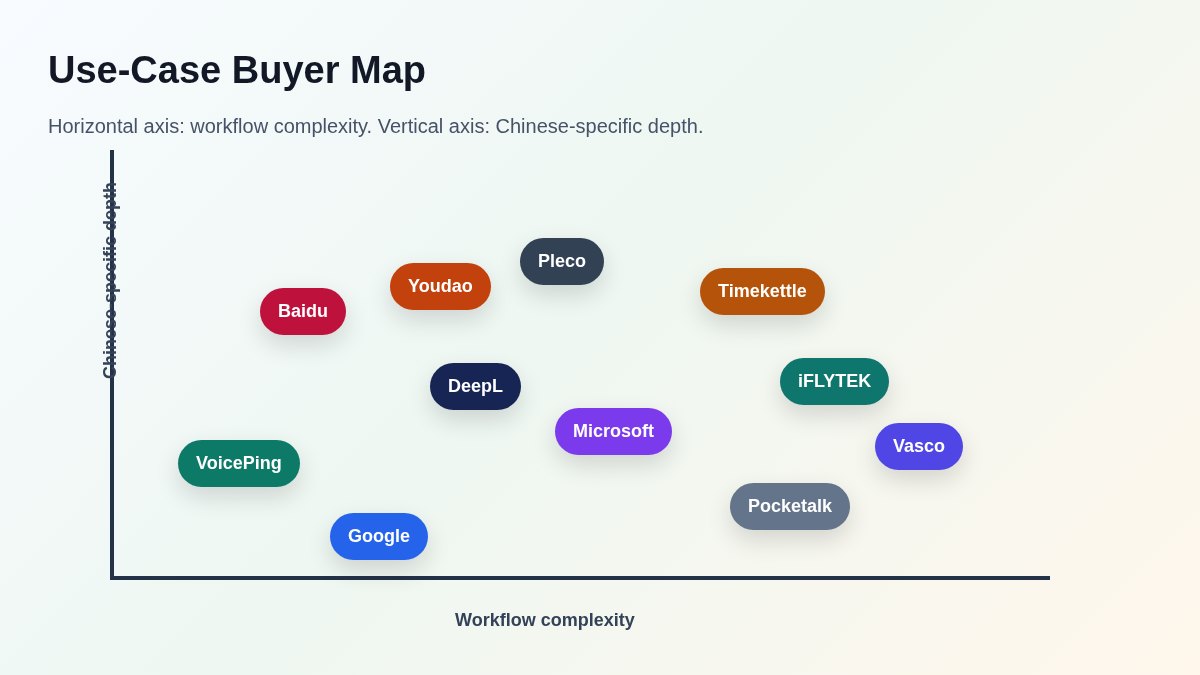
Use this sequence when building a shortlist:
- Define the language variant. Mandarin only, Cantonese, Simplified Chinese, Traditional Chinese, or mixed.
- Define the input. Live voice, phone call, camera image, scanned PDF, Word file, website, subtitles, or dictionary lookup.
- Define the environment. Office, online meeting, conference, factory, hotel front desk, China travel, or classroom.
- Define the risk. Casual meaning, customer-facing conversation, technical negotiation, legal contract, medical content, or HR communication.
- Test with real material. Use your own meeting audio, product names, supplier documents, menus, support scripts, and Chinese names.
Best Chinese Translation Tools in 2026
1. VoicePing
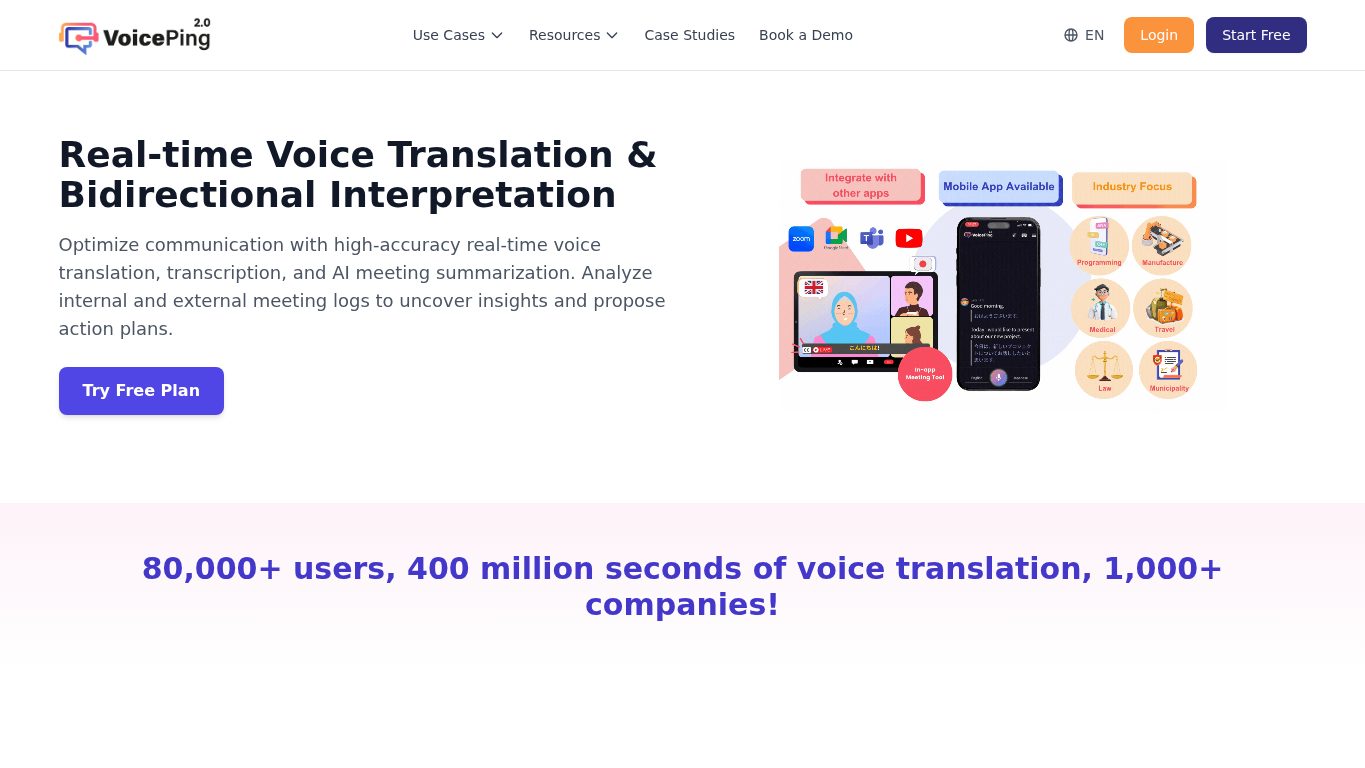
VoicePing is the strongest fit when Chinese translation is part of a business meeting rather than a one-off phrase lookup. It combines real-time voice translation, transcription, meeting summaries, and team workflows.
For companies working with Chinese customers, suppliers, investors, overseas employees, or event guests, the main advantage is that the translation happens inside a meeting workflow. A meeting can create transcripts, translated notes, summaries, and follow-up material instead of disappearing after the conversation.
Best for
- Online meetings with Chinese speakers
- In-person business interpretation
- Sales, customer success, support, and internal global teams
- Meetings where transcripts and summaries matter
- Teams that need terminology consistency across repeated conversations
What to test
- Mandarin-English and Chinese-Japanese meeting accuracy
- Proper nouns, customer names, product names, and technical terms
- Microphone setup in meeting rooms
- Speaker labeling, transcript export, and summaries
- Security, retention, and admin requirements
Watch out: no meeting translation system can fix poor audio. Use a proper microphone, reduce background noise, and test with real speakers before a high-stakes call.
2. Google Translate
Google Translate remains the default free translation app for many travelers because it covers text, speech, camera, website, and document-style workflows in one familiar product.
For Chinese, it is especially useful for quick camera translation of signs and menus, short text input, and casual conversation mode. It is usually the first app to install before a trip because it is free, familiar, and easy to explain to nontechnical users.
Best for
- Quick travel translation
- Menu, sign, and packaging OCR
- Short voice exchanges
- Casual Mandarin text lookup
- A backup app everyone already knows
What to test
- Offline language packs on the exact phone
- Camera OCR for vertical Chinese, low light, and stylized menus
- Traditional Chinese versus Simplified Chinese output
- App access and network behavior in your travel region
Watch out: Google Translate is a general-purpose app. It should not be the only tool for legal documents, sales negotiations, medical conversations, or business-critical meetings.
3. DeepL
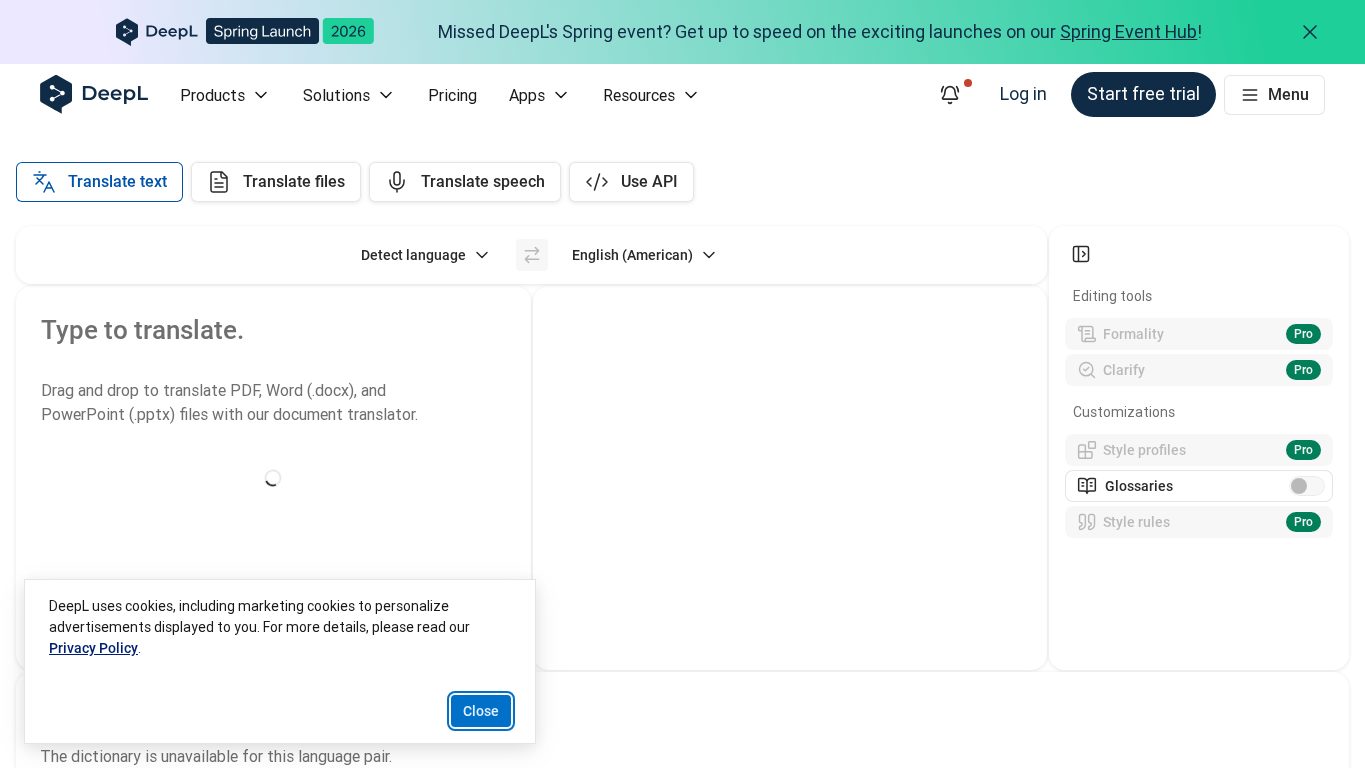
DeepL is best evaluated as a writing and document translation tool rather than a travel interpreter. It is useful when a team needs polished Chinese-English output for emails, proposals, web copy, product descriptions, internal documentation, or file translation.
DeepL’s glossary features are important for business use because product names, brand terms, and industry vocabulary often need consistent translation.
Best for
- Chinese-English business writing
- Product documentation and marketing copy
- PDF, Word, and PowerPoint review workflows
- Glossary-controlled terminology
- Draft translation before human review
What to test
- Simplified Chinese and Traditional Chinese requirements
- Glossary behavior for product names and technical terms
- File formatting after translation
- Confidentiality and data handling for uploaded files
Watch out: DeepL is not a live meeting interpreter. Use it for documents and writing, then pair it with a meeting tool when spoken communication matters.
4. Microsoft Translator
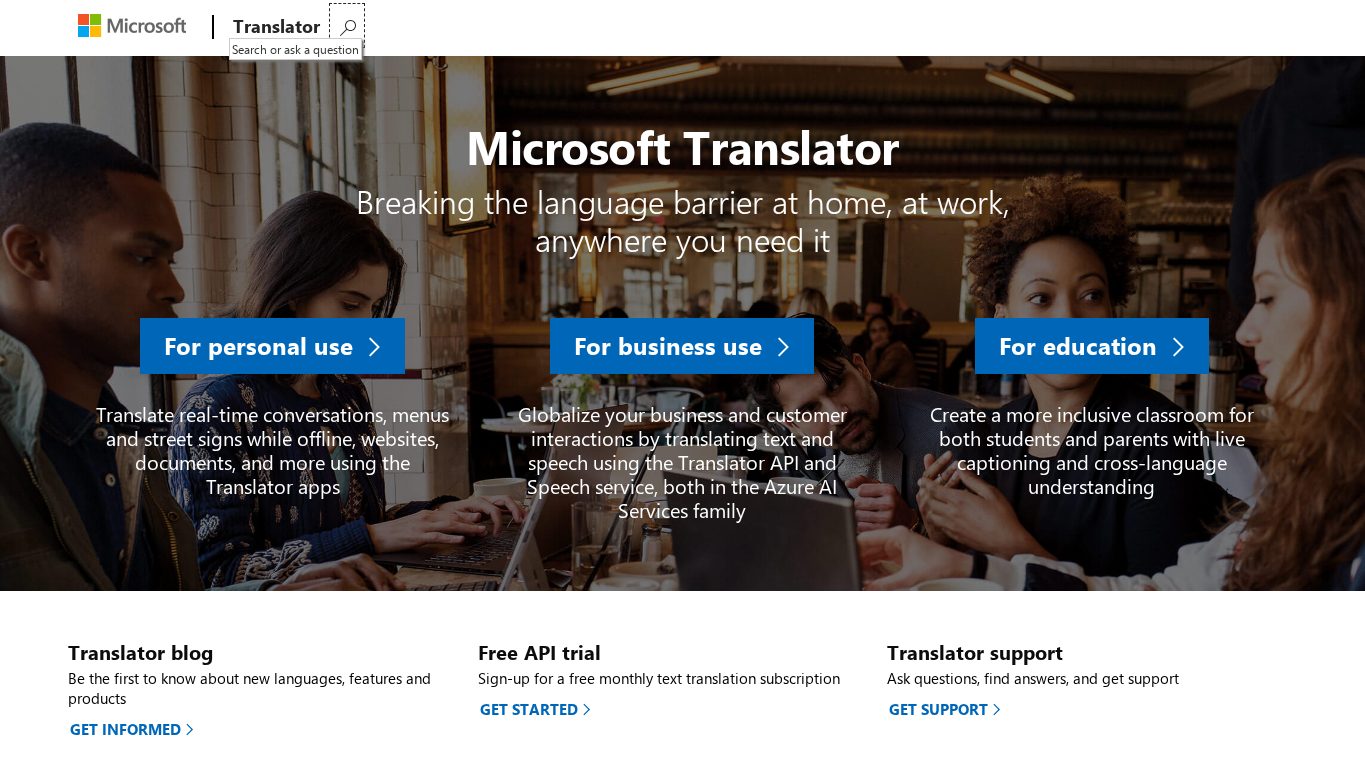
Microsoft Translator is useful for multi-device conversation workflows and teams that already live inside Microsoft tools. It supports split-screen conversation on one device, multi-device conversation settings, and offline language packs for text translation on mobile.
For Chinese business use, Microsoft Translator can be a practical backup for group conversations, education, training, and teams already managed through Microsoft accounts and devices.
Best for
- Group conversation translation
- Education and training sessions
- Microsoft-heavy organizations
- Free backup translation on mobile
- Situations where multiple people join from their own devices
What to test
- Multi-device conversation setup
- Offline text packs for Chinese
- Browser and mobile speech support
- Data policy fit for company devices
Watch out: speech translation needs good audio and, in many workflows, cloud connectivity. Do not assume offline text packs mean offline live speech interpretation.
5. Apple Translate and Live Translation
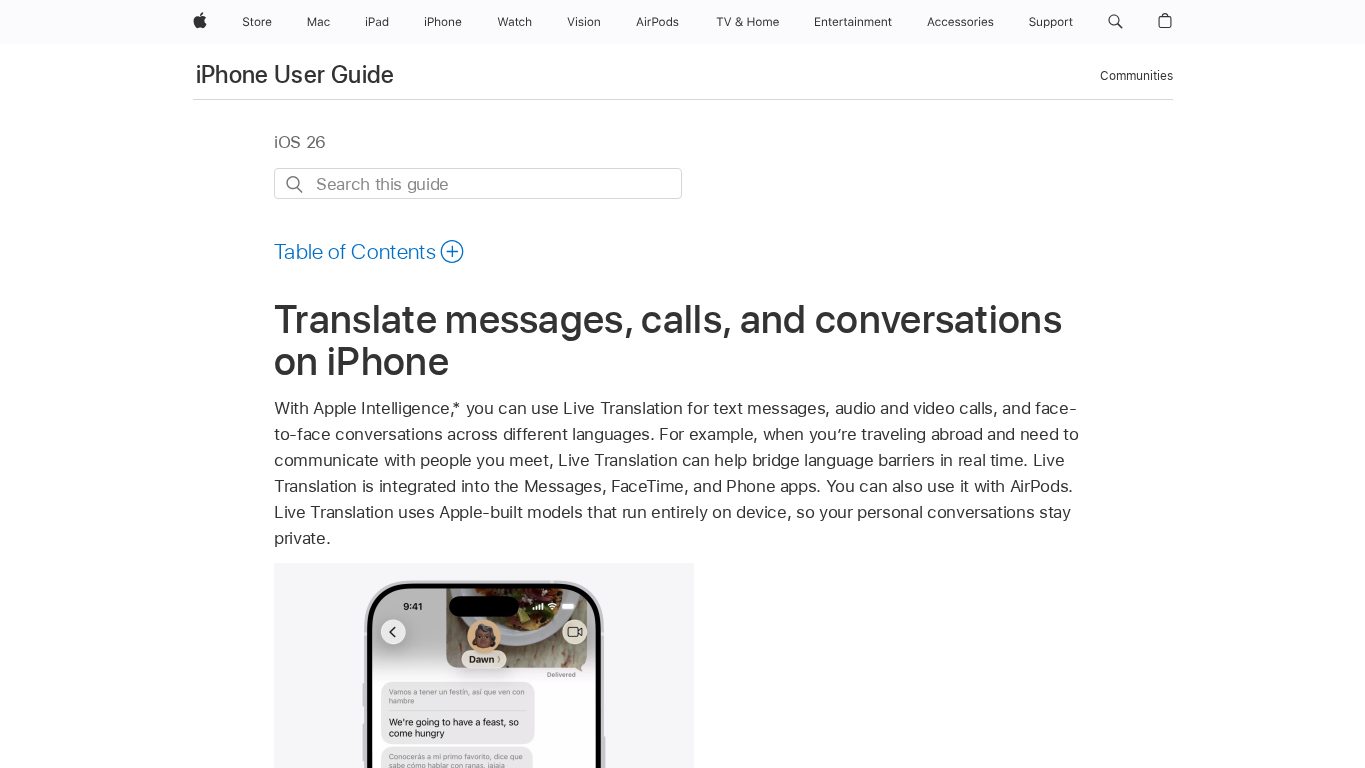
Apple Translate and Live Translation matter because translation is moving into the operating system. On supported iPhone models and supported languages, Apple describes Live Translation across Messages, FaceTime, Phone, and AirPods workflows.
This is attractive for iPhone users who do not want to install a separate app for every quick conversation. It is also useful where privacy matters because Apple emphasizes on-device model behavior for supported Live Translation scenarios.
Best for
- iPhone-first users
- Messages, FaceTime, and Phone call translation on supported devices
- Quick face-to-face conversations
- Users who prefer built-in OS features
What to test
- Supported iPhone model and iOS version
- Apple Intelligence availability in your region and language
- Simplified Chinese and Traditional Chinese behavior
- Whether the other party also needs an Apple device for the workflow
Watch out: Apple translation capabilities depend heavily on hardware, software, language, region, and feature availability. Confirm support before recommending it to a whole team.
6. Baidu Translate
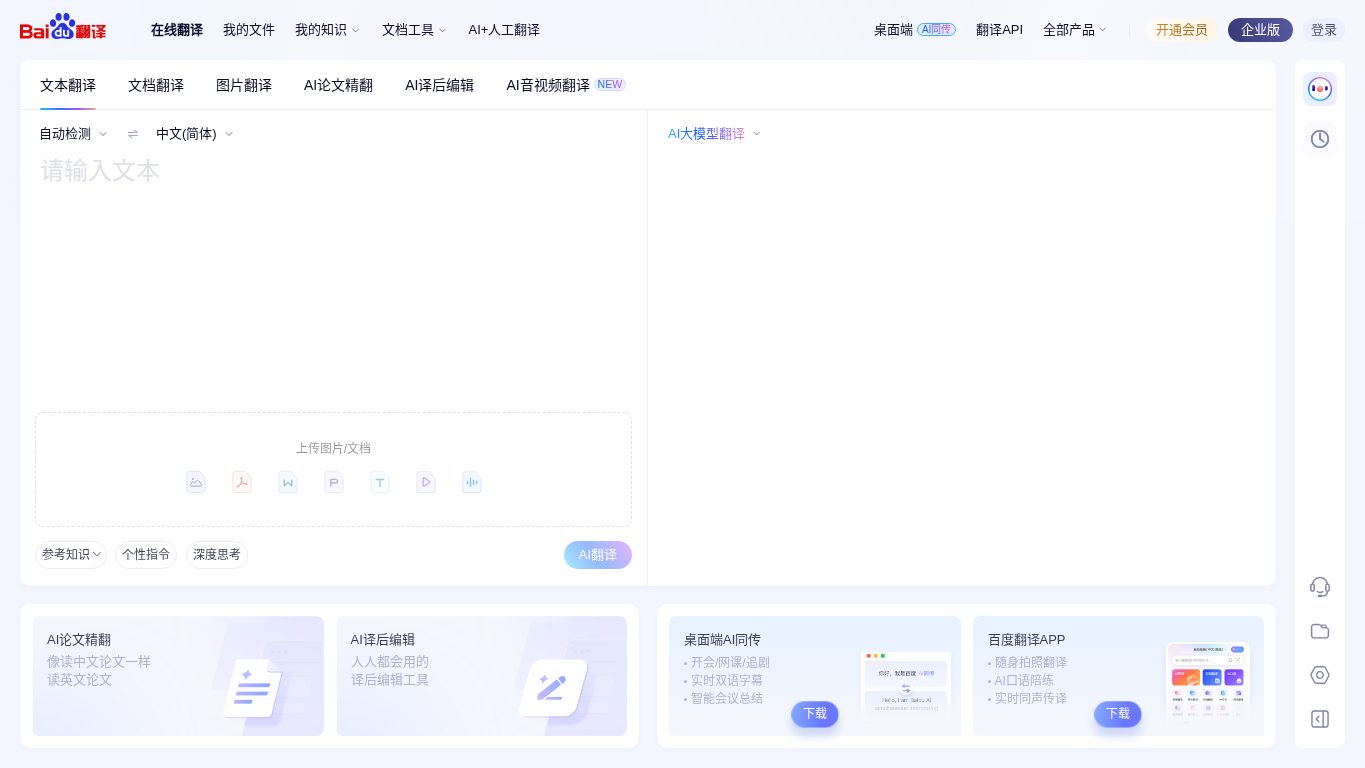
Baidu Translate is a China-local translation option with web, document, image, and AI translation surfaces. For visitors, buyers, and teams operating in Mainland China, it is worth testing because local UX, Chinese-language support, and China network availability can be more practical than a global app alone.
Best for
- China travel
- Chinese menus, signs, websites, and local documents
- Users comfortable with Chinese UI
- Local China workflows where Baidu services are already common
What to test
- English UI needs
- Mobile app availability
- Camera OCR on real menus and signs
- Privacy and account requirements
- Simplified and Traditional Chinese handling
Watch out: Baidu Translate may be less comfortable for global teams that need English admin controls, procurement, and privacy review. Treat it as a practical China-local tool, not a full business platform.
7. Youdao Translate
Youdao Translate from NetEase is another important China-local option. Its official material lists broad language coverage and highlights AI translation, audio transcription, document translation, and writing assistance.
For Chinese learners and travelers, Youdao is useful because it sits close to dictionary, study, and everyday China app behavior. For business teams, it can be a good comparison point against Baidu and Google for Chinese-English text, documents, and local usage.
Best for
- China-local mobile translation
- Chinese learning and dictionary-adjacent workflows
- Document translation and AI writing assistance
- Travelers who want a China-native backup app
What to test
- App availability in your country and device store
- OCR and voice quality on your phone
- Account and privacy requirements
- Simplified and Traditional Chinese behavior
Watch out: official English pages and app availability can vary by region. Test before travel instead of assuming it will be easy to install after arrival.
8. Naver Papago
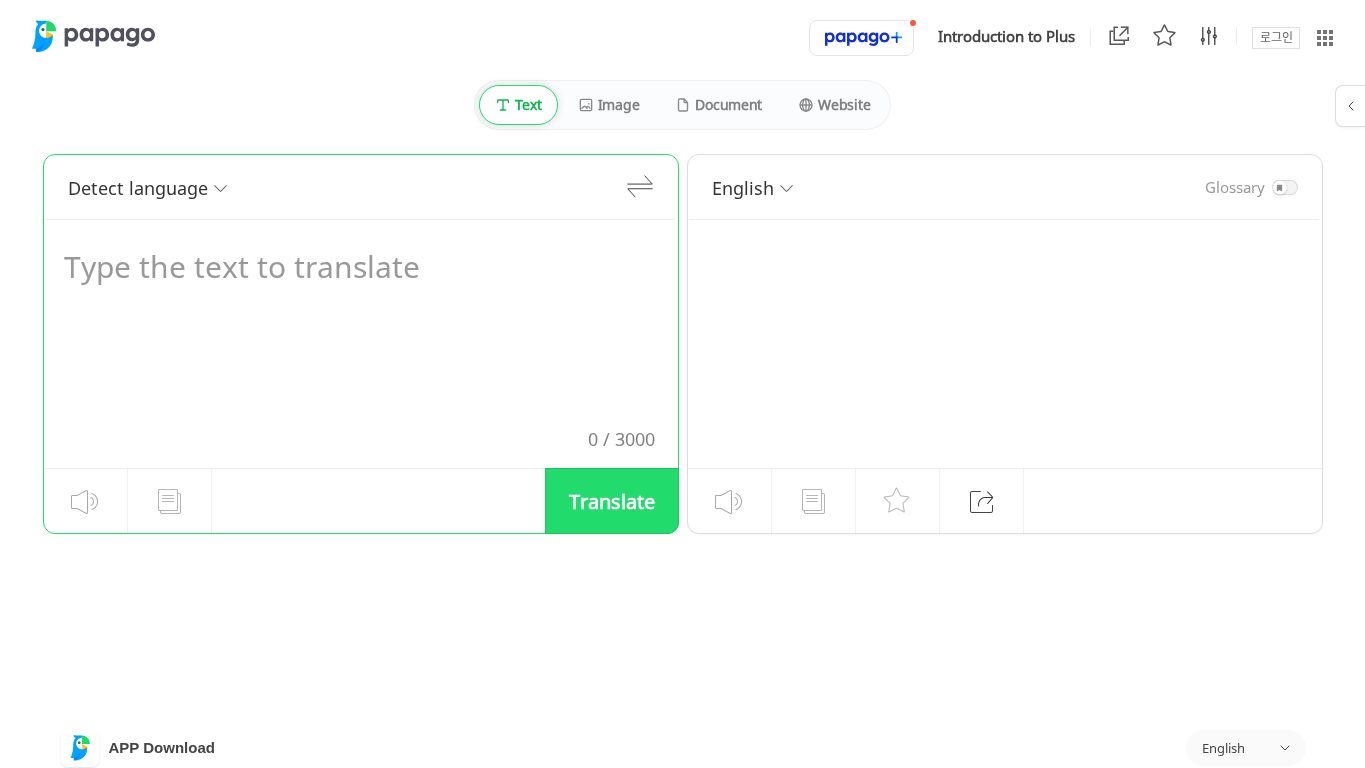
Naver Papago is especially useful when Chinese is part of an East Asian language mix. It is popular for Korean, Japanese, Chinese, and English travel and casual translation.
Papago is not the first choice for a board meeting or a technical contract, but it is a strong everyday companion for travel, image translation, and quick checks across Korean, Japanese, and Chinese.
Best for
- Korea-Japan-China travel
- Short text, website, and image translation
- Casual conversations
- Users who often compare Korean, Japanese, Chinese, and English
What to test
- Image translation for menus and signs
- Chinese-Korean and Chinese-Japanese output
- Web and document tab behavior
- Offline or app-specific limitations
Watch out: Papago is strongest as a travel and casual translation tool. Business teams still need meeting, document, and glossary workflows.
9. Pleco
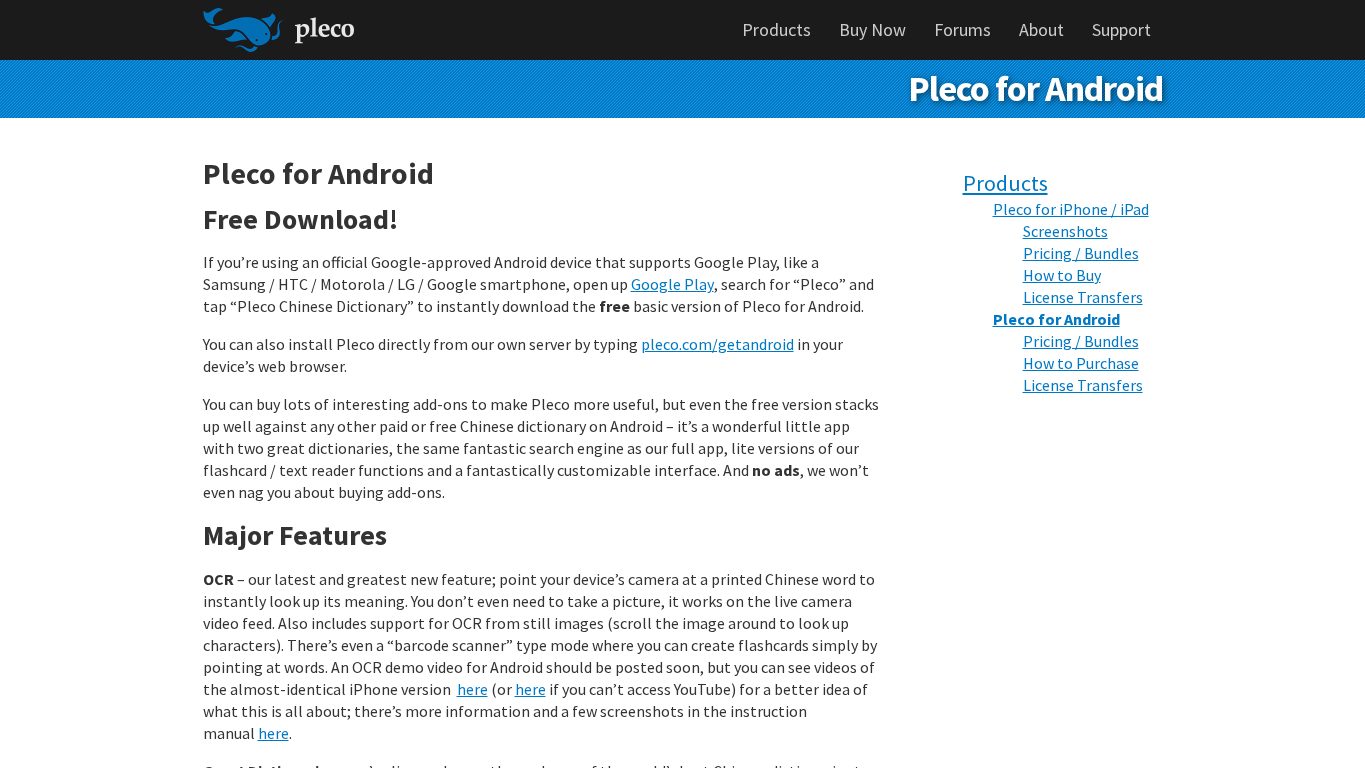
Pleco is not a generic machine translator. It is a Chinese dictionary and learning tool, which is exactly why serious Chinese learners should consider it.
Pleco’s value comes from dictionary entries, handwriting input, OCR, document reading, flashcards, example sentences, add-ons, and support for both Simplified and Traditional Chinese workflows. When a translation app gives a sentence that looks odd, Pleco helps you inspect the words and characters.
Best for
- Chinese learners
- Reading Chinese articles, menus, and PDFs
- Handwriting unknown characters
- Checking word usage and pronunciation
- Building flashcards from real material
What to test
- OCR add-ons
- Handwriting recognition
- Dictionary packs and example sentences
- Traditional/Simplified display
- Flashcard workflow
Watch out: Pleco is not a live interpreter for meetings. It is a learning and reading tool that pairs well with translation apps.
10. Pocketalk
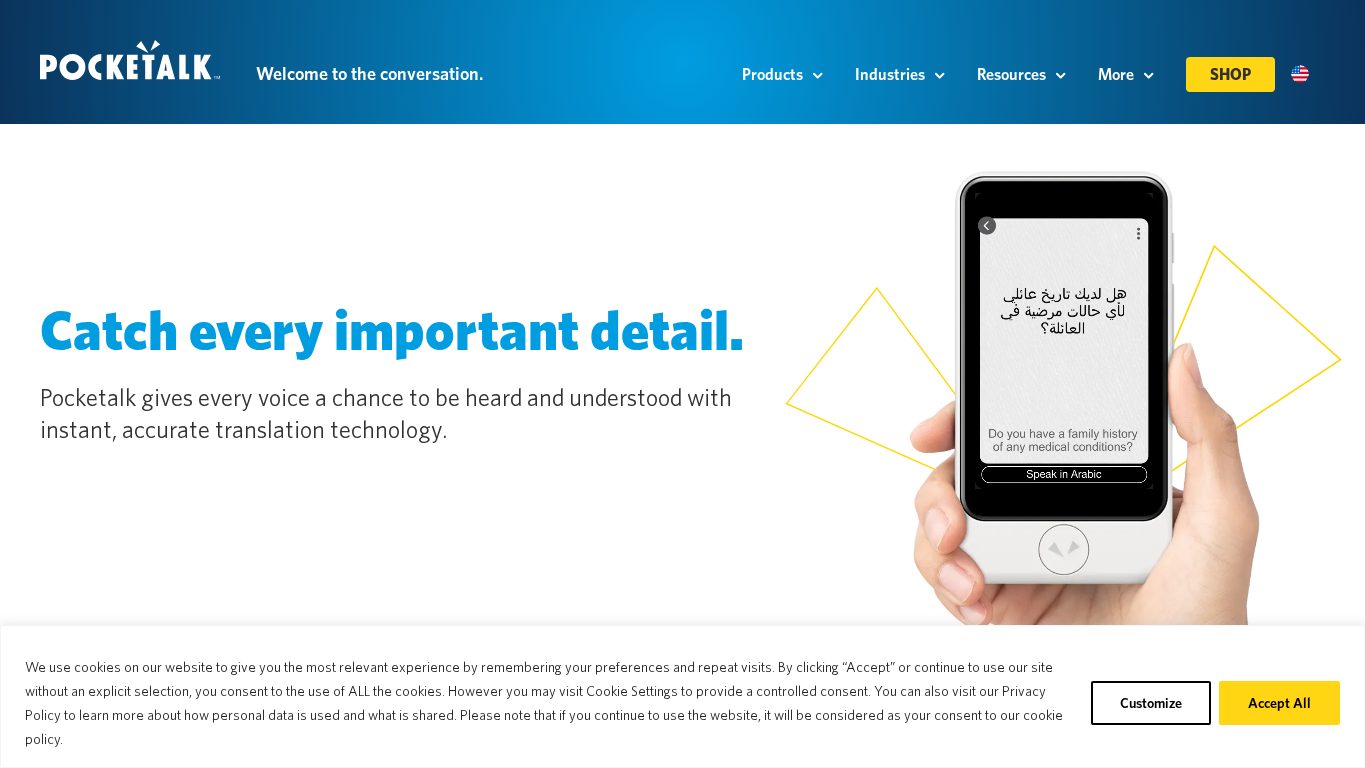
Pocketalk is a dedicated translation device. Pocketalk’s official feature page lists audio translation for 82 languages, visual translation for 55 languages through camera, and a two-year LTE data plan in over 130 countries.
For Chinese translation, Pocketalk is useful when a team wants a shared device rather than asking staff or guests to use personal phones.
Best for
- Hotel front desks
- Retail counters
- Clinics and public-service counters
- Field teams and travel teams
- Organizations that want managed hardware
What to test
- Mandarin and Cantonese coverage by feature
- Camera translation for Chinese signs and documents
- LTE coverage in destination countries
- Device management, procurement, and replacement policy
- Staff training and hygiene process for shared devices
Watch out: a dedicated device can be more reliable operationally, but it adds hardware cost. Compare the workflow benefit, not only translation accuracy.
11. iFLYTEK Smart Translator
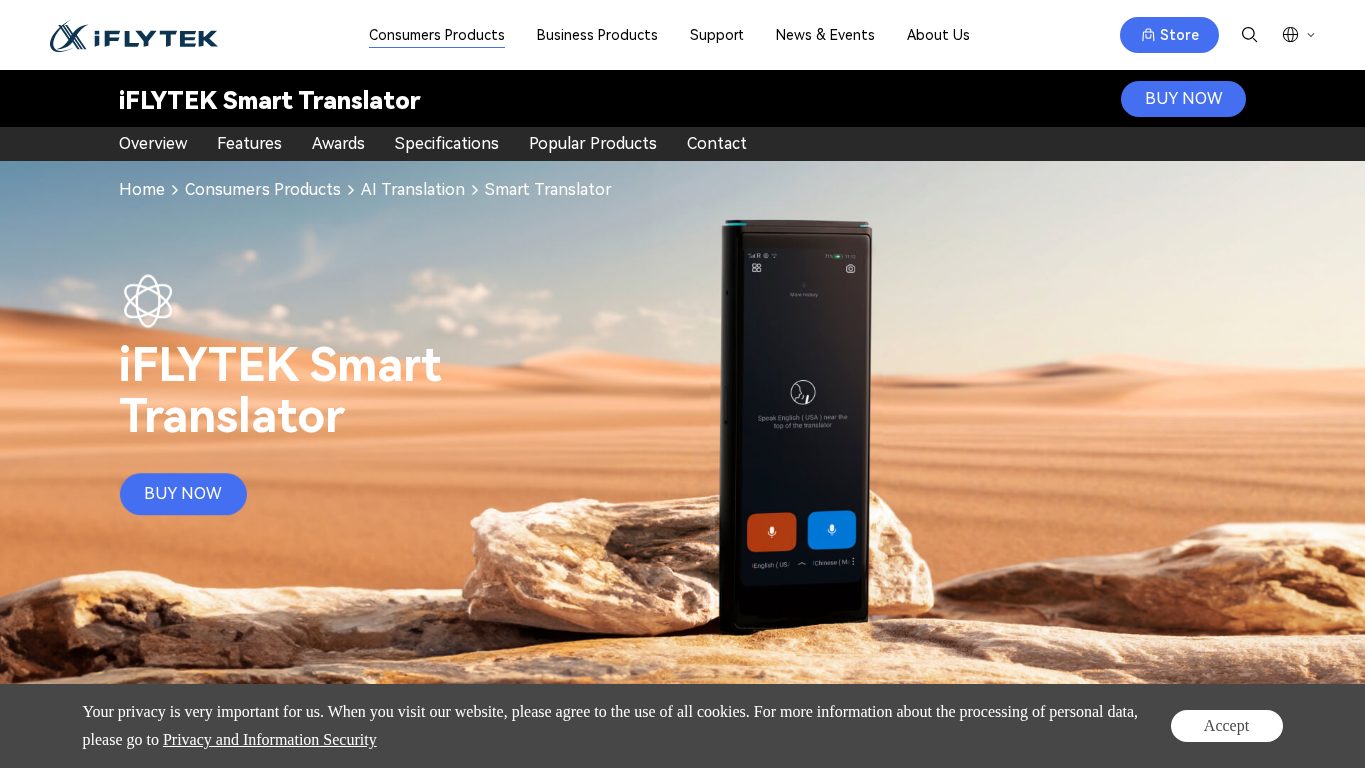
iFLYTEK Smart Translator is a China-centric dedicated translation device. iFLYTEK’s support page lists online voice translation support for 60 languages, 18 offline translation language packs, and Chinese variants including Mandarin, Cantonese, and Taiwanese for supported voice workflows.
This makes iFLYTEK especially relevant for travelers and business teams that care about Chinese speech recognition and China-specific language coverage.
Best for
- China travel
- Mandarin and Cantonese field conversations
- Business travelers who want offline fallback
- Users who prefer a separate hardware translator
What to test
- International versus domestic model
- UI language support
- Online and offline language pair coverage
- Camera, face-to-face, and export features
- Warranty and regional support
Watch out: device versions and support regions matter. Confirm the exact model before buying, especially if purchasing outside China.
12. Timekettle W4 Pro
Timekettle W4 Pro is an earbud-based interpreter product. Timekettle highlights one-on-one mode, phone and video call translation, media translation, and companion app workflows.
The main appeal is hands-free conversation. In practice, this works best when both people are comfortable with the interaction model and when the language pair, noise level, and latency are tested beforehand.
Best for
- Face-to-face travel conversations
- Informal business trips
- Phone or video call translation experiments
- Users who want translation in earbuds instead of a handheld device
What to test
- Chinese-English latency in real conversation
- Whether one or both people need earbuds
- Companion app setup
- Offline pack availability
- Noise handling in cafes, taxis, and event spaces
Watch out: earbud translation can be socially awkward in some settings. For customer-facing counters or formal meetings, a phone, screen, or meeting translation tool may be easier to explain.
13. Vasco Translator V4
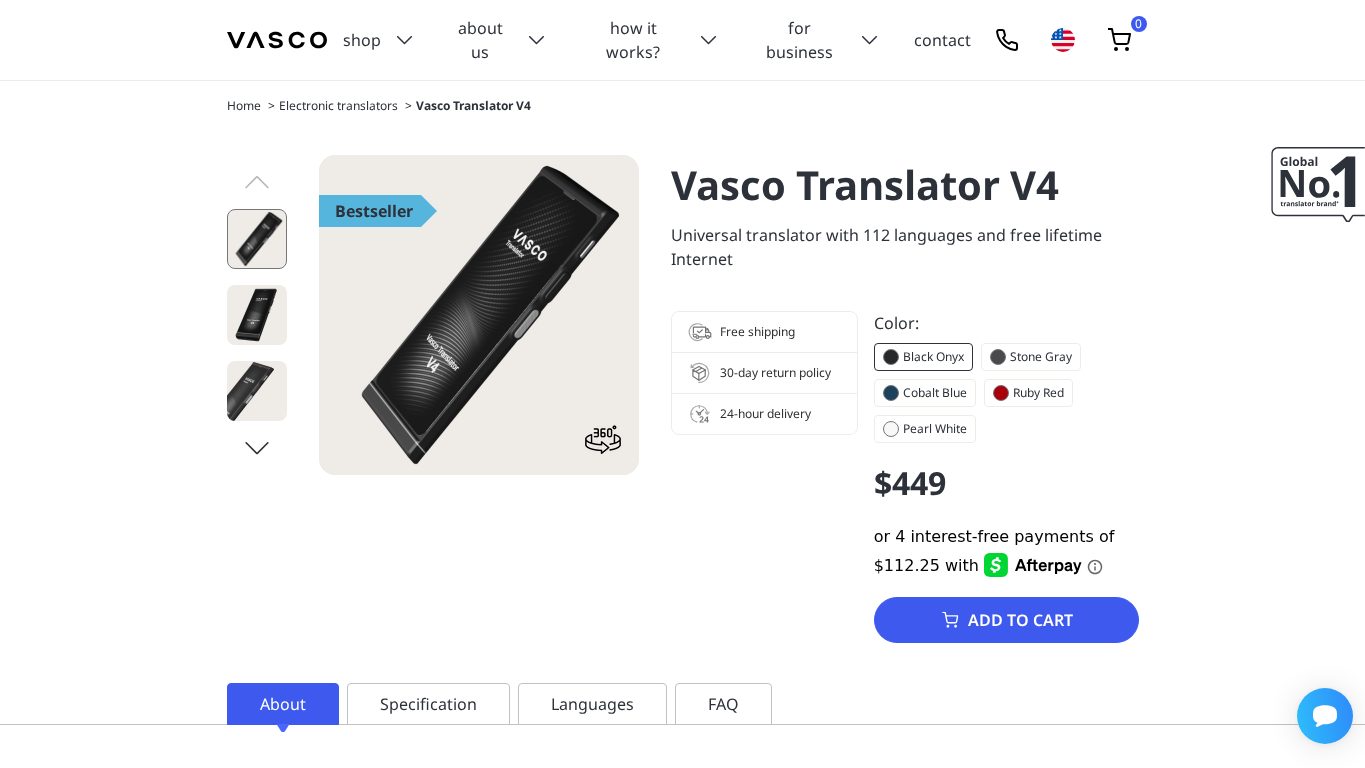
Vasco Translator V4 is another dedicated travel translation device. Vasco’s official page emphasizes a built-in SIM card and free lifetime internet access in nearly 200 countries.
For Chinese travel, the value is not only language support. It is the predictability of carrying one device with a clear translation workflow and built-in connectivity.
Best for
- International travelers
- Field teams
- Front desks and service counters
- Users who do not want to rely on phone battery or roaming
What to test
- Chinese feature coverage by voice, photo, and text
- SIM coverage in destination regions
- Battery life and charging
- Device language support
- Procurement and support
Watch out: language support can vary by feature. Check voice, photo, menu, text, and offline behavior separately.
14. Tencent Machine Translation
Tencent Machine Translation is not a consumer travel app. It is relevant for product teams, developer teams, and companies that want Chinese translation inside their own software, internal workflows, customer support system, or content pipeline.
Tencent’s documentation positions it as an AI translation product and lists Chinese-English capability as a strength in several domains. This makes it worth evaluating when the need is API translation rather than a human-facing app.
Best for
- Product localization
- Customer support automation
- Internal workflow integration
- Chinese-English website or app translation
- Developer teams that need an API
What to test
- API latency and quota
- Supported language pairs and domains
- Privacy and data processing terms
- Glossary or terminology control
- Error handling and human review workflow
Watch out: API translation still needs product design, review, fallback, and compliance work. It is not a replacement for a meeting interpreter or a travel app.
Best Tools by Scenario
Business meetings and negotiations
Use VoicePing when a meeting needs real-time voice translation, transcripts, and summaries. Use Microsoft Translator as a lightweight multi-device conversation backup. Use DeepL after the meeting to polish follow-up emails, proposals, and translated documents.
Before important Chinese business meetings, prepare a glossary with company names, speaker names, product names, model numbers, pricing terms, legal words, and technical acronyms.
China travel
Install Google Translate, Baidu Translate, and Youdao before departure. Download offline packs where available. Test camera translation on menus and signs before relying on it. If phone connectivity is a concern, consider Pocketalk, Vasco, or iFLYTEK.
Chinese document translation
Start with DeepL for polished business writing and file translation. Add Google Translate for quick document checks and Tencent Machine Translation if the translation must be integrated into a product or internal system. For legal, medical, financial, or contract-critical documents, use human review.
Chinese learning
Use Pleco as the core reading and dictionary tool. Add Papago, Google Translate, or Youdao for quick sentence-level comparisons. When learning Chinese, do not trust one machine translation result blindly. Check words, grammar, and examples.
Front desk, retail, clinics, and field teams
Dedicated devices can be easier to train and manage than personal phones. Shortlist Pocketalk, iFLYTEK, and Vasco. Test with real background noise, real customers, and the exact phrases staff use every day.
Product and developer integration
Shortlist Tencent Machine Translation, cloud translation APIs, and internal review workflows. API accuracy is only one part of the system. You also need terminology management, human review, logs, error handling, and privacy review.
Testing Checklist
Use this checklist before choosing a Chinese translation tool:
- Test Mandarin and Cantonese separately if both are needed.
- Test Simplified Chinese and Traditional Chinese separately.
- Try real names, brand terms, product names, and industry abbreviations.
- Test camera OCR on real menus, signs, labels, and PDFs.
- Test voice translation in the real room, car, shop, or meeting platform.
- Confirm offline mode by switching the device to airplane mode.
- Review privacy, retention, and data use for audio, documents, and transcripts.
- Check export formats for transcripts, translated text, and meeting summaries.
- Confirm whether staff can use the tool without personal accounts.
- Confirm pricing, device costs, data plans, and renewal terms.
FAQ
What is the best Chinese translation tool in 2026?
Which Chinese translation app works best in China?
Do Chinese translation tools support Cantonese?
What should a business check before using Chinese voice translation?
Are dedicated Chinese translation devices better than phone apps?
How was this guide updated?
Official Sources Reviewed
- VoicePing Real-time Voice Translation
- Google Translate
- DeepL Translator
- DeepL Glossary
- Microsoft Translator for Android FAQ
- Apple Support: Translate messages, calls, and conversations on iPhone
- Baidu Translate
- Youdao Translate
- Naver Papago
- Pleco for Android
- Pocketalk Features
- iFLYTEK Smart Translator
- iFLYTEK Smart Translator FAQ
- Timekettle W4 Pro
- Vasco Translator V4
- Tencent Machine Translation Documentation